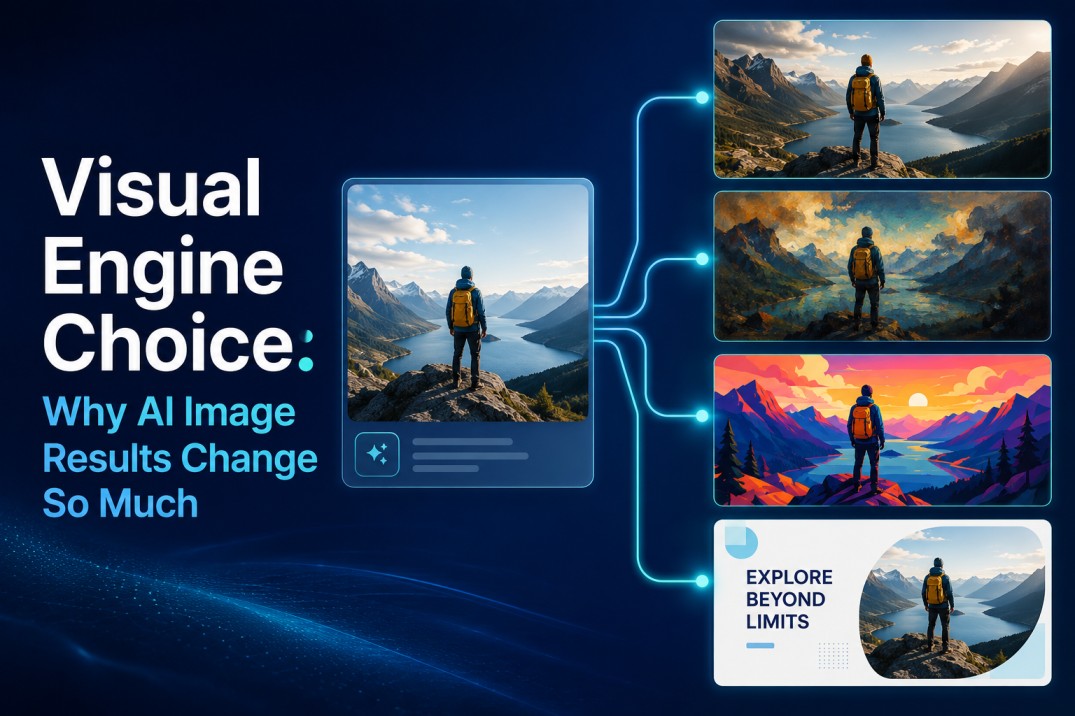
One of the quiet frustrations of using a single-model image platform is discovering how much the choice of visual engine affects the final result. A model that produces stunning photorealistic interiors might turn a character portrait into something uncanny. An engine that excels at bold, graphic illustrations might flatten the subtle lighting you need for a product close-up. The user is left either accepting the mismatch or starting over on a different platform entirely.
This hidden cost—the creative compromise forced by an unchangeable visual brain—is rarely discussed in comparison tables that focus on megapixels and generation speed. What changes when a platform surfaces multiple engines, each with a distinct visual personality, and lets you route the same source image through whichever one fits the task?
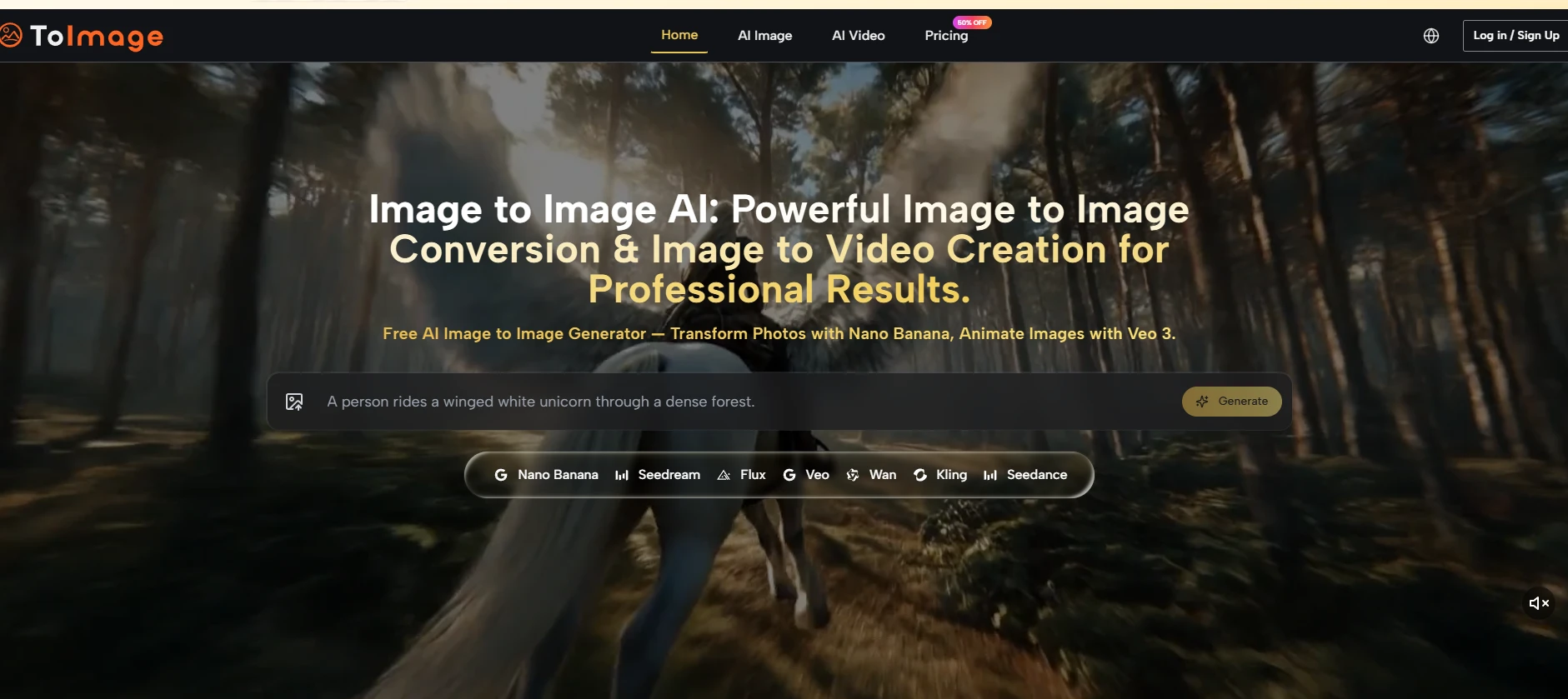
That question shaped a series of tests I ran on a platform where Image to Image functionality is not tied to a single aesthetic, but spread across models like Nano Banana, Seedream, Grok, Flux, and others. The goal was not to declare a winner, but to map what each engine actually delivers when the creative brief changes.
Visual engine choice matters because AI image platforms do not interpret prompts, source images, style, and detail the same way. In Image to Image workflows, some models are better for preserving source details, some are faster for early ideation, while others work better for stylized portraits, product scenes, or text-based graphics. Testing the same prompt across multiple engines helps creators match the tool to the creative brief and reduce wasted generations.
Why Image to Image Workflows Depend on the Right Visual Engine
Image to Image workflows are not only about uploading a reference and requesting a variation. The real difference lies in how each visual engine interprets the source image, preserves important details, and decides how far to deviate from the original creative direction.
For product visuals, the best engine is usually the one that maintains consistent shape, material, texture, and lighting. For editorial artwork or concept exploration, a more expressive engine may be more useful, as it can push the image toward a stronger visual style.
That is why choosing the right model matters as much as writing the prompt itself.
Why an Engine’s Visual Personality Matters More Than Its Specs
A model is not a neutral pipe. It brings tendencies. Some engines cling tightly to the source image’s structure and treat the prompt as a careful modification layer. Others treat the source as a loose springboard and build a new image that reads more as a reinterpretation than a transformation.
Neither approach is better in the abstract. The value shifts entirely based on whether you are refining an approved client draft or hunting for an unexpected creative direction.
Understanding these tendencies turns the model selector from a technical dropdown into a creative decision-making tool.
How Four Different Tasks Exposed Four Different Engine Strengths
Task One: Ultra-Realistic Product Contextualization
What the Prompt Required and Which Engine Handled It Best
I uploaded a clean product shot of a leather watch on a white sweep. The brief was to place it in a warm, softly lit wooden desk environment while preserving the watch’s material details, stitching, and metallic reflections exactly.
Nano Banana, with its support for up to 4 reference images, tightly anchored the output to the source. The generated image kept the watch face sharp, the leather texture recognizable, and the lighting direction consistent with the reference mood image I provided.
Seedream produced a usable result faster, but the leather texture on the strap softened slightly in the process. Grok’s version was visually dramatic, but the watch’s dial details shifted enough that a client would notice.
The Practical Takeaway for E-Commerce Work
When the task demands source fidelity above aesthetic flair, an engine optimized for reference anchoring delivers more usable first-generation results. The time saved by not regenerating and tweaking accumulates quickly in a product-focused workflow.
Task Two: Transforming a Portrait Into an Editorial Illustration
Testing for Style Leap While Keeping Identity
The source was a well-lit portrait photo. The prompt asked for a dark, painterly editorial illustration with visible brushwork, moody teal and amber tones, and a sense of quiet intensity. Seedream and Flux both produced strong candidates, but with different personalities. Seedream’s version maintained the source’s recognizable facial structure while pushing the painterly abstraction further.
Flux’s output felt more textured and emotionally charged but drifted further from the source identity. Nano Banana, in contrast, produced something that looked closer to a highly stylized photo than a painting—technically impressive, but not matching the editorial brief.
Who Should Care About This Distinction
Creators working on publication covers, editorial spreads, or social content that needs a specific artistic style will benefit from testing across engines rather than settling for the first model’s interpretation. The same prompt, routed through a different engine, can shift the entire genre of the output, and that shift is not something you can reliably predict by reading model descriptions alone.
Task Three: Rapid Ideation Across Multiple Mood Directions
The Volume Test and Which Engine Made It Sustainable
Sometimes the creative brief is open. A fashion brand might say: “Give us 10 mood directions for the new collection, and we will choose 3 to develop further.” For this volume-oriented test, I primarily used Seedream because its generation speed enabled me to run the same source image through five different prompt variations in quick succession.
The outputs were of sufficient quality to serve as directional mood boards, even if the final selection would later be refined with a higher-fidelity engine. Nano Banana would have produced more precisely controlled results, but the waiting time per generation would have disrupted the flow of rapid ideation.
The Hidden Value of Speed When Precision Is Not Yet Required
Speed is often framed as a convenience. In this scenario, it was a creative enabler. Seeing ten variations in half the time meant I could spot a promising mood direction and pivot the prompt sequence before the session’s momentum faded.
In early-stage exploration, generation speed and output fidelity are equally important, and there are tasks where the faster engine is simply the right tool.
Task Four: Generating Text-Accurate Visuals for Social Graphics
Where GPT Image 2 Fits Into the Model Mix
I prompted a composition that included specific text elements—a headline overlaid on a coffee shop interior, with the text clearly legible and precisely positioned. GPT Image 2, which I had tested earlier for its spatial instruction accuracy, also demonstrated better text rendering consistency in this round.
The words appeared without distortion, the placement matched the instruction, and the background scene remained coherent. Other engines on the platform occasionally produced garbled or misshapen characters when asked to integrate text, a common limitation in image generation.
The Implication for Marketing Teams Needing Text-Image Assets
For creators who regularly generate social graphics, promotional banners, or thumbnail images that include readable text, having an engine that handles typography reliably within the same platform reduces the need to layer text in a separate design tool. It is a specific capability that only some models offer, and knowing which one it is makes a tangible difference in output usability.
How the Model Selection Fits Into the Daily Workflow
The platform’s model selector is not buried in a settings menu. It is visible during the generation step and the prompt remains intact when switching, which encourages exploration rather than penalizing it.
Step 1: Upload the Source Image You Want to Transform
Starting With a Consistent Canvas Across Engines
Using the same base image across models is what makes the comparison useful. The upload flow is direct, with no mandatory tagging or categorization.
Step 2: Write a Prompt That Focuses on the Desired Visual Direction
Keeping the Instruction Stable for Fair Comparison
Because the prompt persists across model switches, you can write it once and test it against multiple engines without re-typing. This is the infrastructure that makes a model personality map possible. Without it, comparing engines would involve tedious re-entry and the risk of inconsistent wording.
Step 3: Select the Model That Aligns With the Creative Brief
Turning the Dropdown Into a Creative Decision
The available options include Nano Banana for reference-heavy, high-fidelity tasks; Seedream for speed and iteration; Grok for experimental reinterpretations; Flux for textured, artistic outputs; and GPT Image 2 for compositionally precise or text-inclusive results. The platform does not prescribe which to use, leaving the decision to the user’s growing intuition.
Step 4: Generate and Review Side by Side Across Models
When Comparison Becomes the Learning Mechanism
Running the same prompt through two or three engines simultaneously and viewing the results together teaches more about each model’s strengths than any documentation could. The learning curve is front-loaded—users spend their first sessions discovering preferences, and subsequent sessions benefit from that calibration.
Comparing Engine Personalities Within the Platform
| Model | Source Fidelity | Artistic Stylization | Generation Speed | Best Suited For |
|---|---|---|---|---|
| Nano Banana | High; strong reference anchoring | Moderate; leans toward polished realism | Moderate | Product shots, detailed asset variations |
| Seedream | Moderate to high | Moderate; clean and adaptable | Fast | Rapid iteration, mood exploration |
| Grok | Lower; prioritizes creative interpretation | High; experimental and dramatic | Moderate | Artistic reinterpretation, concept art |
| Flux | Moderate | High; textured and painterly | Moderate | Editorial illustrations, stylized portraits |
| GPT Image 2 | High for composition; text accuracy notable | Moderate | Moderate | Layout-specific briefs, text-inclusive graphics |
What the Multi-Model Approach Does Not Solve
The availability of multiple engines is a strength, but it introduces its own complexity. A new user encountering six model names without guidance may experience decision paralysis.
The platform currently lacks a recommendation system that analyzes uploaded images or prompts and suggests an appropriate engine, so the initial learning phase involves trial and error. Users who only need a single, consistent look for all their work may find the depth more than they require.
Output variability across engines means that a prompt that works beautifully on one model may produce disappointing results on another. This is not a defect—it is a natural consequence of different training data and architectures—but it does mean that users cannot assume prompt portability.
Each engine benefits from its own prompting rhythm, and discovering that rhythm takes time.
Who Benefits Most From an Engine Personality Map
The Toimage AI approach of surfacing multiple models under one roof most clearly serves creators whose work spans different visual modes. That is where visual engine choice becomes most valuable.
A freelance designer who does product work in the morning and editorial illustration in the afternoon can stay in the same interface without having to reset their workspace.
A small studio that generates assets across multiple brand voices—clean and modern for one client, moody and textured for another—can route tasks to the right engine without juggling separate subscriptions and learning multiple interfaces.
The platform does not claim that one model does everything perfectly. It provides a set of tools that can be selected for the job, and the value lies in the speed of access and the consistency of the workspace around them.
The real skill shift, from a user perspective, is moving from “how do I write a better prompt” to “which engine should I use for this prompt.” That second question, when asked regularly, develops into a kind of visual literacy that is harder to commoditize and more durable than any single prompt trick.
In a market where most platforms train users to depend on a single aesthetic black box, teaching users to think diagnostically about visual engines may be the more lasting advantage.
What does Image to Image mean in AI image generation?
Image to Image means using an existing image as the starting point for a new AI-generated result.
Instead of creating everything from text alone, the model reads the source image and transforms it based on the prompt.
Why does the choice of visual engine matter?
The choice matters because every AI image engine has its own visual personality.
Some engines preserve the original image closely, while others reinterpret it more freely with stronger style, mood, or artistic changes.
Which type of AI engine is best for product images?
Product images usually need an engine that preserves shape, texture, materials, and lighting as accurately as possible.
A more faithful engine is often better than a highly expressive one when the goal is to keep the product recognizable and client-ready.
When is a faster AI image engine more useful?
A faster engine is more useful during early ideation, when the goal is to test many visual directions quickly.
Speed helps creators compare moods, styles, and concepts before spending time refining the strongest option.
Are multi-model AI image platforms easier to use?
They can be more powerful, but they also require more judgment from the user.
The benefit is flexibility: creators can choose one engine for product fidelity, another for fast exploration, and another for stylized or text-based visuals.

Andrej Fedek is the creator and one-person owner of three blogs: InterCool Studio, CareersMomentum, and Bettegi. As an experienced marketer, he is driven by turning leads into customers with White Hat SEO techniques. Besides being a boss, he is a real team player with a great sense of equality.