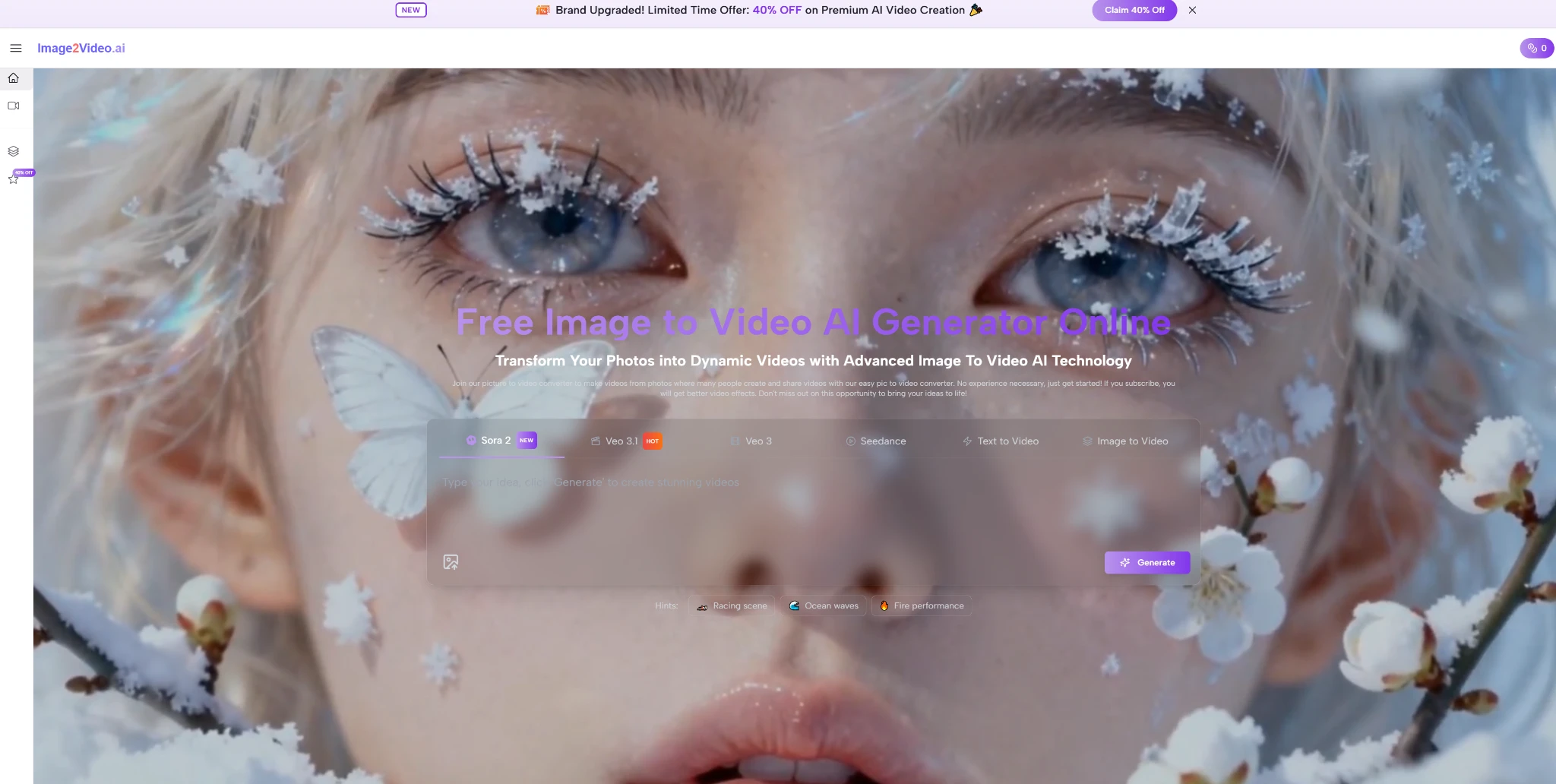
Image-to-video AI tools turn a static image into a short video by generating motion, camera movement, and new frames around the original scene. They can animate product photos, illustrations, portraits, landscapes, and other still visuals without requiring a traditional video shoot.
The basic workflow is simple, but output quality varies considerably between models. Source-image quality, prompt clarity, scene complexity, and the type of movement you request all affect the final clip.
Image-to-video AI converts still images into short animated clips using generative video models. The best results usually come from clean source images, specific motion prompts, and scenes without too many overlapping subjects or fine details. These tools are useful for social media, marketing assets, product visuals, and creative projects where filming new footage would be impractical.
How Image-to-Video AI Works
A typical Image to Video AI workflow starts with a source image and a short prompt describing what should move. The model analyzes the objects, depth, composition, and visual relationships in the image before generating additional frames.
For example, a prompt might ask for a slow camera push toward a product, clouds moving behind a landscape, or subtle movement in a portrait. The model then tries to maintain the original appearance while predicting how the scene should change from frame to frame.
This is different from simply applying a pan or zoom effect to a photograph. Generative video models can create motion within the scene itself, though control and consistency vary by tool.
What Makes a Good Source Image?
The source image strongly affects the result.
Clear images with a strong subject and simple composition are generally easier for a video model to interpret. Problems become more likely when the image contains several people, overlapping limbs, reflections, small text, or highly detailed background elements.
A useful source image usually has:
- a clearly defined main subject
- sufficient resolution and sharpness
- consistent lighting
- limited motion ambiguity
- enough space around the subject for camera movement
This does not mean a complex image cannot work. It simply gives the model more relationships to preserve while generating new frames.
Compare Image-to-Video AI Tools
No single image-to-video model works best for every type of image. Some tools emphasize cinematic camera movement, while others focus more on fast generation, character animation, or simple browser-based workflows.
Runway
Runway combines generative video with a broader set of AI video-editing tools. It is useful when image generation is only one part of a larger production workflow.
Its video models support prompt-based motion and camera direction, making it suitable for marketing visuals, concept footage, and short creative sequences.
Kling AI
Kling is widely used for realistic motion and more complex scenes. It can generate movement from still images while attempting to maintain the appearance of people, objects, and environments throughout the clip.
Results still depend heavily on the input image and prompt, particularly when several subjects interact.
Luma Dream Machine
Luma Dream Machine supports both text-to-video and image-to-video generation. It is particularly useful for scenes where camera movement is an important part of the requested effect.
For example, you can use a landscape image as the basis for slow, cinematic movement rather than a fixed background.
Pika
Pika focuses on accessible short-form AI video creation. Its workflow works well for social content, experiments, and visual effects where a creator wants to animate an existing asset quickly.
Hailuo AI
Hailuo provides another image-to-video option for generating short clips from reference images. As with competing models, output quality depends on the amount of movement requested and how difficult the original scene is to reconstruct consistently.
image2video.ai
image2video.ai provides a dedicated browser-based workflow for converting source images into generated video. Its narrower focus can help when the goal is to upload an image, describe the movement, and generate a clip without navigating a larger editing platform.
| Tool | Image-to-Video Approach | Useful Controls | Best For |
|---|---|---|---|
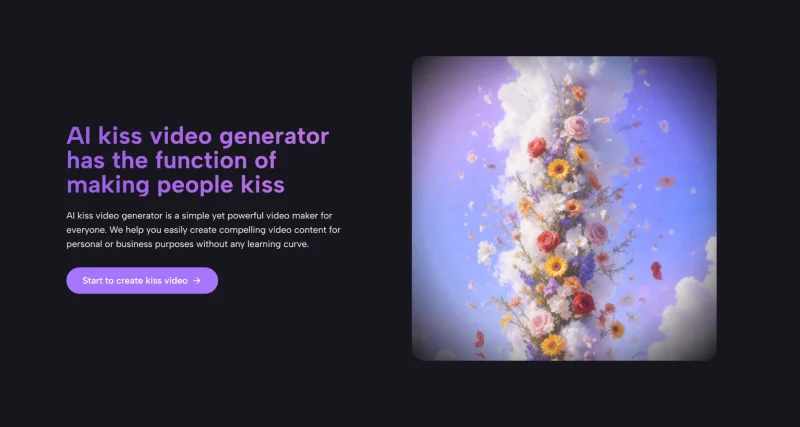
| image2video.ai | Browser-based image-to-video platform that provides access to multiple video models rather than relying on one generation engine. | Text prompts, aspect-ratio selection, camera-motion controls, effects, and access to several AI video models. | Users who want to experiment with different generation models from one interface. |
| Runway | Uses a source image as the visual starting point and generates motion based on the accompanying prompt. | Motion prompting, camera direction, aspect-ratio controls, and integration with a broader AI video workflow. | Marketing, creative production, concept footage, and projects that need further video editing. |
| Pika | Turns source images into short generated video clips through a streamlined creation workflow. | Image prompting, visual effects, style experimentation, and short-form generation. | Social content, promotional clips, and quick visual experiments. |
| Luma Dream Machine | Uses source images and prompts to create animated scenes with generated subject and camera movement. | Camera movement, visual references, scene direction, and image-based generation controls. | Cinematic scenes, concept videos, and projects where camera movement is an important part of the result. |
| Hailuo AI | Animates still images according to text instructions describing the desired movement in the scene. | Prompt-controlled subject movement, camera movement, and common output formats. | Portraits, landscapes, social media visuals, and general-purpose image animation. |
What You Can Create with Image-to-Video AI
Image-to-video AI works best when a static visual already contains most of the information you want to show. The model then adds motion without requiring a full video shoot or a complex editing workflow.
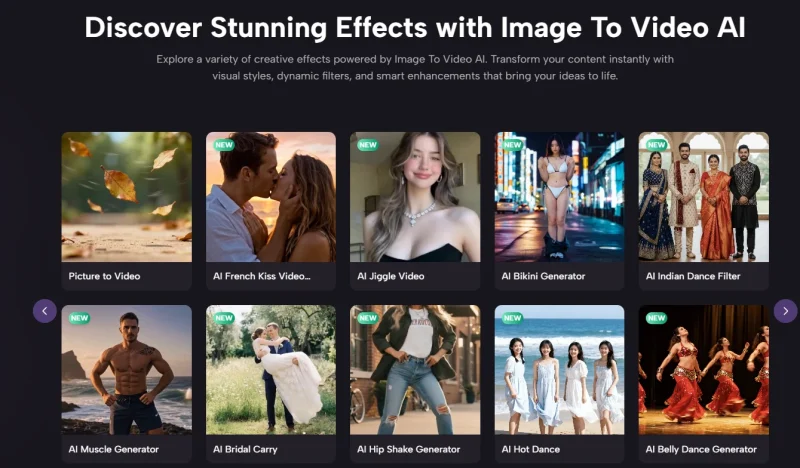
One common use case is social media content. You can turn a product image, illustration, or promotional graphic into a short moving clip for Reels, Shorts, ads, or feed posts. Even subtle motion can make a still asset more noticeable in a fast-moving feed.
It is also useful for product marketing. A clean product photo can become a short sequence with camera movement, background motion, or a change in perspective. This can help brands create more variations from an existing set of images.
For creative and concept work, image-to-video tools can animate artwork, architectural renders, mood boards, and AI-generated images. The result does not always need to be publication-ready. It can also quickly test how a scene might look in motion before investing in a larger production.
Another practical use is repurposing existing content. A company with a large image library can create short motion assets from photos that were originally produced for blog posts, product pages, presentations, or campaigns.
The main limitation is control. These tools are strongest when the requested movement is simple and visually plausible. Complex interactions, long sequences, precise hand movements, and scenes with many subjects are still more likely to produce inconsistencies.
Common Problems with Image-to-Video AI tools
Image-to-video models have improved quickly, but they still make predictable mistakes. The most common problems appear when the model has to preserve fine details while also creating large amounts of motion.
Faces and hands can change between frames, especially when the subject turns, gestures, or moves toward the camera. Small text, logos, jewelry, and other detailed elements can also distort or disappear.
Another common issue is background instability. Objects may shift position, straight lines may bend, and reflections may change in ways that don’t match the original scene. These errors become more noticeable when the requested camera movement is aggressive.
Motion can also feel unnatural. A person may move too quickly, fabric may behave strangely, or objects may appear to float instead of following realistic physics.
Longer clips are generally harder to keep consistent than short ones. For that reason, it often makes sense to generate several short sequences and edit the strongest results together, rather than expecting one generation to produce a complete finished video.
When a result looks wrong, changing the prompt is not always enough. A cleaner source image, simpler movement, or a different model can produce a much bigger improvement.
What is Image to Video AI?
Image to Video AI is a type of generative technology that turns a still image into a short video by adding motion, depth, and scene transitions.
It helps creators animate photos without filming new footage, making static visuals feel more dynamic and cinematic.
How does Image to Video AI work?
Most Image to Video AI tools start with a source image and a text prompt that describes the type of motion you want to see.
The model then generates new frames, simulates movement, and exports the result as a short video clip.
What can you use Image to Video AI for?
Image to Video AI can be used for social media content, product showcases, marketing visuals, travel memories, animated portraits, and short storytelling clips.
It is especially useful when you want more engaging visual content without a full video production setup.
Which tools support Image to Video AI generation?
Popular platforms in this space include Runway, Pika, Luma Dream Machine, Kling AI, Leonardo AI, Kaiber AI, and other emerging generative video tools.
Each platform differs in motion quality, prompt control, output length, and rendering speed.
Are there any limitations to Image to Video AI?
Yes, some results may look inconsistent when the source image contains complex anatomy, overlapping objects, or detailed background elements.
In many cases, better prompts and cleaner source images improve the final output significantly.

Andrej Fedek is the creator and one-person owner of three blogs: InterCool Studio, CareersMomentum, and Bettegi. As an experienced marketer, he is driven by turning leads into customers with White Hat SEO techniques. Besides being a boss, he is a real team player with a great sense of equality.