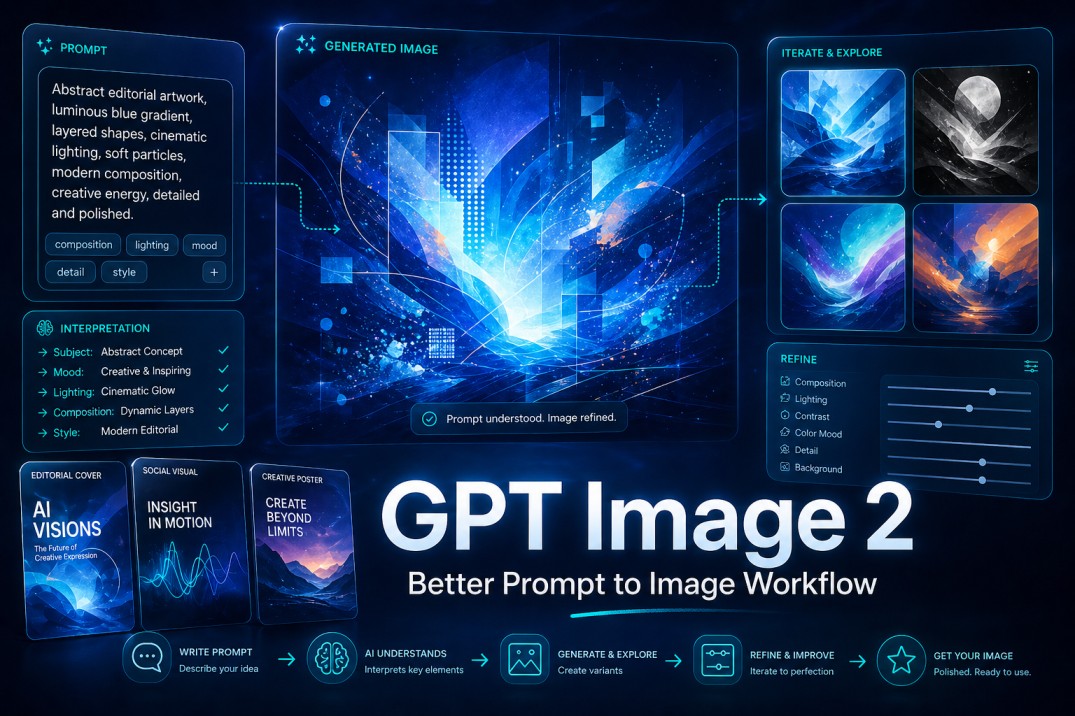
The hardest part of AI image creation is not always writing a prompt. The harder part is getting the image to respect the intention behind that prompt. That is why AI Image Maker is interesting as a practical creative platform: it gives users access to GPT Image 2 inside a workflow built around prompt input, model selection, image generation, comparison, and refinement.
Many users have experienced the same problem. They know the image they want, but the generator returns something that only partly understands the request. The mood may be right, but the composition is wrong. The subject may look good, but the background feels random. The image may be beautiful, but not useful.
GPT Image 2 is worth discussing because it appears designed to reduce that gap between written intention and visual result. The official platform describes it through ideas such as high-fidelity output, deep text comprehension, dynamic composition, vibrant lighting, and artistic flexibility. These are broad claims, so they should be tested with realistic expectations rather than accepted as automatic guarantees.
GPT Image 2 is an AI image generation model built to turn detailed prompts into more accurate, polished, and usable visuals. It is especially useful for creators, marketers, and designers who need stronger prompt interpretation, better composition, realistic lighting, and a clearer workflow for comparing and refining image results.
The Real Problem Is Visual Misinterpretation
AI image generation often fails in subtle ways. The result may look polished, yet still miss the actual brief. For creative work, that can be more frustrating than a visibly bad image, because the output looks almost right but cannot be used.
In my observation, GPT Image 2 is most impressive when the prompt contains a real creative brief. It seems less useful as a toy for vague commands and more useful as a model for people who want structure, detail, and direction from their image-generation process.
GPT Image 2 matters because its value is tied to interpretation. If a model can understand more of the user’s written direction, then the user spends less time fighting random outputs and more time improving the idea.
Better Prompt Response Means Less Wasted Effort
The strongest image models are not only judged by beauty. They are judged by how well they preserve intent. If the prompt asks for a product image with soft window light, a minimal background, and a premium editorial tone, the output should not become a fantasy poster.
GPT Image 2 appears positioned for this kind of richer prompt handling. In practical use, that can make the first draft more relevant and the revision process more focused.
A Good Model Still Needs A Good Brief
The model cannot guess every hidden preference. If the prompt is vague, the result may still be generic. If the user wants precise composition, the prompt should say so.
The better way to view GPT Image 2 is not as a mind reader, but as a model that can respond well when the user gives it enough direction.
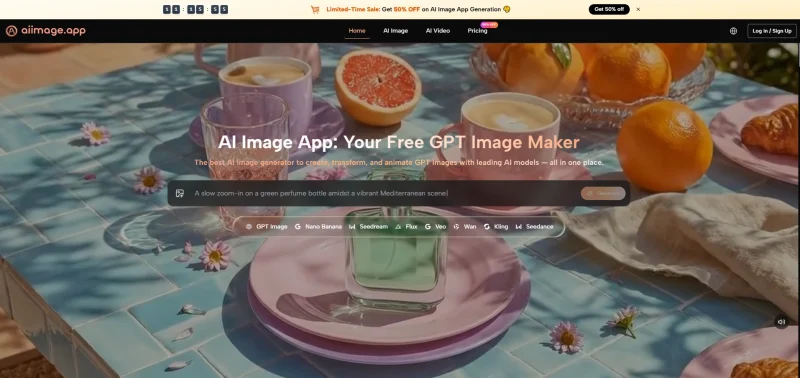
Composition Becomes More Than Decoration
Dynamic composition is one of the more important strengths associated with GPT Image 2. Composition decides whether an image feels intentional. It controls visual balance, focus, movement, and hierarchy.
For casual use, composition may not matter much. For marketing, thumbnails, editorial covers, campaign concepts, and brand visuals, it matters a great deal.
Structure Helps Images Become Usable Assets
A usable image needs more than style. It needs a clear subject, enough negative space when needed, logical lighting, and a composition that supports the purpose.
GPT Image 2’s potential lies in helping users get closer to that standard without requiring a full manual design process.
A Practical Workflow For Using The Model
The official workflow is easy to understand. It begins with a prompt and a model choice, then moves into generation and comparison. This simplicity is important because a powerful model becomes more useful when the surrounding platform does not create unnecessary friction.
Step 1. Start With A Visual Objective
The first step is deciding what the image needs to do. The prompt should not only describe objects. It should describe purpose, tone, composition, and style.
Purpose Makes The Prompt More Useful
A prompt for a blog cover should be different from a prompt for a product hero image. A social post needs a different visual rhythm from a brand mood board.
When users define the objective clearly, GPT Image 2 has a better chance of producing something relevant.
Step 2. Choose GPT Image 2 For Detail
The second step is selecting GPT Image 2 from the available image model options. This choice makes sense when the user wants high-quality image generation with stronger attention to prompt detail.
Model Selection Keeps The Workflow Flexible
AI Image App also includes other models, which means users are not locked into one visual path. GPT Image 2 can be used when detail and structure matter, while other models may be explored for different needs.
This flexibility makes the platform more useful than a single-model prompt box.
Step 3. Generate And Judge The Output
The third step is generation. Once the image appears, the user should judge it against the brief rather than only asking whether it looks impressive.
Evaluation Should Focus On Fit
A good output should match the requested subject, mood, composition, and style. If it does not, the user can refine the prompt or compare another model’s interpretation.
This keeps the process grounded in purpose.
Step 4. Refine Through Controlled Iteration
The final step is refining the result. Users can adjust the prompt, add clearer details, compare outputs, or generate additional variations.
Iteration Turns A Draft Into Direction
The first result is often a draft. The strongest output usually comes after the user improves the prompt based on what the model produced.
This is where GPT Image 2 becomes more valuable as a workflow tool than as a one-click effect.
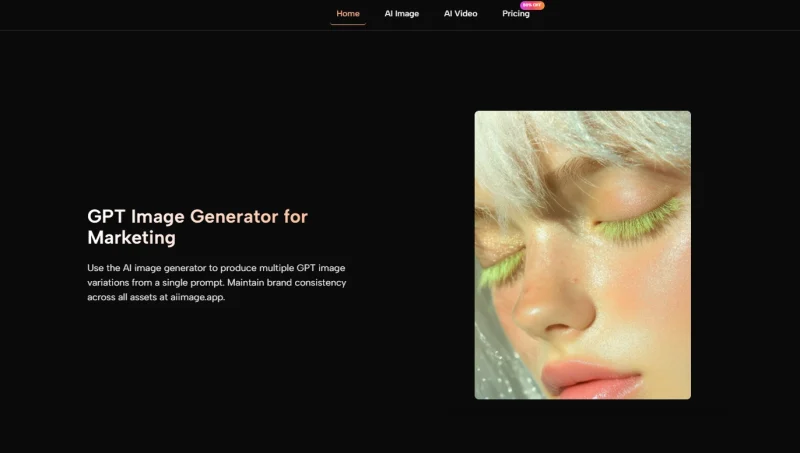
Where GPT Image 2 Feels Especially Useful
GPT Image 2 seems strongest when the user needs a polished visual direction, not just a surprising image. It can support many practical creative tasks because it is framed around detail, composition, and prompt comprehension.
The model is especially relevant for users who already have a visual purpose in mind. When the prompt has intent, the model has something meaningful to follow.
| Use Case | What The User Needs | Why GPT Image 2 Helps |
|---|---|---|
| Editorial Covers | Clear composition and a polished visual mood that can support a blog post, report, or featured image. | GPT Image 2 can help create stronger structure, better visual hierarchy, and more intentional image detail. |
| Product Concepts | Clean subject focus, controlled lighting, and a visual direction that feels close to a real creative brief. | It can respond better to brief-based prompts where product placement, mood, and scene details matter. |
| Social Visuals | Fast style exploration for posts, ads, thumbnails, campaign ideas, and visual experiments. | The model can generate flexible artistic output that gives users several creative directions to compare. |
| Brand Campaigns | Consistent mood, direction, and creative tone across campaign visuals or early brand concepts. | GPT Image 2 can make interpretation feel more controlled when the prompt includes brand mood and visual rules. |
| Creative Testing | Multiple visual routes for testing different styles, layouts, moods, and creative angles. | It makes model comparison and prompt refinement easier because users can judge outputs against a clear brief. |
This does not mean every output will be final. It means the model can help users reach a stronger starting point faster.
Why It Works Better With Specific Prompts
Specific prompts help the model understand the difference between a generic image and a useful image. The more clearly the user describes the scene, the better the output can align with the intended purpose.
This is why GPT Image 2 should be seen as a tool for guided creation rather than passive generation.
Examples Of Better Prompt Direction
A useful prompt often includes subject, setting, mood, lighting, composition, and style. It may also mention what should be avoided.
The goal is not to write long prompts for their own sake. The goal is to give the model enough useful information to make better visual decisions.
How It Compares With Common Alternatives
Some image tools are excellent at producing a distinctive aesthetic. Others are fast and simple but less controllable. Some offer advanced options but feel heavy for ordinary users. AI Image App’s strength is that GPT Image 2 sits inside a balanced environment.
This makes the platform feel approachable for beginners while still giving more serious users room to compare, refine, and experiment.
| Comparison Area | Basic Generators | Heavy Creative Suites | AI Image App With GPT Image 2 |
|---|---|---|---|
| Prompt Use | Often simple but shallow, with limited room for detailed creative direction. | Often powerful but complex, especially for users who do not need a full production suite. | Clear prompt-to-model workflow that makes detailed image creation easier to manage. |
| Model Access | Limited or unclear, which can make it harder to know what kind of output to expect. | Broad but sometimes crowded, with too many controls or options for everyday users. | Multiple models in one place, giving users more room to compare creative directions. |
| Image Refinement | Often trial and error, with users repeating prompts until something works. | More controls, but also more friction when the goal is a quick usable image. | Compare and refine outputs more naturally without turning the workflow into a design marathon. |
| Learning Curve | Easy at first, but limited once users want more specific visual control. | Higher learning burden because advanced tools often require more setup and design knowledge. | Moderate and practical, making it approachable without feeling too shallow. |
| Best Fit | Casual experiments, quick ideas, and simple visual play. | Advanced workflows, professional production, and users who need deep manual control. | Everyday creative production for users who want better results without unnecessary complexity. |
The advantage here is not that GPT Image 2 eliminates the need for other tools. It is that it offers a strong middle path between casual generation and overly complex production environments.
Why The Middle Path Is Valuable
Many users do not need a full professional design suite. They also do not want a shallow toy. They need something that helps them create usable images without slowing down the process.
GPT Image 2 inside AI Image App fits that middle ground well.
Practicality Is A Product Strength
A practical tool does not need to be the most complicated. It needs to be understandable, responsive, and capable enough to support real tasks.
That is the kind of value this model-platform combination appears to offer.
Limitations That Users Should Expect
GPT Image 2 should not be described as flawless. Results can vary depending on prompt quality, image complexity, and the specific visual goal. Exact text inside images, highly detailed multi-character scenes, or very precise layouts may still need multiple tries.
The platform’s multi-model structure can also require some learning. New users may need time to understand which model fits which task.
Why These Limits Are Normal
These limits are common across AI image generation. Even strong models require user guidance and revision. The important question is whether the platform makes that revision process easier.
In this case, the workflow feels clear enough to support repeated attempts without becoming frustrating.
Users Should Treat Generation As Drafting
The best mindset is to treat each output as a draft, not a final answer. The image gives the user something to react to, improve, and redirect.
That approach makes GPT Image 2 more useful and reduces unrealistic expectations.
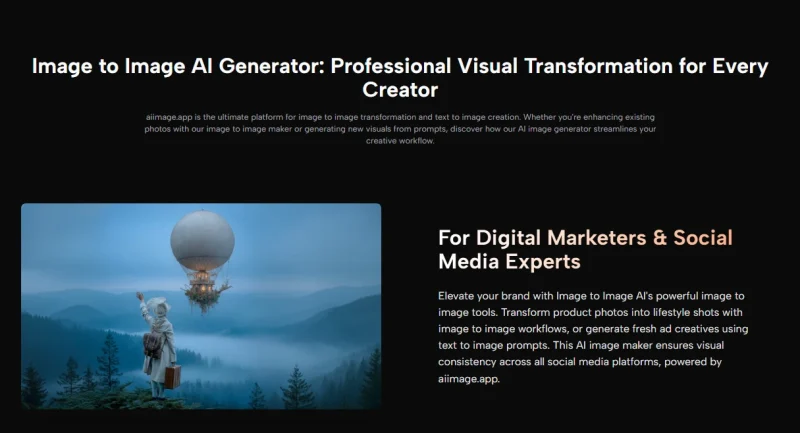
Why GPT Image 2 Feels Worth Exploring
GPT Image 2 feels worth exploring because it improves one of the most important parts of image generation: the connection between language and visual structure. When that connection becomes stronger, users can move from vague inspiration toward more purposeful creative work.
AI Image App makes the model easier to access by placing it in a workflow that is direct, readable, and flexible. The platform does not need to oversell the idea. Its value is already clear enough: it gives users a more organized way to turn prompts into polished visual directions.
For creators, marketers, designers, and everyday users who want better control without unnecessary complexity, GPT Image 2 offers a promising path. It is not perfect, and it still rewards patience, but it has the potential to make AI image creation feel more directed, more practical, and more repeatable.
What is GPT Image 2?
GPT Image 2 is an AI image generation model designed to turn written prompts into detailed, polished, and usable visuals.
It is especially useful when users need stronger prompt interpretation, better composition, realistic lighting, and more controlled creative direction.
What makes GPT Image 2 useful for AI image creation?
GPT Image 2 is useful because it focuses on the connection between prompt meaning and visual output.
When the prompt is specific, the model can produce images that better match the requested subject, mood, lighting, composition, and style.
Is GPT Image 2 good for marketers and creators?
Yes, GPT Image 2 can be useful for marketers and creators who need editorial covers, product concepts, social visuals, campaign ideas, brand visuals, and creative testing.
It works best when the user gives a clear brief instead of a vague one-line prompt.
Does GPT Image 2 create perfect images every time?
No, GPT Image 2 should not be treated as a perfect one-click design tool.
Results can still vary depending on prompt quality, image complexity, layout needs, and how specific the visual direction is.
How do you get better results from GPT Image 2?
To get better results from GPT Image 2, write prompts that include the subject, purpose, mood, lighting, composition, style, and any important details to avoid.
The strongest results usually come from refining the prompt after the first draft instead of expecting the first image to be final.

Andrej Fedek is the creator and one-person owner of three blogs: InterCool Studio, CareersMomentum, and Bettegi. As an experienced marketer, he is driven by turning leads into customers with White Hat SEO techniques. Besides being a boss, he is a real team player with a great sense of equality.