AI video looks simple from the outside. You type a prompt, wait for the model to respond, and get a clip back. That is the version people sell in demos.
The real workflow is messier. A clip may look good, but arrive without usable sound. A prompt may need five rewrites before the scene makes sense. A model may handle motion well but fail on dialogue, product shots, or basic continuity. Then there is the quiet question nobody enjoys checking at the end: can this actually be used in a commercial project?
That is why the next stage of AI video is not only about sharper output. It is about the full path from idea to usable asset.
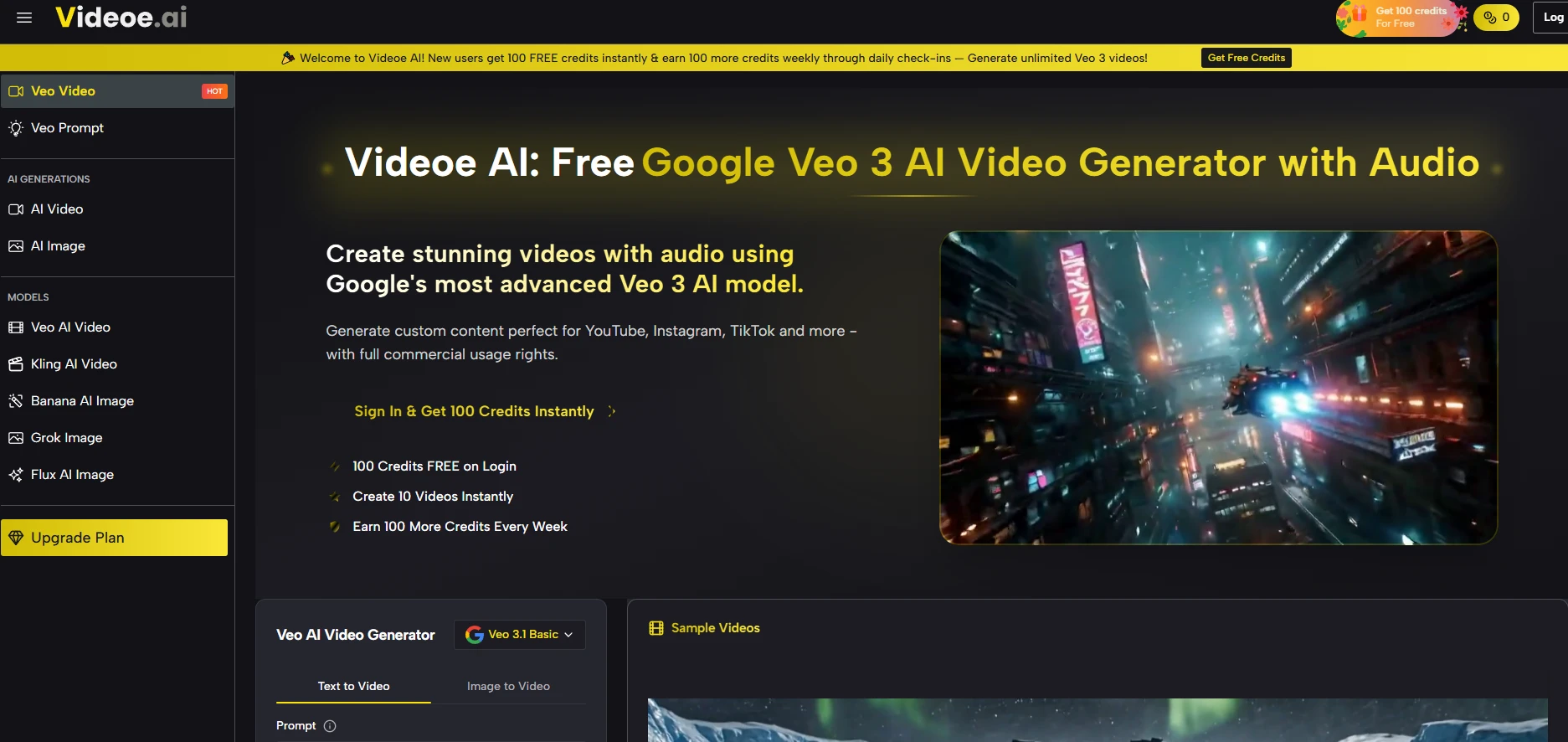
Veo 3 is Google’s advanced AI video generation model that can create short video clips from text prompts or source images, including synced audio, dialogue, ambient sound, and visual motion. Its biggest value is not only better video quality, but the way it reduces the usual production mess around prompting, sound editing, model choice, and commercial usage rights. For creators, agencies, and social media teams, Veo 3 can turn a rough idea into a more publishable video asset without forcing the whole workflow through several separate tools.
The Workflow Gap Behind AI Video Tools
There is a quiet frustration that anyone who actually uses AI video tools understands but rarely discusses openly. The frustration is not about quality—quality improves every month. It is not about speed—generation times have dropped dramatically. It is about the gap between what these tools promise and what it actually takes to get a clip from a text prompt to a publishable asset.
That gap is filled with silent footage that needs audio, prompts that require endless tweaking, models that force you to commit before you know if they work, and licensing terms that make commercial use feel legally precarious. Veo 3 does not claim to eliminate all these challenges, but it addresses each one with a practical, integrated approach that changes the production equation for creators who actually need to ship work.
The Hidden Costs of Fragmented AI Video Production
Most AI video creators operate across a patchwork of tools. One platform for generation, another for audio, a third for upscaling, and a fourth to check commercial rights. Each transition costs time, breaks creative flow, and introduces technical friction that has nothing to do with the actual creative vision. The platform consolidates these steps into a single workflow that reduces the cognitive overhead of switching between tools.
What the Consolidated Workflow Actually Looks Like
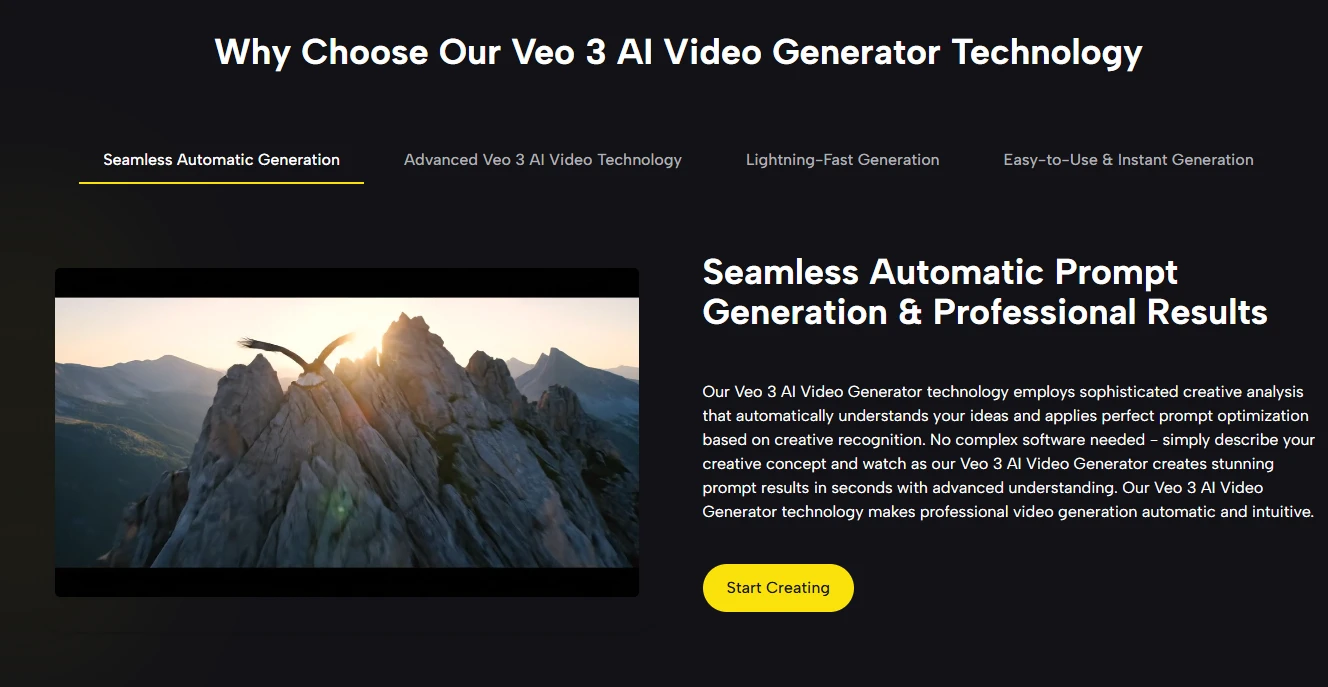
The platform’s design philosophy centers on reducing friction at every step of the creative process. You start with a text description or a source image. The system analyzes your input and applies prompt optimization automatically. You choose from available models based on your project requirements. The generation produces a video with synchronized audio. You review, iterate if needed, and download with full commercial rights. This is not a series of disconnected steps—it is a unified workflow that moves from concept to asset without leaving the interface.
Where Most Creators Lose Time
The points where creators typically lose time are consistent across projects. Prompt engineering consumes more time than generation itself. Audio post-production often doubles the time spent per clip. Licensing checks add administrative overhead. The platform addresses each of these friction points through specific features: Prompt Hub and Chat Mode for prompt quality, native audio for sound integration, and automatic commercial rights for licensing clarity.
The Prompt Workflow: From Blank Page to Professional Output
Prompt quality determines output quality more than any other variable, yet most platforms provide nothing more than a text box and a generate button. Beginners freeze. Experts waste credits on trial and error. The platform introduces two distinct mechanisms that change how prompts are created and refined.
Prompt Hub: Community-Validated Starting Points
The Prompt Hub is a curated library of community-contributed prompts, each accompanied by a video preview generated from that exact prompt. Categories cover sci-fi, product advertising, horror, natural landscapes, and action cinematics across dozens of sub-styles. Clicking “Use It” loads the prompt instantly—no copying, no manual adjustment. The platform also offers three free daily AI-assisted prompt expansions that transform plain-language descriptions into detailed professional prompts covering camera angles, lighting, mood, color grading, and audio cues. This turns prompt writing from a learned skill into an accessible resource.
Chat Mode: Conversational Refinement
Chat Mode restructures generation as a dialogue rather than a one-shot command. You describe your idea in natural language. The AI asks clarifying questions, interprets creative intent, and suggests improvements. Each round builds on the previous result, allowing iterative refinement without starting over. This lowers the barrier to entry for beginners and accelerates exploration for experienced users who want to test variations in conversation.
The Audio Integration That Eliminates Post-Production
Silent footage is the industry default, but it should not be. The platform embeds audio generation directly into the video creation process using Veo 3’s native capabilities. Urban scenes produce street noise and distant traffic. Coastal settings generate layered wave sounds that match the visual rhythm. Character lip movements synchronize with dialogue naturally. This is not an overlay applied after rendering—it emerges from the model’s semantic understanding of the scene. For creators, this means a publish-ready short video can move from text description to download without ever opening an audio editing tool.
What Native Audio Changes in Practice
The practical impact is measurable. Without native audio, a typical 15-second clip requires at least 10 minutes of post-production for sound sourcing, editing, and synchronization. With native audio, that time disappears. The output arrives with dialogue, ambient sound, and music already balanced and timed to the visuals. This compression of the production timeline is particularly valuable for high-volume creators who produce multiple clips daily.
Commercial Rights: One Less Legal Headache
Licensing uncertainty is a silent productivity killer. Many platforms restrict commercial use, require additional fees, or bury terms in fine print. The platform eliminates this by granting full commercial rights to every generated video by default. Paid plans start at $8.30 per month, and all outputs carry the same rights. For agencies, brands, and independent creators, this removes the need for legal review before publishing or monetizing content.
Where the Platform Falls Short
A realistic assessment requires acknowledging limitations. Output quality depends heavily on prompt quality—poor prompts produce poor results regardless of the model. Complex scenes with multiple subjects or rapid motion may require multiple generations. Results vary across models and even across generations with the same prompt, which reflects the current state of generative AI. The native audio, while impressive, may not always match the specific sound design you have in mind, and projects with very particular audio requirements may still need post-production adjustments.
Who This Workflow Serves Best
Social Media Managers and Content Teams
For teams producing short-form video at scale—Reels, Shorts, TikToks—the combination of rapid generation, native audio, and commercial rights streamlines production significantly. The ability to test multiple concepts with Seedance 2.0 Fast and finalize with Veo 3 Premium fits high-volume, fast-turnaround demands.
Agencies with Diverse Clients
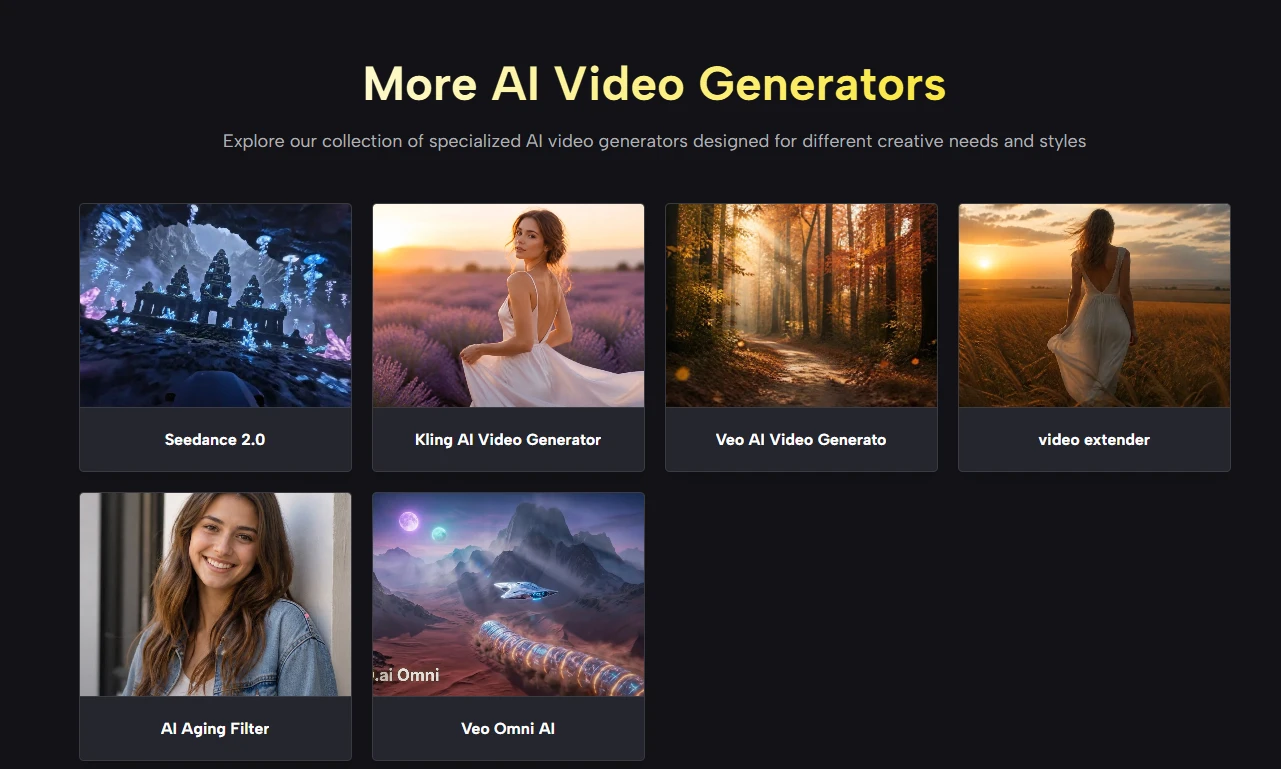
Agencies managing multiple brands benefit from model flexibility and clear licensing. A luxury campaign might use Veo 3 Premium; a tech startup’s social content might leverage Kling 3.0. All options live in one dashboard with consistent commercial terms.
Beginners Exploring AI Video
For newcomers, the Prompt Hub and Chat Mode provide on-ramps that most platforms lack. Starting from a proven prompt or describing ideas conversationally removes the intimidation of a blank input field and complex prompt engineering.
Why Integration Matters More Than Individual Features
The AI video industry has focused on individual model capabilities—resolution, speed, physics accuracy. These matter, but they do not determine whether a tool fits into a real production workflow. What determines fit is how well the tool reduces friction at the points where creators actually get stuck: prompt quality, audio integration, model selection, and licensing clarity. This platform addresses each with an integrated approach that feels designed around how people work, not around how a single model wants to be used. Veo AI provides the engines; the creative direction remains entirely your own.
What is Veo 3?
Veo 3 is Google’s advanced AI video generation model for creating short video clips from text prompts or source images.
Its stronger appeal is that it can generate video with synced audio, ambient sound, dialogue, and more natural motion in one creative workflow.
Why is Veo 3 useful for AI video creators?
Veo 3 is useful because it reduces the extra work that usually comes after video generation, especially audio editing and repeated prompt testing.
For creators who need to publish clips quickly, that can make the difference between a rough experiment and a usable video asset.
Does Veo 3 generate audio with the video?
Yes, Veo 3 can generate native audio together with the video, including dialogue, background sound, music, and scene-based ambience.
That matters because creators do not always need to open a separate audio editor just to make a short AI-generated clip feel complete.
Can Veo 3 videos be used for commercial projects?
Commercial use depends on the platform, plan, and terms attached to the generated output.
In a production workflow, clear commercial rights are important because agencies, brands, and creators need to know whether a generated clip can be published or monetized safely.
Is Veo 3 enough to replace a full video production workflow?
Veo 3 can speed up short-form video production, but it does not remove every creative or technical step.
Complex scenes, strict brand requirements, and very specific sound design may still need manual review, extra generations, or post-production.

Andrej Fedek is the creator and one-person owner of three blogs: InterCool Studio, CareersMomentum, and Bettegi. As an experienced marketer, he is driven by turning leads into customers with White Hat SEO techniques. Besides being a boss, he is a real team player with a great sense of equality.