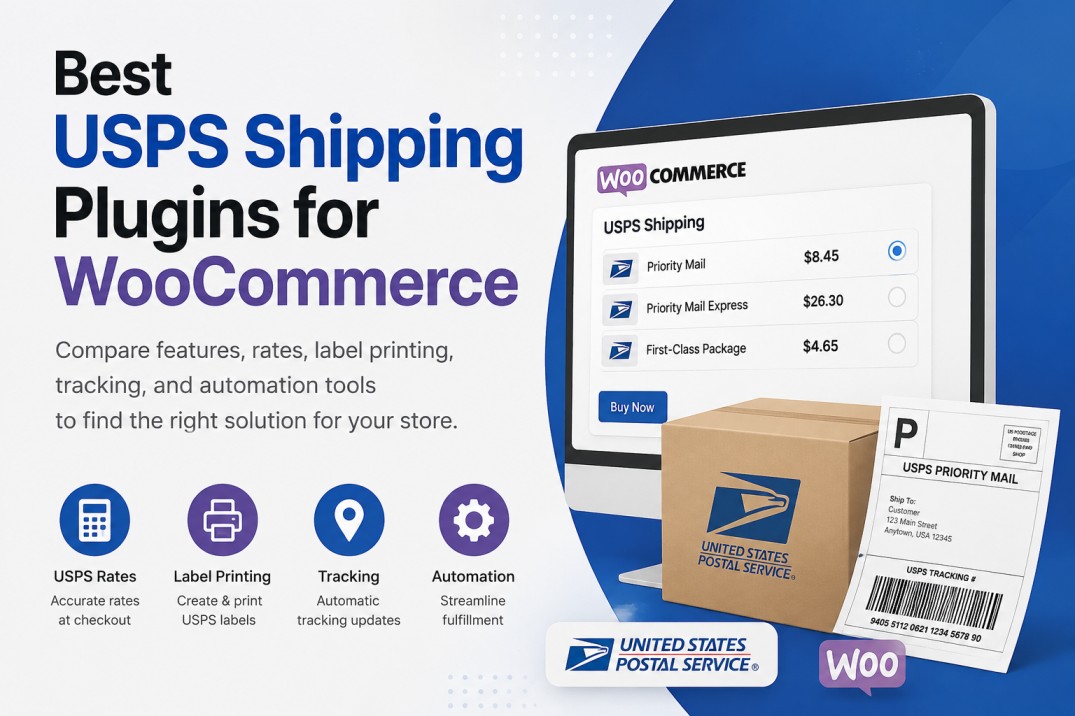
For WooCommerce merchants shipping across the United States, USPS remains one of the most reliable and cost-effective carrier options. From small online stores to growing eCommerce businesses, USPS offers a wide range of shipping services that can accommodate different order sizes and delivery requirements.
However, manually managing shipping rates, labels, and order fulfillment can become time-consuming as order volumes increase. USPS shipping plugins help automate these tasks directly within WooCommerce, reducing manual work and improving operational efficiency.
In this article, we’ll compare some of the best USPS shipping plugins for WooCommerce and explore which solutions are best suited for different business needs.
USPS shipping plugins for WooCommerce help online stores automate live USPS rates, label creation, shipment tracking, and fulfillment tasks directly inside WordPress. The best plugin depends on how the store ships: USPS-only merchants usually need a dedicated USPS plugin, while growing stores may benefit from multi-carrier tools that compare USPS, UPS, FedEx, DHL, and other services. A good USPS shipping plugin can reduce manual work, improve checkout accuracy, and give customers clearer delivery and tracking information after purchase.
Why WooCommerce Stores Need a USPS Shipping Plugin
WooCommerce includes basic shipping functionality, but it lacks advanced USPS shipping automation.
As stores grow, merchants commonly encounter challenges such as:
- Inaccurate shipping rates at checkout
- Manual shipping label generation
- Time-consuming fulfillment workflows
- Customers requesting shipment updates
- Difficulty managing multiple carriers
- Lack of delivery date visibility
A dedicated USPS shipping plugin helps solve these challenges by automating shipping operations and reducing manual work.
What to Look for in a USPS Shipping Plugin
Before selecting a USPS plugin, consider these essential features:
- Real-Time USPS Rates: Displaying accurate during checkout improves transparency and reduces cart abandonment.
- Shipping Label Printing: Generating USPS labels directly from WooCommerce saves time and minimizes fulfillment errors.
- Automated Shipment Tracking: Customers expect shipment updates without having to contact support. Automatic tracking notifications improve the post-purchase experience.
- Checkout Optimization: Displaying only the most relevant shipping methods can simplify checkout and improve conversion rates.
Best USPS Shipping Plugins
1. PH USPS Shipping Plugin for WooCommerce
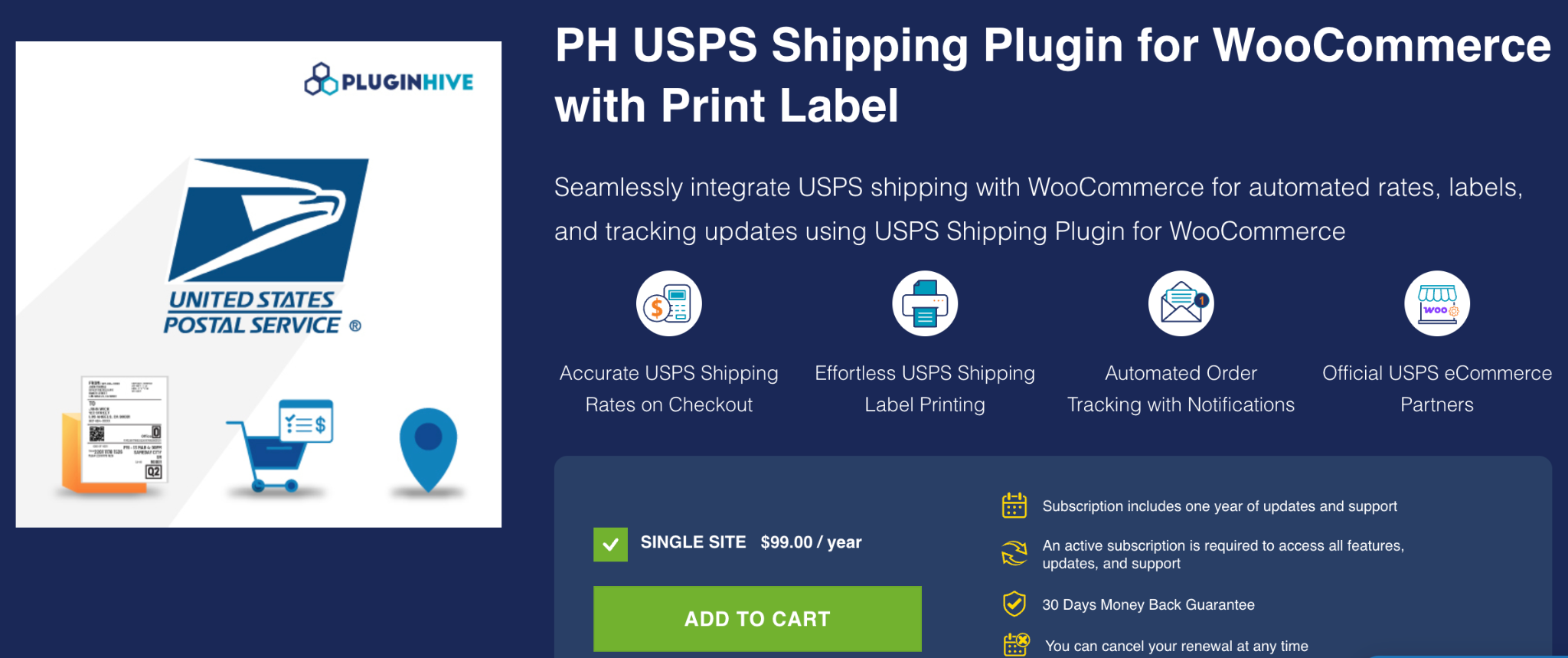
The PH USPS Shipping Plugin for WooCommerce is designed for merchants who primarily use USPS for shipping orders. It helps streamline USPS shipping operations directly within WooCommerce, making it easier to manage fulfillment without relying on external shipping platforms.
Key Features
- Access to USPS domestic and international services
- Commercial USPS pricing support
- USPS pickup request support
- Box packing and packaging options
- Shipping cost adjustments through handling fees
Best For
WooCommerce stores that rely heavily on USPS and want a dedicated USPS shipping solution.
2. PH Multi-Carrier Shipping Plugin for WooCommerce
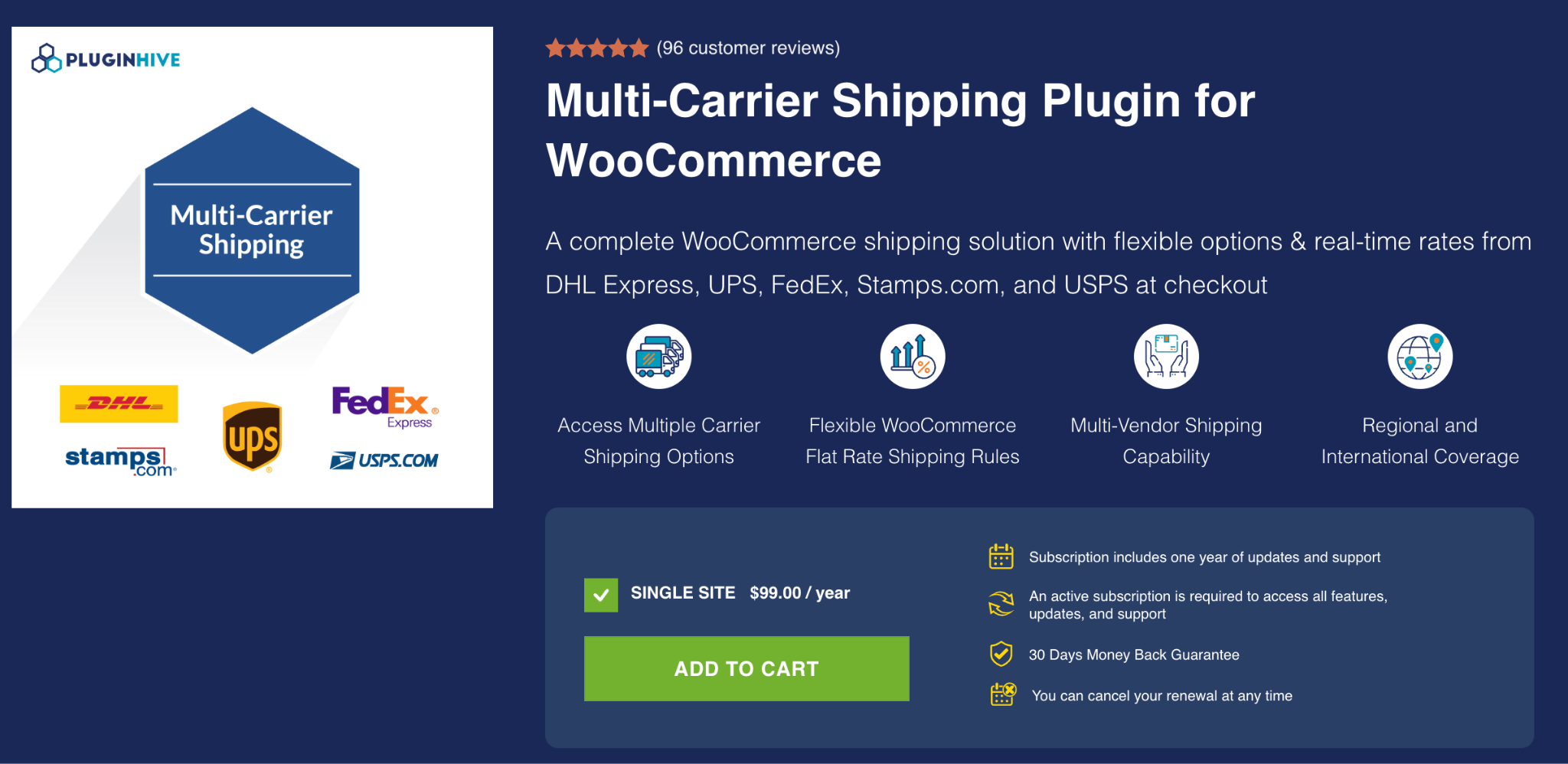
The PH Multi-Carrier Shipping Plugin is built for businesses that work with multiple shipping carriers and want to manage their shipping operations from a single WooCommerce dashboard. Instead of maintaining separate workflows for different carriers, merchants can centralize shipping activities within one solution.
Key Features
- Supports multiple shipping carriers like USPS, UPS, FedEx, DHL and stamps.com
- Carrier rate comparison during fulfillment
- Shipment tracking management across carriers
- Centralized shipping workflow automation
Best For
Growing WooCommerce businesses that ship through multiple carriers and need a unified shipping management solution.
3. WooCommerce Shipping Services
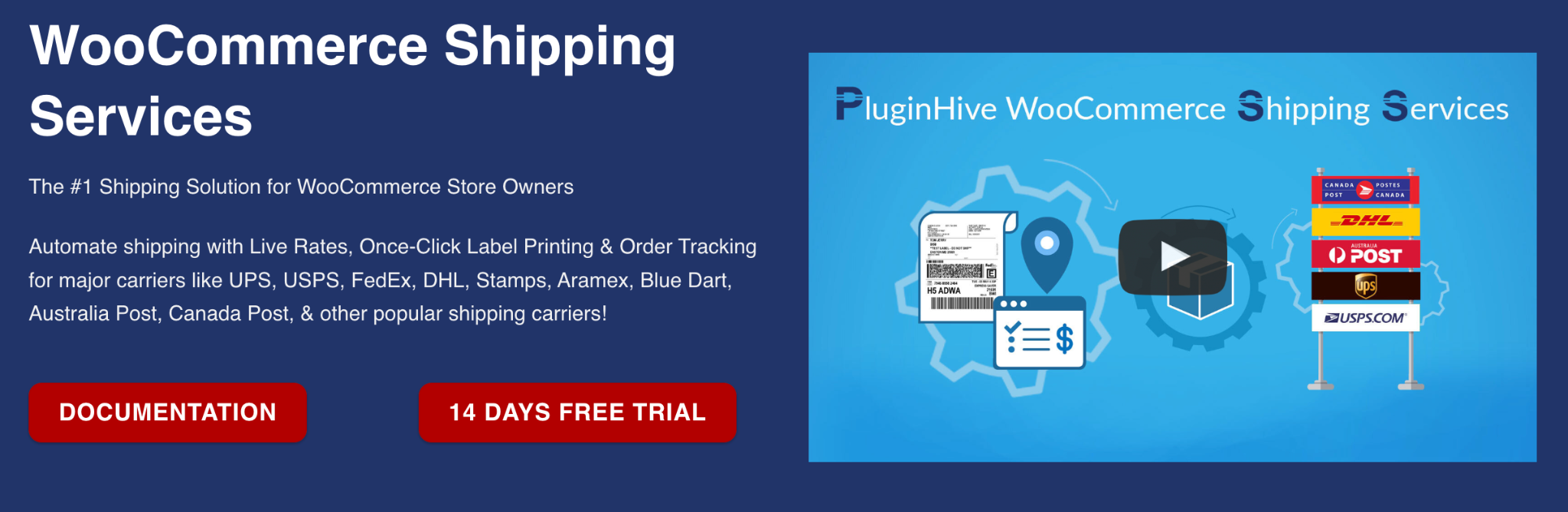
WooCommerce Shipping Services provides a centralized approach to managing shipping operations within WooCommerce. It helps merchants simplify shipping workflows by bringing together carrier integrations and fulfillment tools in one place.
Key Features
- Centralized shipping management
- Multi-carrier shipping support
- Streamlined order fulfillment processes
- Shipping label generation capabilities
- Shipping workflow automation tools
Best For
Businesses looking to simplify shipping operations and manage multiple shipping carriers efficiently.
4. ELEX USPS Shipping Plugin for WooCommerce
The ELEX USPS Shipping Plugin helps WooCommerce merchants integrate USPS shipping services into their stores. It offers USPS-related shipping functionality for businesses seeking a USPS-focused solution.
Key Features
- USPS service availability at checkout
- Automated label creation
- Package configuration options
- International shipping support
- WooCommerce order integration
Best For
Small and medium-sized WooCommerce stores that want to start with a free USPS shipping solution and access real-time USPS rates, estimated delivery dates, and basic shipping features. Premium features are available for stores that need advanced shipping management.
5. WooCommerce USPS Shipping Method
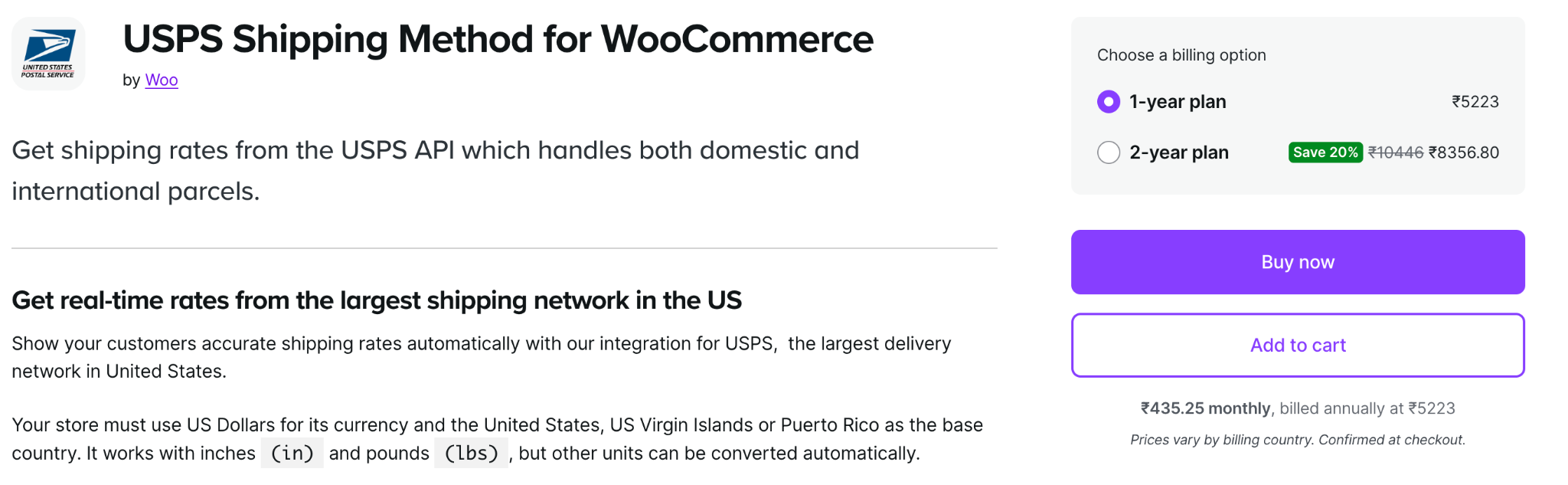
WooCommerce USPS Shipping Method focuses on displaying USPS shipping rates to customers during checkout. It is generally suitable for stores that require basic USPS rate calculation functionality.
Key Features
- USPS rate retrieval
- Multiple USPS service options
- Domestic shipping support
- International shipping availability
- Checkout rate integration
Best For
WooCommerce stores that only need USPS rate calculation at checkout.
Quick Comparison Table
| Plugin | USPS Rates | Label Generation | Shipping Automation | Multi-Carrier Support |
|---|---|---|---|---|
| PH USPS Shipping Plugin | Yes | Yes | Yes | No |
| PH Multi-Carrier Shipping Plugin | Yes | No | Yes | Yes |
| WooCommerce Shipping Services | Yes | Yes | Yes | Yes |
| ELEX USPS Shipping Plugin | Yes | Yes | Partial | No |
| WooCommerce USPS Shipping Method | Yes | No | No | No |
Which USPS Shipping Plugin Fits Your Store?
The best USPS shipping plugin depends largely on how your business manages fulfillment.
If USPS is your primary carrier, a dedicated USPS shipping solution can help simplify day-to-day shipping operations while keeping fulfillment within WooCommerce.
If your business ships through multiple carriers, a multi-carrier solution may provide greater flexibility by allowing you to compare carrier options, manage labels, and oversee shipments from a single dashboard.
Businesses that need additional control over shipping methods and shipping rules can also complement their shipping setup with solutions such as Hide Shipping Methods or Table Rate Shipping to create a more tailored checkout experience.
Conclusion
Choosing the right USPS shipping plugin can significantly improve shipping efficiency and reduce manual effort within WooCommerce.
Dedicated USPS solutions work well for merchants focused primarily on USPS shipments, while multi-carrier platforms offer broader flexibility for growing businesses with more complex shipping requirements.
By evaluating your fulfillment workflow, carrier requirements, and shipping volume, you can select a solution that supports both your current operations and future growth.
What is a USPS shipping plugin for WooCommerce?
A USPS shipping plugin for WooCommerce connects your store with USPS shipping services so you can show rates, manage shipping options, create labels, and handle fulfillment tasks directly from your WooCommerce setup.
Do WooCommerce stores need a USPS shipping plugin?
Many WooCommerce stores need one when basic shipping settings are no longer enough. A plugin can help with live USPS rates, label printing, tracking updates, packaging rules, and faster order fulfillment.
Which USPS shipping plugin is best for WooCommerce?
The best plugin depends on your shipping workflow. Stores that mainly use USPS may prefer a dedicated USPS plugin, while growing stores that use USPS, UPS, FedEx, DHL, or other carriers may need a multi-carrier shipping solution.
Can USPS shipping plugins show real-time rates at checkout?
Yes, many USPS shipping plugins can show real-time USPS rates at checkout. This helps customers see more accurate shipping costs before they place an order and can reduce confusion during checkout.
Should I choose a USPS-only plugin or a multi-carrier plugin?
Choose a USPS-only plugin if USPS handles most of your orders and you want a focused setup. Choose a multi-carrier plugin if you compare rates across carriers or need one workflow for USPS, UPS, FedEx, DHL, and other services.

Andrej Fedek is the creator and one-person owner of three blogs: InterCool Studio, CareersMomentum, and Bettegi. As an experienced marketer, he is driven by turning leads into customers with White Hat SEO techniques. Besides being a boss, he is a real team player with a great sense of equality.