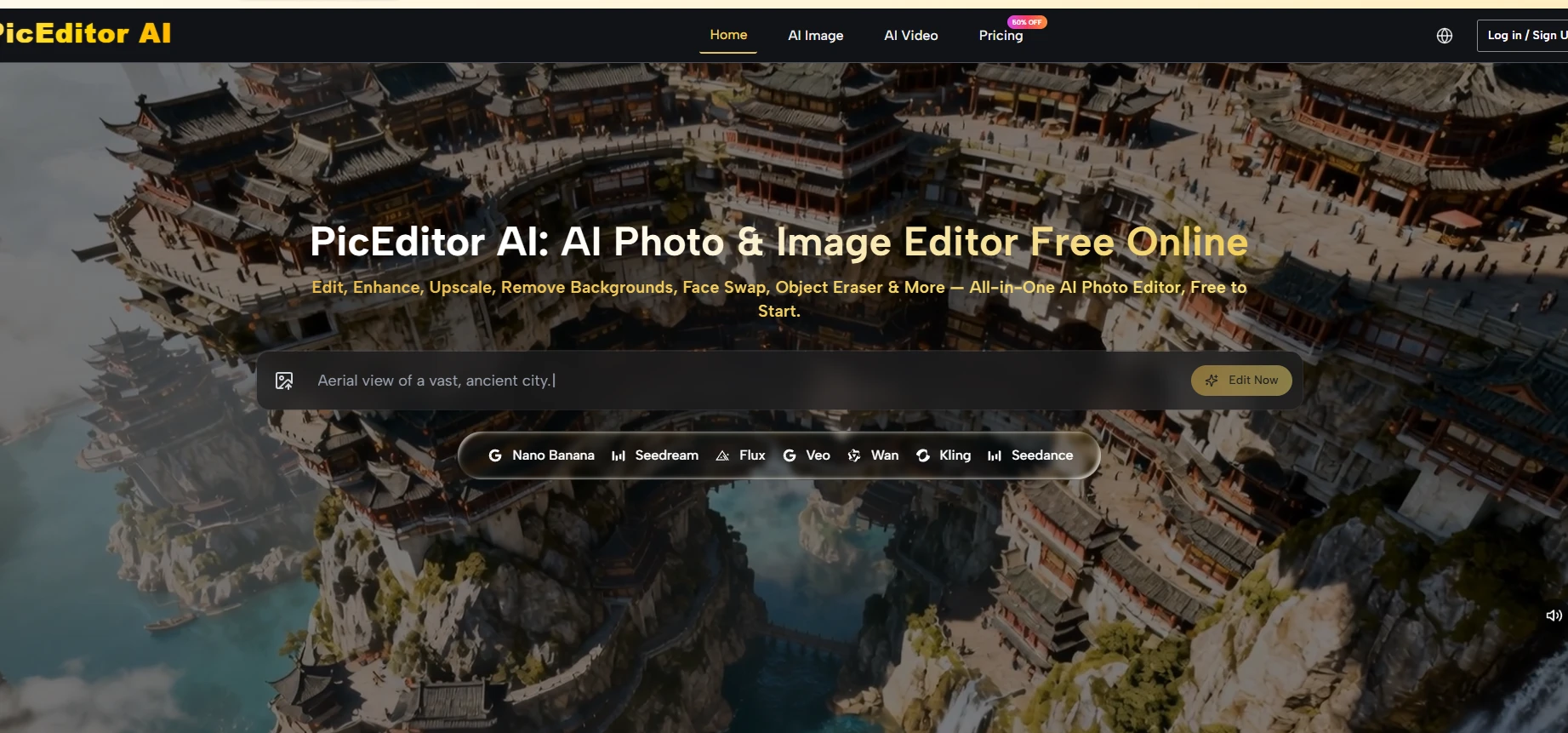
Twelve months ago, choosing between AI models was barely part of the creative process. Most platforms gave you one engine, and if the results were poor, your only real option was to switch tools. In 2026, Nano Banana, Flux, Seedream, Veo 3, Kling, and Seedance each handle different tasks, which makes model selection a creative decision rather than a technical detail.
The problem is that until recently, accessing most of them required separate accounts on separate platforms.
Modern AI photo editors combine specialized models rather than relying on one engine for every task. Nano Banana supports reference-based editing and subject consistency, Flux handles precise object and text changes, while models such as Veo 3, Kling, and Seedance turn static images into video.
Why Model Selection Matters More Than Interface Design
AI Photo Editor is built on the premise that model diversity and platform simplicity need not be in conflict. It runs multiple top-tier engines inside a single browser-based editor, and the question worth exploring is what that actually means for how you work.
The differences between today’s AI models become obvious once you compare how each engine handles the same image, prompt, and editing task.
The interface of any AI photo editor is, in the long run, a minor variable. What determines the quality of your output is which model processes your image, how well your prompt communicates the intended change, and how clean your source material is. A beautiful interface sitting in front of a weak model is still a weak model. Conversely, access to strong models behind a complicated interface still makes the work hard.
The platform’s design proposition is that neither compromise should be necessary. The interface is minimal — upload, select a tool, describe the edit, generate — while the backend models include several that represent the current frontier in generative image and video quality.
Understanding which model handles which task, and why that matters, is the most useful thing to know before opening the editor for the first time.
Choosing between AI models often has a bigger impact on the final result than choosing the editor with the cleanest interface.
Nano Banana: When Subject Consistency Is the Priority
The Nano Banana engine is positioned as the platform’s primary tool for hyper-realistic image editing. Its distinguishing feature from a practical standpoint is the support for up to four reference images in Nano Banana 2. Reference image support is not a minor detail — it changes the nature of the generative task.
Without references, the model is extrapolating your intent from language alone. With references, it has visual anchors that constrain the output toward specific faces, product forms, color palettes, or compositional styles.
For product photography workflows in particular, this matters. Maintaining consistent lighting, angle, and subject treatment across a series of images is one of the harder problems in commercial content production.
Reference-guided generation gives creators a tool for managing that consistency in ways that pure text prompting cannot reliably achieve.
Among current AI models, Nano Banana is especially useful for product photography, branded visuals, and repeatable campaign assets.
4K Output and What It Actually Unlocks
Nano Banana 2 supports output up to 4K resolution. At the practical level, this matters most for content that will be printed, displayed at large scale, or subjected to significant cropping in post-production. For social media assets, 4K output is often more than necessary.
For billboard, packaging, or print-ready commercial work, resolution ceiling becomes a real variable. The platform supports this use case without requiring a separate upscaling step.
Flux and the Specific Problem of Text in Images
Text replacement inside images is one of the more technically demanding tasks in AI editing. The challenge is not writing new text — it is reading and understanding the visual context surrounding the existing text well enough to render replacement text that matches the original’s lighting, perspective, shadow, and surface integration.
Poorly handled, text replacement looks immediately artificial. Done well, it is indistinguishable from the original.
The Flux engine in the platform is specifically assigned to context-aware and text-in-image editing. The platform describes Flux’s strength as object-level precision and context awareness — which in practice means the model attempts to understand what it is replacing within the broader image rather than treating the edit as a simple overlay.
In my testing framework, the difficulty cases are stylized fonts with strong shadow or emboss effects, and text on textured or irregular surfaces. These tend to require more iteration than clean, flat text on a solid background.
From Static Images to Animated Video: The Veo 3 Layer
The platform’s most distinctive capability relative to a standard photo editor is the inclusion of Veo 3 for photo-to-video animation. Veo 3 does not just add simple motion blur or parallax effects — the platform notes that it generates native audio synchronized with the animation output. A product photograph can, in principle, become a short cinematic clip with ambient sound, motion, and lighting dynamics, entirely within the same workspace where the photo was edited.
This is a meaningful capability expansion for content creators working across formats. A single edited image becomes the source material for both static and video deliverables without any third-party tool involvement. The credit cost for Veo 3 generation is higher than for image edits, which reflects the computational weight of video processing — users should factor this into their credit planning if video output is a regular part of their workflow.
When Animation Improves a Static Image’s Commercial Value
Short-form video content consistently outperforms static images in social platform engagement metrics — a trend that has been documented across major platforms for several years. The practical implication for creators is that producing video variants of strong static images has real value, and the lower the friction between image and video output, the more often creators will capture that value. Keeping animation inside the same platform as the original edit reduces that friction meaningfully.
Three Editing Paths, Three Distinct Workflows
Step 1: Define the Task Before Uploading
The six editing modes — Edit, Enhance, Upscale, Remove Background, Face Swap, Object Eraser — are meaningfully different tasks, not variations on the same operation. Before uploading, knowing which mode applies to your goal saves iteration time and credit.
Enhancement and upscaling are deterministic improvement tasks. Generative editing is an interpretive task that depends heavily on prompt quality. Background removal and object erasing are precision utility tasks.
Different AI models interpret prompts, reference images, and complex source material in different ways, so the best choice depends on the task rather than the platform alone.
Source Image Quality Sets the Upper Bound
No model can reliably produce professional output from a low-resolution, poorly lit, or heavily compressed source image.
The platform does not filter for input quality — it accepts what you upload — but the output ceiling tracks closely with input quality. This is worth establishing as a baseline expectation before attributing output issues to the model.
Step 2: Construct a Prompt That Gives the Model Direction
For the AI Photo Edit generative tools, the text prompt is the primary instruction channel. Prompts that specify visual direction — lighting quality, color palette, compositional intent, subject framing, style reference — tend to produce more useful first outputs than prompts that describe a general mood or category.
Reference Images Reduce Prompt Dependency
When using Nano Banana or Nano Banana 2, attaching reference images shifts some of the guidance load from text to visual. This is particularly useful when the target aesthetic is difficult to describe precisely in words — a specific skin tone, a particular material texture, a complex lighting setup.
Step 3: Iterate Within the Session
Regeneration within the same session, with refined prompts, is the standard workflow for generative editing. First-pass outputs vary in how closely they match the intent of the prompt. Treating the first generation as a directional signal rather than a final result, and using it to inform prompt adjustments, is a more productive approach than expecting immediate precision.
Capability Comparison Across Editing Categories
| Editing Category | Engine | Output Ceiling | Credit Intensity | Best For |
|---|---|---|---|---|
| Generative style edit | Nano Banana / Nano Banana 2 | Up to 4K | Medium to high | Portrait, product, scene transformation |
| Context-aware / text edit | Flux Kontext Pro / Max | Standard to high | Medium | Packaging, signage, object-level precision |
| High-speed batch edit | Seedream 4.0 / 5.0 Lite | Standard | Low to medium | Volume workflows, rapid iteration |
| Photo animation | Veo 3 and variants | Video output | High | Social content, animated product demos |
| Background removal | Dedicated tool | Standard | Low | E-commerce, compositing prep |
| Image upscaling | Dedicated tool | Up to 4K equivalent | Low | Print, large-format, archival |
Honest Constraints Worth Building Into Your Expectations
The platform’s credit system means costs scale with model intensity. Veo 3 video generation, Nano Banana 2 at 4K, and Flux Kontext Max operations consume credits at higher rates than standard image edits. On the free tier, this constrains how much you can explore before hitting a wall. On the Starter plan ($8.3 per month billed annually, 10,000 credits), the practical output is approximately 416 images at standard model rates — enough for regular personal use, limiting for high-volume professional workflows.
Generative model outputs are not deterministic. The same prompt submitted twice will not produce identical results. For workflows that require strict consistency across large image sets, human review and selective curation remain necessary steps — the platform does not eliminate this need.
Complex source images — high-detail backgrounds, multiple overlapping subjects, unusual lighting — present a harder task for generative models than clean, well-structured photographs. The platform does not specifically address this in its documentation, but it is a consistent pattern across all current generative tools. Users should calibrate expectations based on the complexity of their source material, not on the capabilities of the model in ideal conditions.
Who Should Think Seriously About This Kind of Platform
The clearest case for this kind of consolidated AI editing environment is a creator or small team that works across image and video formats, needs commercial-use rights on output, values workflow continuity over specialist depth, and wants to reduce the operational overhead of managing multiple platform relationships.
The weakest case is a developer or technical user who needs programmatic access, fine-tuned model control, or deep integration with existing production pipelines — this platform abstracts those layers by design.
The practical advantage of using several AI models in one workspace is simple: you can match each editing task with the engine most likely to handle it well.
The model landscape in 2026 is genuinely strong. Having access to Nano Banana, Flux, Seedream, Veo 3, Kling, and Seedance from a single upload point, without managing separate accounts or transferring files between systems, is a real workflow advantage.
Whether it is the right workflow advantage for your specific situation depends on what kind of creative work you do most often.
Why do AI photo editors use different models for different tasks?
Each model has its own strengths, so one engine may handle subject consistency better while another performs more precise text, object, or video edits.
Using several models in one platform lets creators choose the engine that best matches the job instead of forcing every edit through the same system.
What is Nano Banana best used for?
Nano Banana is designed for realistic image editing, reference-guided generation, and maintaining consistent faces, products, colors, or visual styles.
Nano Banana 2 can use up to four reference images and supports output up to 4K resolution.
Which AI model is best for editing text inside images?
Flux Kontext Pro and Flux Kontext Max are built for context-aware editing, including replacing text on packaging, signs, labels, and textured surfaces.
The model attempts to preserve the original lighting, perspective, shadows, and surrounding visual details.
Can AI photo editors turn a static image into a video?
Yes. Models such as Veo 3, Kling, and Seedance can animate still images by adding subject movement, camera motion, lighting changes, and cinematic effects.
Veo 3 can also generate native audio synchronized with the video output.
Does source image quality affect AI editing results?
Yes. Clear, well-lit, high-resolution source images usually produce cleaner and more accurate edits.
Low resolution, heavy compression, crowded backgrounds, and difficult lighting can reduce the quality of the final output.

Andrej Fedek is the creator and one-person owner of three blogs: InterCool Studio, CareersMomentum, and Bettegi. As an experienced marketer, he is driven by turning leads into customers with White Hat SEO techniques. Besides being a boss, he is a real team player with a great sense of equality.