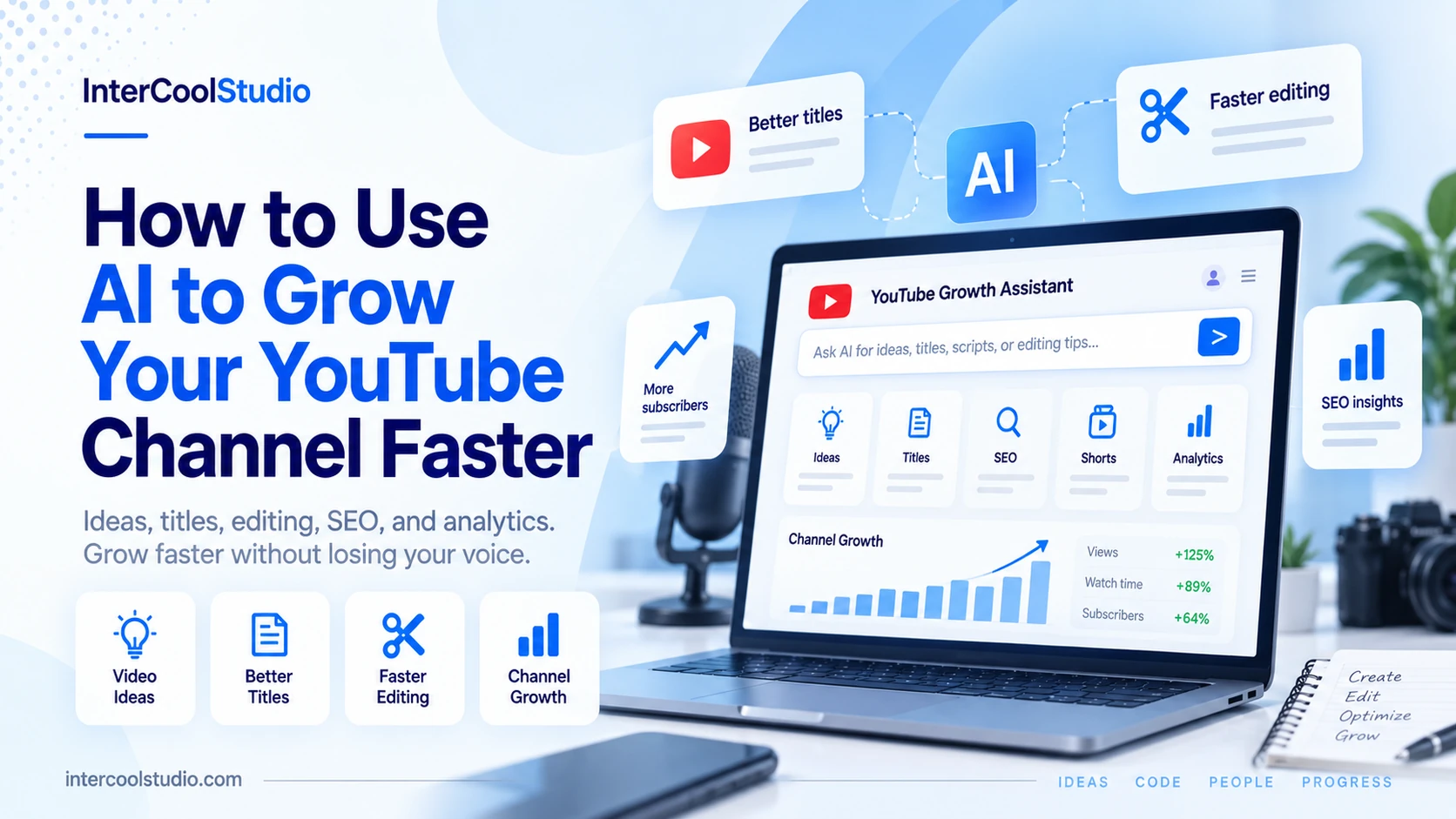
The first year on YouTube, I did it the old-fashioned way. For an hour, I’d look at a blank computer screen and think, “What could I make?” As the minutes ticked by, I’d go an hour without an idea for a video, then film it, then spend another hour agonizing over a video title I would end up changing a few times. Eventually, I started using AI to grow my YouTube channel and speed up the parts of the process that were slowing me down.
It expanded on a small scale, but it slowly expanded, and I’m still prepping and preparing, but just doing it for the sake of? But the channel was growing – grumph – before it ever had all the numbers to make it worth it. It’s not the new camera; it’s not a viral fluke: what made things change. It was education: AI saves time, and AI makes your videos worse.
Here’s what I have found effective, and I want you to feel supported on your journey.
AI can help YouTube creators save time on research, titles, editing, SEO, repurposing, analytics, and comment management. The strongest results come from using real channel data and keeping your own voice, ideas, and judgment in control. Use AI to remove repetitive work, then test one change at a time so you can see what actually improves growth.
Use data from real videos to create ideas for video notes
The biggest problem for most channels is topic research. Avoid something magical like “give me 50 video ideas. Don’t assume there’s a magic cue that will return “video ideas, 50.” This list is generic (and everyone else is receiving the same list).
Instead, I list the titles of my top 10 videos and a few of my top competitors’ videos, along with several comments my audience left on my videos, then share them with the AI and ask it to identify patterns.
What do the winners have in common? Are theyhow-toss or comparisons, stories? What comments are there that I don’t answer? That’s technology that makes the AI a research tool filled with real data, rather than a slot machine firing out stories.
Optimize titles and thumbnails with AI
This is what I benefit from the most. I’ll come up with about ten or fifteen different titles, and have AI reformulate them in a variety of ways: curiosity, specific result, common mistake. I seldom use its version as-is. This is more choice than I can imagine coming to me at eleven in the evening. In thumbnails, I focus on brainstorming and simplifying the images, such as removing a background from a creatively shot image or fine-tuning a cut-out for readability.
The idea and the feeling in the face, yet again, need to be one’s own. Tentatively appearing thumbs are more likely to be cliched than others that look generated.
This is one of the simplest ways to use AI to grow your YouTube channel without handing over the creative decisions.
Keep my voice in scripting
People go wrong with scripting. If someone asks a question in a chatbot, visits the website, and waits for an answer, they can sense within about 15 seconds how the assistant is working. The tone is quite flat and over-polished, and they sailed away. For me, it works to talk through the video first, make a rough voice note, then play it back and transcribe it.
Next, I use AI to improve the structure, including identifying the best opening, cutting tangents, and removing repetition. In the name of the words, it is mine. Also ask it to challenge the opening! Would anybody still watch beyond the first 30 seconds if theydidn’tt know me? Surprisingly good critic when asked to be hard.
Give AI the grunts and the chores
The time-saving secret weapons of the editing tools. Elements like automatic captions, silence removal, filler removal, audio cleanup, and rough cuts from a transcript would take hours. Now they take minutes, not hours. Consistency matters, and it outweighs perfection on YouTube comment picker. That’s another video every couple of weeks or so, and the more you discover, the more important it becomes. Monitor the output. It still has errors with names and technical terms, so I always give it a hasty read, but it’s still a start.
Descriptions, Chapters and Tags feature
AI supports descriptions, chapters, and tags for search. I upload my transcript and ask for a description that, in simple words, explains what the video is about, plus chapter timestamps. Chapters can enrich the viewer’s journey through the video and appear in search results.
I use “AI” to suggest more related keywords people might search, which I then compare to YouTube’s search suggestions. Don’t rely entirely on AI-driven keywords because they don’t use live search data.
Turn One Video into Many
One of the growth hacks you don’t really feel like using. One long video can be three or four Shorts, one blog post, and some community posts. Ask AI to extract the most quotable moments from the transcription, then cut and paste them yourself. The shorts will attract new viewers who are unlikely to subscribe to the longer videos. Some shorts will get subscribers; others won’t find the long videos and will subscribe to the shorts instead.
Take a second pair of eyes to review your analytics
Export data from your video viewers and retention data, explain where they drop off, and ask what you think may be causing it. Using AI to grow your YouTube channel also means learning from the data you already have instead of guessing what viewers want.
You will still need to listen for the right information; it may help you realize, for instance, that a long introduction at the beginning of every video wastes a minute of viewers. Patterns like these can be easy to overlook when you are too close to the videos.
Discuss your business and remove any distractions
AI can help with the part of growth nobody wants: interacting with individuals. If lots of comments come in, I sort them into questions, praise, and complaints, using AI to answer the useful ones first. I personally compose the responses, as that personal touch keeps people coming back to the channel. But seeing which comments contain video ideas has also given me more ideas than any brainstorming ever did.
Test One Change at a Time
A helpful habit that helped all of this to stick was testing one thing at a time. Then I started using it for titles, and for a month I didn’t do anything else, so I could see whether it helped. There’s a lot of fuss around growth on YouTube Community Post Image Downloader, and if you change your thumbnail length, upload schedule, and intro style—all at once—you’ll never know what worked.
Just take a quick note of what you tweaked and how CTR and watch time changed.
Leverage AI to eliminate obstacles, not personalities
The botched error I see most often is overproducing content – not creating better content. A few video uploads a day based entirely on repetitive templates and voiceovers are usually short-lived, and YouTube has been stricter on generic, mass-produced scripts and voiceovers. Use AI to reduce friction, not replace your personality. A bot can’t copy your perspective. Start this week with one step; maybe it’s brainstorming the title or cleaning up the transcript.
How can I use AI to grow my YouTube channel?
AI can help with topic research, title ideas, thumbnail concepts, transcript cleanup, editing, descriptions, chapters, Shorts, and analytics.
The strongest results usually come from giving AI real channel data and using it to support your decisions rather than letting it create everything from scratch.
What is the best way to use AI for YouTube video ideas?
Start with your own successful videos, competitor titles, audience comments, and recurring questions instead of asking AI for a generic list of ideas.
AI can then look for patterns, unanswered topics, and formats that already resonate with your audience.
Should I use AI to write complete YouTube scripts?
AI works better as an editor and structure assistant than as a replacement for your voice.
Record your ideas first, transcribe them, and then use AI to tighten the opening, remove repetition, organize sections, and identify weak parts.
Can AI help improve YouTube titles and thumbnails?
Yes. AI can generate alternative title angles based on curiosity, specific outcomes, mistakes, or questions and help simplify thumbnail concepts.
Treat those suggestions as starting points. The final title, visual idea, and personality should still feel specific to your channel.
Can AI help analyze YouTube channel performance?
Yes. You can give AI video performance and audience-retention data and ask it to identify patterns such as weak openings, repeated drop-off points, or topics that perform consistently well.
Use those observations as hypotheses, then test one change at a time so you can see what actually affects click-through rate, watch time, and viewer retention.

Andrej Fedek is the creator and one-person owner of three blogs: InterCool Studio, CareersMomentum, and Bettegi. As an experienced marketer, he is driven by turning leads into customers with White Hat SEO techniques. Besides being a boss, he is a real team player with a great sense of equality.