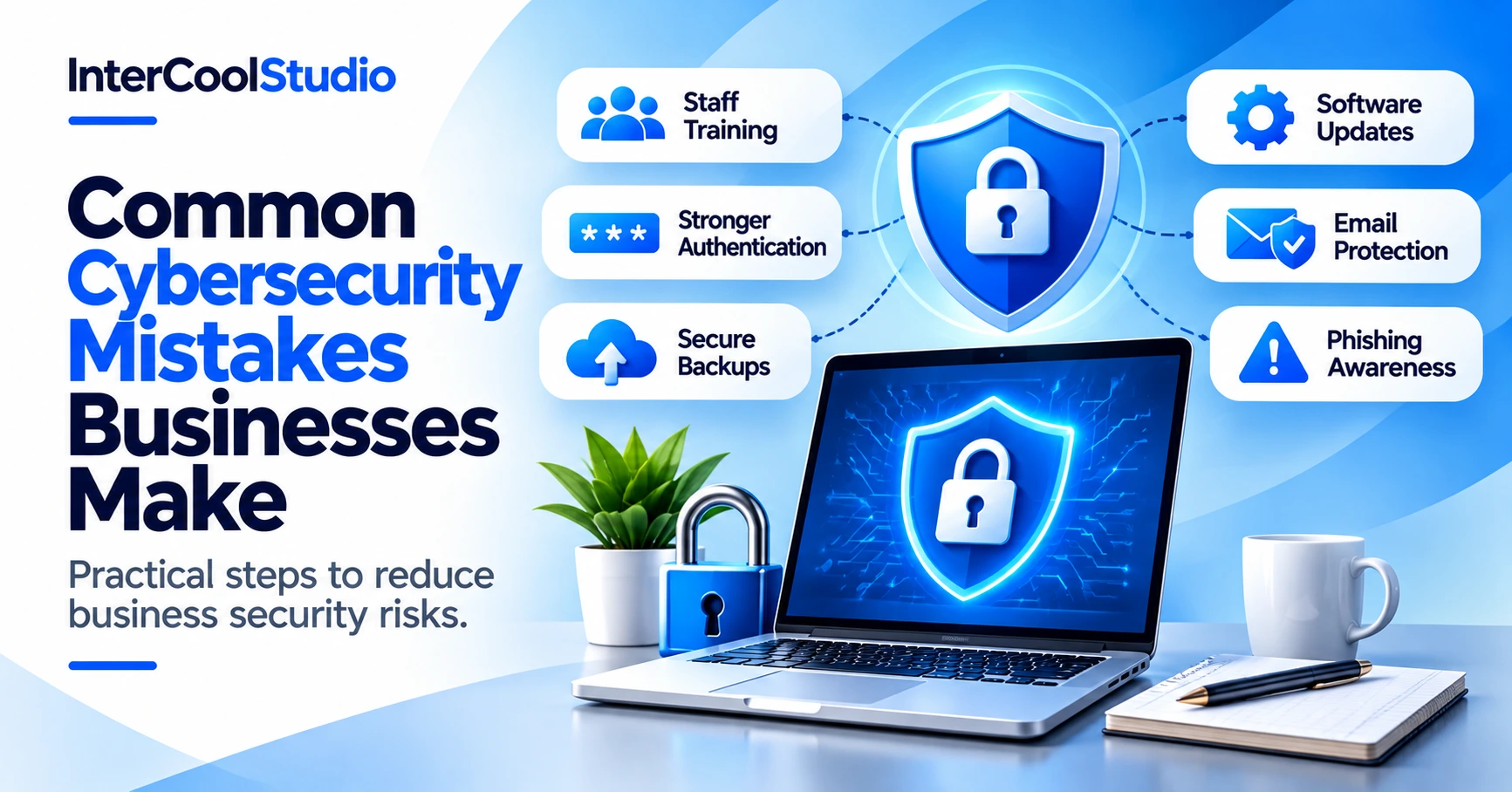
The rise of cybercrime in recent years is a huge concern for businesses in all industries. Businesses of all sizes are being targeted by criminals using increasingly advanced tactics and technologies, making it harder to protect themselves, especially as more business activities move online. You see many companies making the same cybersecurity mistakes, creating vulnerabilities that could lead to an attack. Cyberattacks can harm a business in many ways and are often hard to recover from, which is why it is important to recognize these mistakes and take steps to avoid them. Here are the main mistakes to avoid.
The most common cybersecurity mistakes businesses make include inadequate staff training, weak authentication, neglected security updates, and unreliable backups. These vulnerabilities can expose company data and systems to phishing, unauthorized access, and ransomware attacks. Reducing these risks requires employee awareness, multi-factor authentication, regular security reviews, and tested data backups.
Lack Of Staff Training
The most common mistake businesses make is failing to train staff on cybersecurity. You can have the best cybersecurity software in place, but if your team doesn’t know how to work safely and avoid common scams, you will always be at risk. Staff training should cover phishing emails, suspicious attachments, fraudulent payment requests, and how to report a potential security incident.
Many organizations also strengthen their defense posture by investing in comprehensive cybersecurity services that cover training, monitoring, and rapid response. This also gives them confidence they can avoid cybersecurity mistakes.
Failing To Update Software
Another common mistake is failing to complete software updates when they become available. It’s easy to delay these updates day by day, but that puts your business at risk. Software updates usually include bug fixes and security patches that protect against the latest threats, so you should apply updates as soon as possible for the best protection.
Poor Password Protection
Weak or reused passwords make it easier for attackers to access business accounts without authorization. Employees should use long, unique passwords for each account, preferably generated and stored in a reputable password manager. Regular password changes are unnecessary unless evidence shows a security breach or compromised credentials. Businesses should also enable multi-factor authentication (MFA), particularly for email, financial systems, and administrator accounts. Passkeys and hardware security keys offer stronger phishing protection than traditional verification codes, while security questions should not be treated as a reliable authentication factor. Furthermore, protecting business email domains with protocols such as DMARC and DKIM, alongside SPF, helps reduce domain spoofing and email impersonation attempts.
Overlooking API Security
Application programming interfaces (APIs) play an increasingly important role in modern-day business. APIs facilitate communication between different software systems, but weak API security can lead to data breaches or unauthorized access. To avoid this, use an API management platform that features authentication, real-time monitoring, and traffic control. You should also encrypt transmitted data and authenticate users before granting API access. API management platforms enable robust API security and make securing and monitoring APIs much easier.
Not Considering Insider Threats
It is easy to assume you only need to worry about external threats, but internal threats are a major driver of cybercrime. These can be malicious or accidental, so you must protect against employees, contractors, partners, and anyone else with access to your company’s sensitive data. To prevent insider threats, you should utilize the principle of least privilege (PoLP) – this involves granting access to only the data and resources that staff need to do their jobs. This reduces the attack surface and helps protect against both malicious and external threats. You can also use monitoring tools to detect unusual behavior. When an employee leaves the business, you must immediately revoke all access to sensitive information to avoid cybersecurity mistakes.
Not Testing Defenses Regularly
Cybersecurity isn’t something you set and forget. You must regularly test your defenses to identify vulnerabilities and ensure you’re protected against the largest threats. This means conducting regular cybersecurity audits and using PEN testing agencies to simulate attacks on your system and highlight areas that need improvement.
Failing To Back Up Data Externally
Keeping secure backups of sensitive business data is essential for protecting against accidental deletion, hardware failures, and cyberattacks. This is particularly important when dealing with threats such as ransomware, which can encrypt files and disrupt business operations. Businesses should follow the 3-2-1 backup strategy: maintain three copies of important data, store them on two different types of storage, and keep at least one copy offsite. Ideally, one backup should also be offline or protected against unauthorized modification. Regularly testing the restoration process is as important as creating backups, since an untested backup may fail when you need it most.
Lack Of Mobile Device Security
These days, many employees access company resources and data through their mobile phones. While this brings convenience, it can also create new cyber risks. Therefore, prioritize mobile device security in case a device is lost, stolen, or hacked. This should include using mobile device management software (MDM) and requiring a secure network to access company resources and data.
Failure To Keep Up With The Latest Developments
Finally, you must recognize that both cybersecurity and cybercrime are constantly evolving. To stay protected and aware of the latest threats, you need to make a continuous effort to keep up. You can do this by reading tech websites and blogs, listening to podcasts, and engaging with experts in the field. Cybercrime is the biggest threat to modern-day businesses, so it is not an area to neglect, especially with the rise of AI-powered attacks in recent years.
These are the most common cybersecurity mistakes that every business needs to avoid. Cybercrime is becoming more sophisticated and widespread, and it can damage a business in many ways. By avoiding these mistakes, you can develop robust protection against the latest and most advanced threats. In addition to protecting your business, this also gives you and your team peace of mind that you have strong protection in place.
What are the most common cybersecurity mistakes businesses make?
Common mistakes include inadequate employee training, reused passwords, missing multi-factor authentication, outdated software, and unsecured business devices.
Other frequent weaknesses include poorly protected APIs, unreliable backups, and failing to test security controls regularly.
How can small businesses prevent cybersecurity mistakes?
Start by enabling multi-factor authentication, using unique passwords, installing security updates, and training employees to recognize phishing attempts.
Businesses should also restrict unnecessary account permissions, maintain secure backups, and review their security settings regularly. These measures reduce risk but cannot eliminate every threat.
Why is employee cybersecurity training important?
Employees regularly encounter suspicious emails, fraudulent messages, malicious attachments, and requests for sensitive information.
Practical training helps staff recognize these warning signs, verify unusual requests, and report potential incidents before they escalate.
How often should businesses back up their data?
Backup frequency depends on how much data a business can afford to lose. Systems with frequent changes may require daily backups or more frequent automated copies.
Keep at least one backup isolated from the main network and regularly test restoration procedures to confirm that important files can be recovered.
Is antivirus software enough to protect a business?
No. Antivirus software can help detect and block malicious programs, but it does not address every security weakness, including stolen credentials, phishing, or misconfigured accounts.
Effective business protection also requires access controls, multi-factor authentication, software patching, employee training, secure backups, and an incident response plan.

Andrej Fedek is the creator and one-person owner of three blogs: InterCool Studio, CareersMomentum, and Bettegi. As an experienced marketer, he is driven by turning leads into customers with White Hat SEO techniques. Besides being a boss, he is a real team player with a great sense of equality.