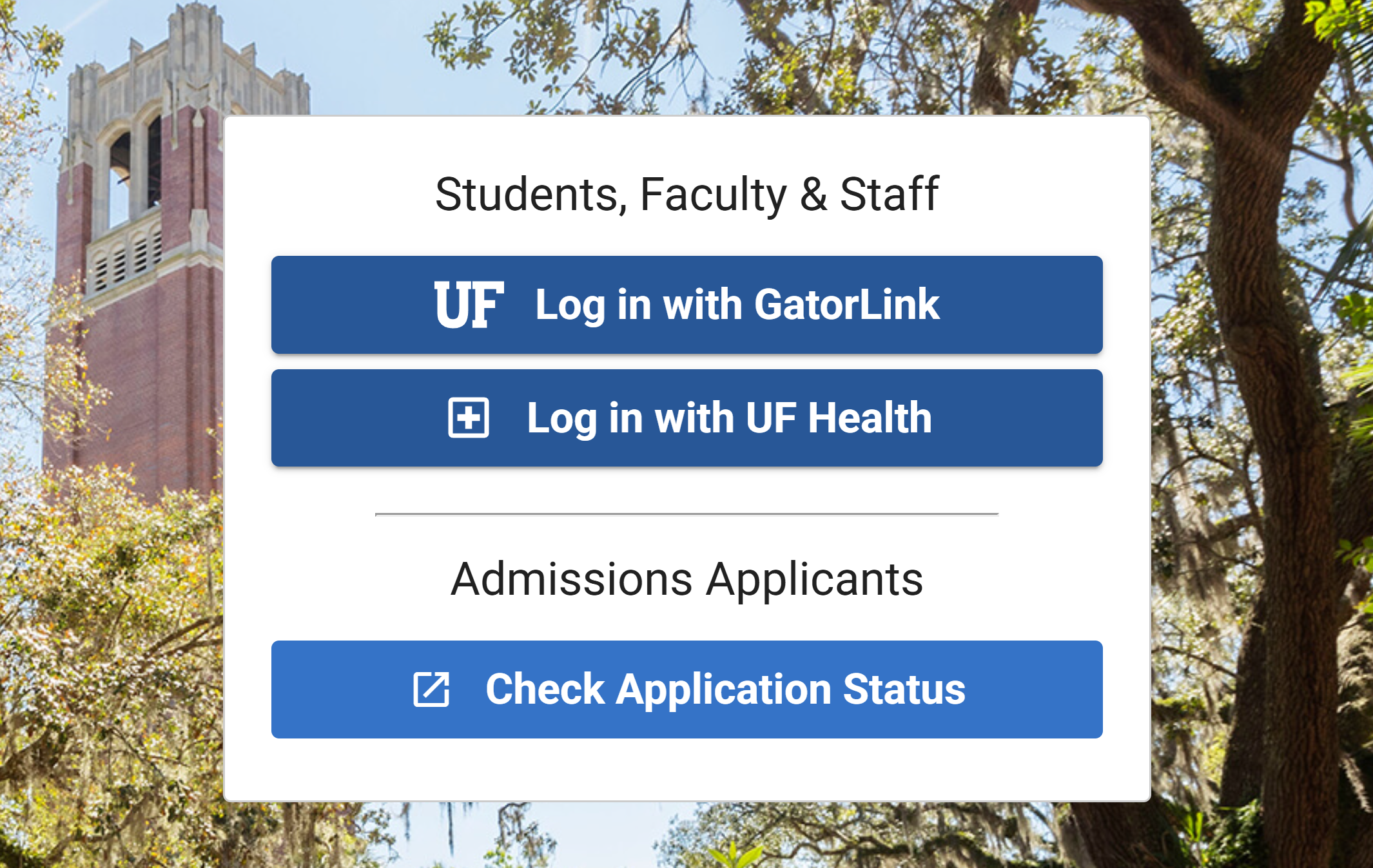
ONE.UF is the University of Florida’s main student portal — a place where schedules, grades, financial tools, enrollment updates, and academic records come together. Most students log into ONE.UF daily without realizing how much the portal actually controls behind the scenes. Course visibility, access to online tools, and even how quickly changes show up in UF eLearning all depend on this system working correctly.
Because ONE.UF serves as the administrative core of the university; a minor delay or incomplete update can confuse other UF platforms. This guide explains what the system does, why it matters, and how to understand the most common problems students encounter when something in the portal doesn’t behave as it should.
ONE.UF is the University of Florida’s central student portal used to manage academic records, enrollment, financial aid, schedules, grades and GatorLink-linked access to other UF systems. This guide explains what ONE.UF does, how one.uf login access works, how it affects course visibility in UF eLearning and what to do when ONE.UF loads slowly, fails to sync or changes your access.
Table of Contents
What Is ONE.UF?
ONE.UF is the University of Florida’s main student portal — a single place where academic records, financial aid details, schedules, grades, and personal information all come together. It’s the administrative core of a student’s digital identity at UF. Whenever you register for a class, update your profile, review your financial status, or check your academic progress, the update moves through ONE.UF first.
Unlike UF’s learning platforms, which focus on course content, ONE.UF manages the official data that determines what a student is allowed to access. If something feels out of sync across UF’s online systems, the explanation usually begins here. Understanding this portal makes it much easier to follow how your enrollment and course access evolve throughout the semester.
How ONE.UF Login Access Actually Works
Logging into ONE.UF is more than a simple username-and-password check. The portal verifies your GatorLink identity, checks your academic standing, pulls your active enrollment data, and updates your permissions across the university systems connected through the UF cloud.
Each login session refreshes your student profile’s state. If you recently changed your GatorLink password, updated your Duo device, switched majors, or added a new course, ONE.UF processes that information the moment you sign in. That’s why simply logging out and logging back in can fix so many “stuck” updates — the portal forces a fresh sync and clears the stale session data that often causes problems.
When the interface feels slow, unresponsive, or incomplete, it’s almost always because your browser is still holding onto an older authentication token. A private window resets everything and usually loads the portal instantly.
ONE.UF vs. UF eLearning
Although students use both systems every day, ONE.UF and UF eLearning do completely different jobs.
ONE.UF is the administrative system — it manages enrollment, billing, financial aid, grades, personal information, and academic eligibility. If the university needs to confirm anything about your status, ONE.UF is where that information lives.
UF eLearning, on the other hand, is the academic delivery system. It handles assignments, course modules, instructor materials, announcements, quizzes, and deadlines. It’s where the learning happens.
When a course is missing in UF eLearning, the first place to check is ONE.UF — because UF eLearning only displays courses that ONE.UF has been fully validated.
If ONE.If your enrollment hasn’t finished syncing, or if the instructor hasn’t published the course yet, UF eLearning won’t show it. The two systems are inseparable, but they perform different jobs that students often mistake for each other.
How ONE.UF Controls Course Visibility
Every time you register, drop or modify a class, ONE.UF instantly updates your official academic record. But UF eLearning doesn’t always update instantly — it listens for a signal from ONE.UF before displaying a new course.
This is why students sometimes see a class in ONE.UF, but it fails to appear online. The enrollment has been recorded, but the digital sync hasn’t completed yet, or the instructor hasn’t activated the course in their teaching system.
ONE.UF is the source of truth. UF eLearning is the interface. Nothing appears online until ONE.UF confirms it.
Because of this structure, many students misinterpret UF eLearning behavior as a glitch, when in reality ONE.UF is still processing a change behind the scenes.
Why ONE.UF Sometimes Syncs Slowly
There are times during the semester when ONE.UF becomes overwhelmed with student activity — add/drop periods, financial aid disbursement weeks, registration opening days, and early mornings when thousands of students log in at once.
During these peak moments, updates are processed in batches. Your schedule may update instantly, but UF eLearning might take several minutes (or longer) to reflect the change. Grades, payment,s and financial aid adjustments may also take time to propagate through the system.
Students often think something broke. In reality, ONE.UF is just busy.
The most straightforward fix is the oldest one: close the tab, sign out, and reopen ONE.UF in a clean session. This forces the system to fetch the freshest version of your academic data.
How Holds in ONE.UF Affects Your Access
A single hold in ONE.UF can quietly break your entire online learning experience.
You may be registered for a class, you may have paid tuition, and you may be checking your schedule — but if ONE.UF is flagging an unresolved hold; the system may block course activation across other UF platforms.
A hold can:
Stop UF eLearning from displaying classes.
Prevent enrollment syncs.
Interrupt schedule updates.
Lock your online services without warning.
Once the hold is cleared, access usually returns automatically within minutes, sometimes instantly after the next login.
Holds work behind the scenes, and because students rarely check them, they are the cause of half of all “my course isn’t showing” problems.
Why ONE.UF Fails to Load or Shows Blank Pages
Most loading issues stem from browser behavior — not from UF system outages.
When ONE.UF refuses to load, shows blank tiles, half-rendered pages, or endless spinners; your browser is almost always hanging onto outdated session cookies. Modern browsers also aggressively block scripts, which can break it’s interface on mobile devices.
There’s a reason why private windows fix the issue:
They skip all stored data and open ONE.UF as if you’re a brand-new visitor.
If it loads instantly in private mode but not in your regular browser, you’ve found the cause — cached data or a conflicting extension.
Troubleshooting
Why ONE.UF Stops Loading
When ONE.UF refuses to load, shows blank tiles, half-rendered menus, or an infinite spinner; the cause is rarely a system outage. It almost always comes from your browser holding onto an outdated GatorLink session. The portal expects a fresh identity token, but the browser keeps trying to reuse an old one.
A private window clears all cached session data instantly and forces it to build a clean session from scratch.
Why a Registered Course Doesn’t Appear Online
A course can appear in ONE.UF but stay invisible in UF eLearning until two conditions are met: your enrollment must finish syncing inside, and the instructor must publish the course.
If even one of these steps hasn’t happened yet, UF eLearning hides the class by design. Students often think Canvas is broken, but the course is simply waiting for ONE.UF to confirm eligibility.
Why GatorLink Changes Don’t Sync Instantly
Any time you update your password, Duo device, or recovery settings, ONE.UF requires a fresh login session before it accepts the new identity state. Until you sign out and back in, the system continues to operate on your previous credentials.
This is why a simple logout/login cycle fixes so many access problems — you’re refreshing your UF identity, not just refreshing a page.
The Pattern Behind All Issues
Most ONE.UF problems trace back to a single point of failure: a mismatch between your current UF identity and the one stored in your browser. Cached sessions, incomplete syncs, and outdated tokens all trigger the same behavior — missing menus, incomplete updates, or invisible courses.
Once you understand this pattern, troubleshooting becomes far easier.
When Troubleshooting Won’t Help
Some issues are not technical at all—a single hold in ONE.UF can block enrollment, delay course activation or remove access across multiple UF systems. Until the hold is cleared, no amount of refreshing or private windows will fix the problem.
Once the hold disappears, it syncs automatically, and your access returns.
What is ONE.UF used for?
ONE.UF is the University of Florida’s central student portal where academic records, enrollment, financial aid, tuition, grades, schedules, and personal information are managed.
Why is ONE.UF not loading properly?
ONE.UF may fail to load when the browser keeps outdated session cookies or when tracking protection blocks secure UF scripts. A private window usually fixes it immediately.
Why is my course not showing after registration?
Courses appear online only after ONE.UF finishes syncing enrollment and after the instructor publishes the class. If either step is incomplete, the course will stay hidden.
Why did my ONE.UF access change or expire?
ONE.UF updates permissions automatically based on your academic status. When that status changes or becomes inactive, certain tools and menus may no longer appear.
Does ONE.UF work well on mobile?
Yes, but some menus can fail to load when mobile browsers block scripts. Disabling tracking protection or switching to Wi-Fi usually solves the issue.

Andrej Fedek is the creator and the one-person owner of two blogs: InterCool Studio and CareersMomentum. As an experienced marketer, he is driven by turning leads into customers with White Hat SEO techniques. Besides being a boss, he is a real team player with a great sense of equality.