A sales team closes a deal, but finance still has to copy customer details into an invoicing system. Project updates arrive through email, while managers spend hours combining spreadsheets to understand what their teams have completed. These disconnected workflows create delays, duplicate work, and avoidable errors.
Adding more software rarely solves the problem on its own. Businesses need to identify where information gets stuck, choose tools that work together, and introduce changes without disrupting daily operations.
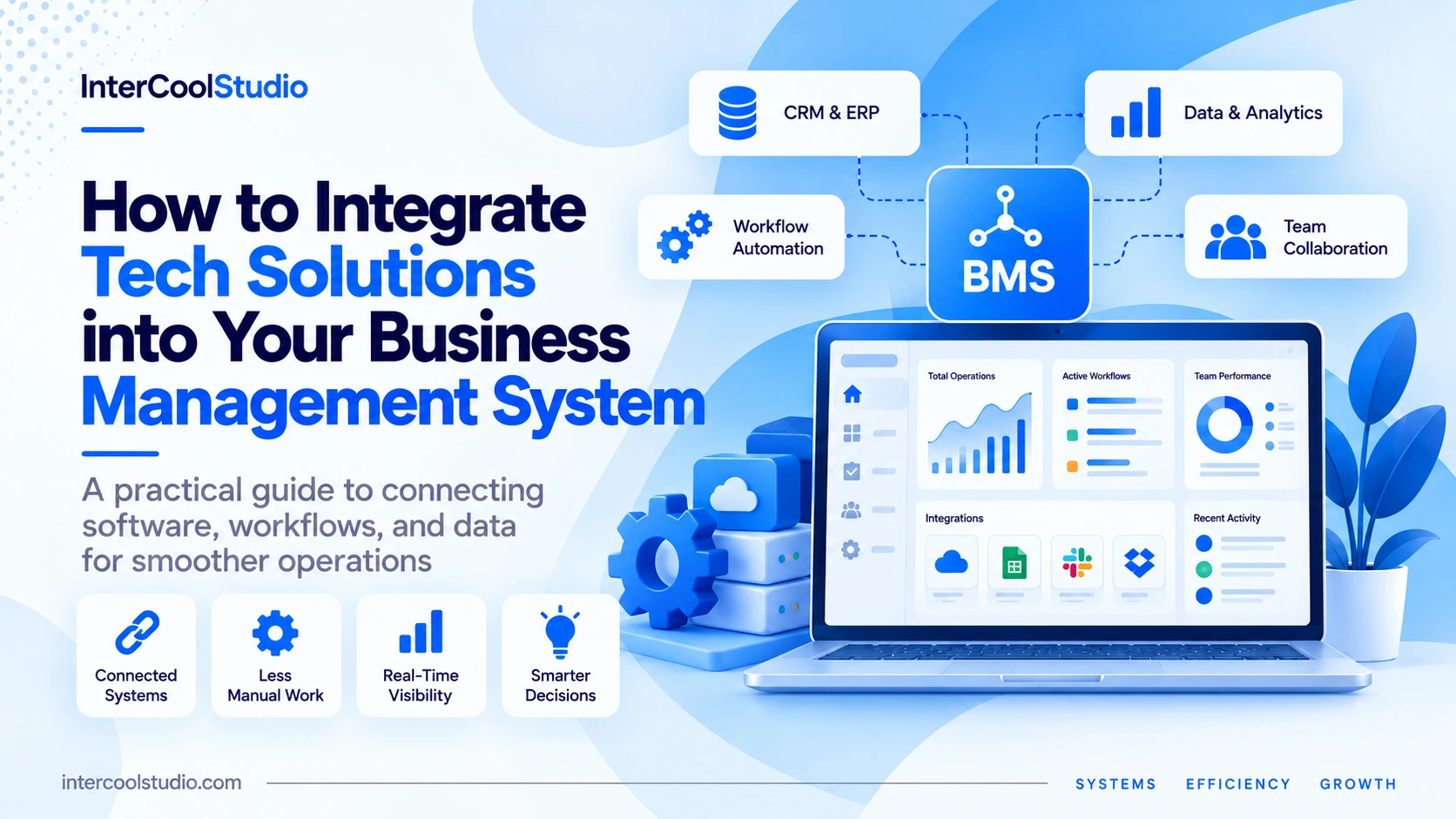
In this guide, we’ll cover practical ways to integrate tech solutions into your business management system, from automation and data synchronization to implementation planning, employee adoption, and measuring results.
Integrating tech solutions into your business management system starts with identifying disconnected workflows and repetitive tasks. Prioritize software that can share accurate data across sales, finance, operations, and communication tools. Test integrations on a small scale, establish clear access permissions, and train employees before expanding. Measure time saved, error rates, and workflow efficiency to determine whether the new technology delivers practical improvements.
What Does It Mean to Integrate Tech Solutions into a Business Management System?
Integrating tech solutions into a business management system means connecting applications so they can exchange information and support the same workflows. Instead of managing customer records, invoices, projects, and reports in separate systems, businesses connect them to reduce manual data entry and keep information consistent.
For example, when a sales representative marks a deal as won in a CRM, an integration can create a customer record in the accounting system and notify the project team. Finance can review the information before issuing an invoice, while project managers receive the details needed to begin work.
These connections may use built-in integrations, application programming interfaces (APIs), or automation platforms such as Zapier and Make. The right method depends on the software involved, the workflow’s complexity, and the level of control you need over data.
The goal isn’t to connect every application. It’s to eliminate unnecessary manual steps while keeping important information accurate, accessible, and secure.
How to Integrate Tech Solutions into Your Business Management System
Connecting business software requires more than installing applications and activating integrations. You need to understand how information moves between departments, decide which processes to automate, and verify that connected systems handle data correctly.
The following steps provide a practical starting point.
1. Identify Disconnected Workflows
Start by mapping the tasks employees complete across different applications. Look for repeated data entry, manual spreadsheet updates, delayed approvals, and information that frequently needs correcting.
For example, if the sales team enters customer details into a CRM and the finance team re-enters the same information to prepare invoices, that workflow is a strong candidate for integration.
Document which system creates the information, where it needs to go, and who is responsible for checking it.
2. Audit Your Existing Software
Before purchasing another platform, review the integration capabilities of the tools you already use.
Check whether your CRM, accounting software, project management platform, and communication tools offer native integrations, API access, or connections through automation services.
Also review subscription limits. Some vendors restrict API access, automation volume, or advanced integrations to higher-priced plans. An apparently inexpensive solution can become costly if the required connections are not included.
3. Prioritize One High-Impact Integration
Avoid connecting every application at once. Choose a workflow with a clear operational problem and a measurable result.
A service business might start by connecting its CRM with its project management software. When a deal reaches an approved stage, the integration can create a project and assign an initial task to the delivery manager.
Define exactly what should trigger the action, which fields must transfer, and what happens when information is missing.
4. Test Data Synchronization and Permissions
Run the integration with sample records before introducing it across the company.
Check that names, dates, currencies, customer identifiers, and task assignments transfer correctly. Test duplicate records, incomplete fields, failed connections, and changes made after the initial transfer.
Use dedicated integration accounts or appropriately limited permissions where supported. Employees and connected applications should access only the information needed for their responsibilities.
For sensitive customer or financial data, confirm the vendor’s security controls and applicable data protection requirements before enabling synchronization.
5. Train Employees and Measure Results
Introduce the new workflow to a small group first. Explain which tasks are automated, which still require human approval, and how employees should report incorrect information.
Track practical results such as:
- Time spent entering the same information into multiple systems.
- Number of duplicate or incorrect records.
- Time required to complete approvals or handoffs.
- Frequency of failed integrations and manual corrections.
Compare these measurements with the original workflow. If the integration reduces repetitive work without introducing new errors, expand it gradually to other teams.
Automate Routine Processes for Improved Efficiency
Routine business tasks often involve predictable actions: sending payment reminders, updating inventory records, assigning incoming requests, or notifying employees when schedules change. Automation allows these actions to run when predefined conditions are met, rather than requiring someone to initiate each step manually.
For example, a business can connect its customer relationship management (CRM) platform with its customer support system to create a support ticket when a service request is submitted. Accounting software can send reminders when invoices become overdue, while inventory systems can alert purchasing staff when stock falls below a specified threshold.
Not every process should run without human oversight. Refunds, large purchases, and changes to sensitive customer records may require approval before an automated workflow proceeds. Configure error notifications and keep records of completed actions so employees can identify failures instead of discovering them after a customer complains.
The most useful automations remove repetitive work while leaving employees responsible for decisions that require judgment.
Case Study: CoreLogic Saves Over 50,000 Hours Through Automation
Australian property data company CoreLogic replaced its previous robotic process automation system with Microsoft Power Automate, combining desktop and cloud workflows to handle repetitive business processes.
According to Microsoft’s March 2025 customer study, the migration freed up more than 50,000 hours of capacity and reduced automation costs fivefold. These are company-reported results, not industry averages.
The example shows why businesses should examine existing processes before investing in additional software. CoreLogic improved how automation was delivered and maintained, rather than simply adding another application.
Enhance Data Management and Decision-Making with Advanced Analytics
Business analytics becomes more useful when sales, finance, customer service, and operational data can be analyzed together. A business intelligence (BI) platform can combine information from these systems into dashboards that track revenue, customer retention, operating costs, and project performance.
For example, a retailer can connect its sales and inventory records to identify products that sell quickly but frequently run out of stock. A service company can compare project hours against invoiced revenue to identify contracts with rising costs or shrinking margins. These insights help managers investigate problems using actual business data rather than relying on separate reports.
Data quality matters just as much as visualization. Duplicate customer records, inconsistent date formats, and outdated information can produce misleading results. Establish common reporting definitions, validate incoming data, and assign responsibility for correcting errors.
Businesses managing regulatory or compliance-related information may also require specialized data services. To explore available solutions for data verification, risk assessment, and regulatory workflows, you can visit site and review the services offered by Global Data.
Focus your dashboards on a manageable set of key performance indicators (KPIs). Review them regularly, investigate unusual changes, and use the findings to make specific operational decisions.
Case Study: ROLLER Cuts Data Preparation From Days to Minutes
ROLLER, a software provider serving more than 3,000 entertainment venues, previously relied on manual SQL queries and fragmented reporting processes to prepare business information.
The company moved to an integrated Google BigQuery and Looker environment. According to Google’s customer study, its internal payments team reduced data aggregation work from several days per week to minutes. The new reporting system also gave participating venues access to self-service analytics without requiring separate BI tools.
The improvement came from changing how they collected and accessed information. Employees no longer needed to reconstruct the same reports before investigating payments and operational performance.
Adopt Cloud-Based Solutions for Seamless Accessibility
Cloud-based business management software lets employees access shared records, applications, and project information without relying on computers in a single office. Teams can work with the same information across locations, as long as they have an internet connection and the appropriate permissions.
For example, a field service company can use cloud software to give technicians access to job schedules, customer addresses, and service histories. Once a technician completes a job, the system can update its status and make the information available to office staff. Managers can review progress without calling individual employees or collecting separate reports.
Cloud platforms can also reduce the need to maintain physical servers. However, you still need to consider subscription costs, storage limits, user licenses, and integration fees. Before choosing a provider, check whether its software supports your existing applications, data exports, automated backups, and the access controls your business requires.
Security and reliability also need attention. Enable multifactor authentication, restrict access by employee role, and establish procedures for internet outages. Review the provider’s data retention policies and recovery options so important business records remain accessible if an account is compromised or a service becomes unavailable.
Strengthen Communication with Unified Collaboration Tools
Business communication becomes difficult when project decisions are buried in email threads, customer updates stay inside a CRM, and employees use separate messaging apps to coordinate the same work. Connecting collaboration tools with business management software helps teams receive relevant information without constantly switching between applications.
Microsoft Teams and Slack can connect with project management platforms, CRMs, and automation tools, while Zoom supports video conferencing and meeting workflows. Available integrations depend on the platform and subscription plan.
Consider a marketing agency managing several client accounts. When a client approves a campaign milestone in the project management system, an integration can notify the appropriate Slack or Teams channel. The account manager sees the approval, the production team knows which work can begin, and the project record remains the reference point for deadlines and responsibilities.
The important distinction is between sharing information and creating more notifications. Sending every CRM update, task change, and automated alert into a single channel makes important messages harder to find. Configure notifications around specific events, such as overdue approvals, blocked tasks, and completed deliverables.
Keep final decisions, project files, and customer records in their designated systems rather than relying on chat history. Review guest access, file-sharing permissions, and integration settings when working with contractors or external clients.
Final Words
A business doesn’t need to replace its entire software stack to improve how work gets done. Connecting two existing applications can solve a persistent problem, whether that’s transferring approved customer information, reducing duplicate invoices, or making project updates available to the right employees.
The first integration should have a clear purpose and a measurable result. If employees previously spent five hours a week preparing reports, compare that figure after you introduce the new workflow. If customer records frequently contained errors, measure whether those errors actually decline.
Keep the integrations that improve daily operations, fix those that introduce unreliable data, and remove unnecessary connections. A smaller collection of well-connected applications is often more manageable than a growing software stack that employees struggle to maintain.
What does integrating technology into business management mean?
It means connecting business applications, data, and workflows so information can move between systems without unnecessary manual work.
For example, a CRM can share approved customer details with accounting software, reducing duplicate data entry and keeping records consistent.
Can a small business integrate its existing software without replacing everything?
Yes. Many business applications support built-in integrations or connections through automation platforms such as Zapier and Make.
Start with one recurring problem, such as copying sales information into invoices. Check integration compatibility, subscription limits, and required permissions before adding new software.
What is the difference between native integrations, APIs, and automation platforms?
Native integrations are connections provided directly by software vendors. APIs allow applications to exchange data through defined technical interfaces, often with custom development.
Automation platforms connect supported applications using triggers and actions. Native connections are often simpler to maintain, while APIs provide greater control over complex workflows.
What are the biggest risks when integrating business software?
Common risks include duplicate records, incorrect field mapping, excessive access permissions, failed data transfers, and unexpected integration costs.
Test connections with sample data, restrict access to necessary information, monitor failed workflows, and keep human approval steps for sensitive transactions.
How can businesses measure the success of technology integration?
Compare performance before and after implementation using measurable indicators such as processing time, manual work hours, duplicate records, error rates, and integration failures.
For example, if generating a weekly report previously required four hours, track how much time the connected system saves and whether the resulting data remains accurate.

Andrej Fedek is the creator and one-person owner of three blogs: InterCool Studio, CareersMomentum, and Bettegi. As an experienced marketer, he is driven by turning leads into customers with White Hat SEO techniques. Besides being a boss, he is a real team player with a great sense of equality.