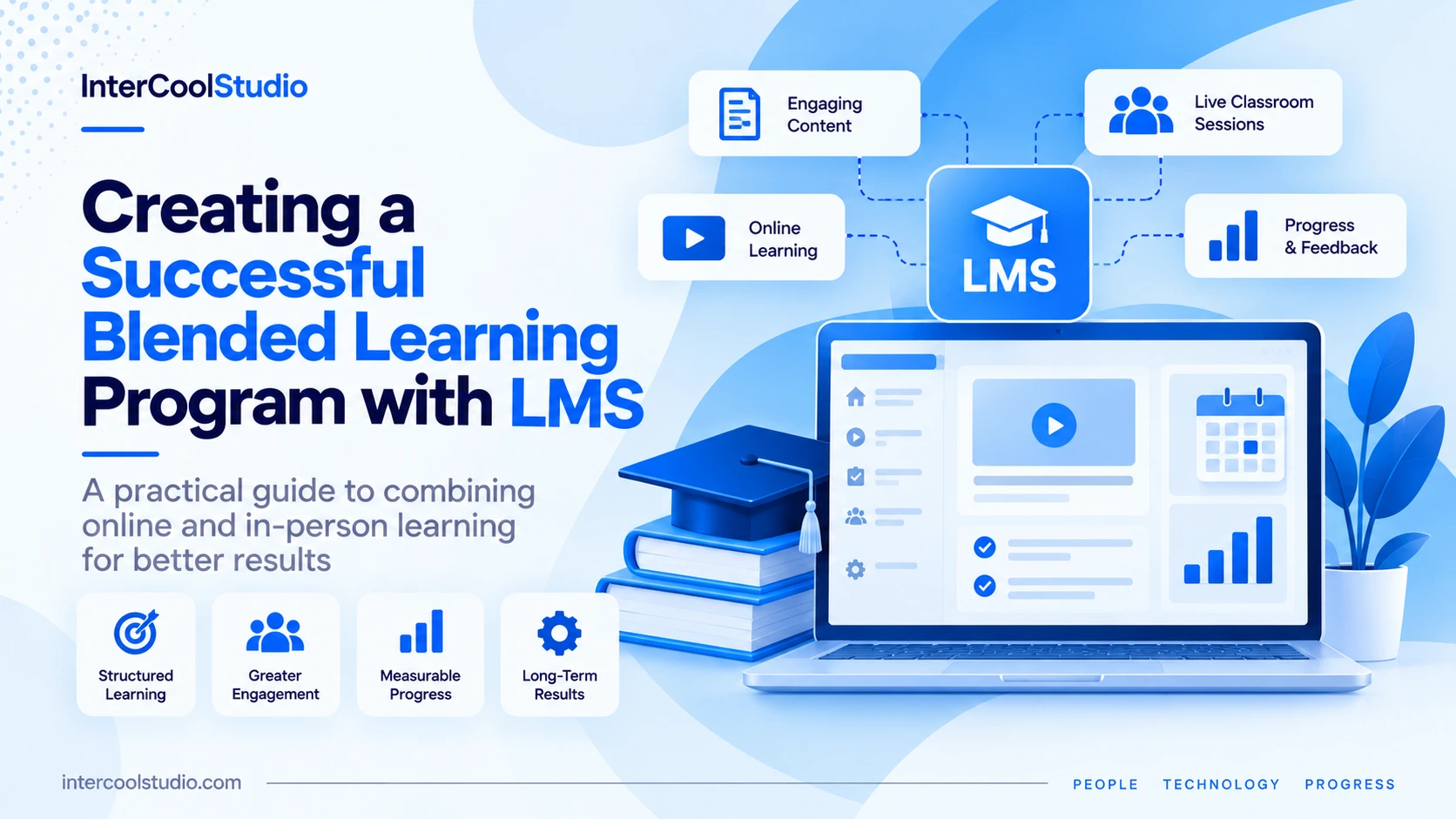
A successful blended learning program combines face-to-face instruction with structured online activities. Rather than simply uploading presentations and assignments, educators use Learning Management Systems (LMS) to organize coursework, assess progress, provide feedback, and connect classroom activities with independent study.
For example, employees completing a workplace training program might watch short lessons before attending a practical workshop, submit assignments through the LMS, and receive feedback before their next session. The online and in-person components serve different purposes but contribute to the same learning objectives.
The challenge is designing those components to work together. An LMS can track course completion and assessment results, but technology alone cannot compensate for unclear objectives, poorly organized content, or inadequate instructor support.
This guide explains how to build a blended learning program using an LMS, from choosing the platform to developing activities, measuring performance, and improving the learning experience.
A successful blended learning program uses an LMS to connect online lessons, classroom activities, assignments, and learner feedback. Start with measurable learning objectives, select a platform with suitable assessment and reporting tools, and decide which activities require live instruction. Monitor completion rates and assessment results, provide timely support, and improve the course based on actual learner performance.
What Is Blended Learning?
Blended learning combines in-person instruction with online learning activities that form an intentional part of the course.
A teacher might introduce a concept through an online video, explore it through a classroom discussion, and use an LMS quiz to assess understanding afterward. Corporate training teams can apply the same structure to employee onboarding, compliance training, or professional development.
Unlike a course that simply provides downloadable materials, an effective blended program connects online tasks directly to classroom objectives.
Several models are commonly used:
- Flipped classroom: Learners review instructional material independently, then use classroom time for discussions, exercises, and problem-solving.
- Rotation model: Learners alternate between instructor-led activities and online learning stations according to a planned schedule.
- Flex model: Most content is delivered online, with in-person instruction available when learners need additional guidance or practical work.
- Enriched virtual model: Learners complete substantial coursework online while attending scheduled face-to-face sessions.
The appropriate structure depends on the subject, learner needs, available facilities, and amount of practical instruction required.
Institutions comparing different platforms can also explore LMS blended learning software with features designed to support both online and classroom-based activities.
Choose an LMS That Supports Your Learning Objectives
Selecting a Learning Management System should begin with the course requirements, not a vendor’s feature list.
A program focused on mandatory employee certification needs dependable assessment records and completion reporting. A university course may place greater importance on discussions, grading workflows, student information system integrations, and accessibility.
Evaluate these capabilities before committing to a platform:
| LMS Capability | Purpose and Benefits |
|---|---|
| Course Organization | Keeps lessons, assignments, resources, and deadlines in a clear sequence so learners know what to complete next. |
| Assessments | Supports quizzes, assignments, grading, and knowledge checks to evaluate learner understanding. |
| Learning Analytics | Tracks activity, course completion, and assessment performance to identify learners who may need additional support. |
| Communication | Provides announcements, discussion forums, and instructor feedback between classroom sessions. |
| Mobile Access | Allows learners to access suitable lessons and activities across smartphones, tablets, and computers. |
| Integrations | Connects the LMS with video conferencing, identity management, student information systems, and other existing tools. |
| Accessibility | Supports accessible navigation, compatible learning materials, captions, and assistive technologies. |
| Administration | Helps manage enrollment, user permissions, reporting, and course administration across multiple learner groups. |
Organizations with unusual workflows may also consider custom development or integration services. For example, Learning Management System (LMS) development services can be relevant when standard platforms cannot accommodate existing business processes.
Before purchasing, run a pilot with instructors and a small group of learners. Ask participants to enroll, locate materials, submit assignments, complete assessments, and review feedback.
A platform that looks impressive during a vendor demonstration may still create unnecessary work during everyday teaching.
Build a Learning Schedule Before Creating Content
One of the most common planning mistakes is preparing videos, presentations, and quizzes before deciding how they contribute to the overall program.
Start by defining what learners should be able to demonstrate at the end of the course.
Then separate activities that work well independently from those requiring live instruction.
Example: A Four-Week Blended Learning Program
Consider an introductory workplace digital skills course.
The following schedule is an illustrative example, not a published study.
| Week | Online Activities in the LMS | Instructor-Led Activities | Assessment |
|---|---|---|---|
| Week 1 — Foundations | Introductory lessons and baseline assessment. | Workshop on essential workplace tools. | Initial skills check. |
| Week 2 — Application | Tutorials and practice exercises completed independently. | Guided problem-solving session with instructor assistance. | Practical assignment. |
| Week 3 — Collaboration | Group discussion and shared project resources. | Team-based workplace scenario and collaborative exercises. | Group project review. |
| Week 4 — Evaluation | Final knowledge assessment and learner feedback survey. | Practical demonstration and individual feedback. | Final skills assessment. |
This structure gives each activity a clear role.
Learners review foundational information online, apply that knowledge during instructor-led sessions, and demonstrate their understanding through assessments.
The LMS acts as the central location for materials, submissions, deadlines, and feedback.
Create Content That Supports Active Learning
Course content should prepare learners to apply information, not simply consume it.
For example, an online lesson about workplace cybersecurity could introduce phishing indicators through a short video. Learners could then classify sample messages in an interactive quiz before discussing more complicated scenarios during a classroom session.
The instructor can use quiz responses to identify misconceptions before the discussion begins.
Useful content formats include short instructional videos, annotated presentations, interactive questions, downloadable reference materials, simulations, and practical assignments.
Avoid using every available format simply to make the course appear interactive. Choose the format that supports the learning objective.
Example: Monash University’s Blended Science Course
Researchers at Monash University described how they redesigned a large science course using a blended learning approach supported by Moodle.
Instead of using the LMS primarily to distribute files, instructors organized material around weekly themes, introductory activities, and follow-up tasks. Each week included a central question connecting online preparation with classroom learning.
The researchers reported improved intellectual engagement and lecture attendance after restructuring the course, even though the subject content itself remained largely unchanged.
The case illustrates how course design can influence participation without requiring entirely new teaching materials.
Encourage Collaboration and Provide Useful Feedback
Discussion forums, group assignments, and instructor messaging can help learners stay connected between scheduled sessions.
However, simply enabling a discussion board does not guarantee meaningful participation.
Give learners a task that requires them to exchange ideas, evaluate different approaches, or work toward a shared outcome.
Example: In a project management course, each group could receive a fictional project with a limited budget and conflicting deadlines. Students would submit their proposed plan through the LMS, discuss trade-offs online, and defend their decisions during the next classroom session.
Feedback should be equally specific.
Rather than marking an answer incorrect without explanation, instructors can identify the misunderstanding, suggest relevant course material, and provide another opportunity to demonstrate mastery.
For complex assignments, rubrics can clarify how work is evaluated. Instructors can deliver feedback through written comments, annotated submissions, recorded explanations, or scheduled consultations.
Measure Learning Outcomes, Not Just Course Completion
An LMS can provide useful information about learner activity, but not every available metric indicates actual learning.
For instance, completing every video in a course does not necessarily mean the learner can perform the required task.
Use several measures together:
- Assessment improvement: Compare initial and final knowledge or skills assessments.
- Assignment performance: Evaluate whether learners can apply concepts in realistic situations.
- Completion and attendance: Identify participants who disengage before finishing.
- Feedback and participation: Review how learners respond to instructional support.
- Practical performance: Assess whether learners can demonstrate the required skills.
Suppose several students repeatedly fail questions about a particular concept. Rather than adding more content indiscriminately, the instructor could revise the explanation, introduce a worked example, and provide targeted practice.
Example: University of Wollongong in Dubai
Research reported by the University of Wollongong in Dubai examined the use of Moodle in teaching computer applications to business students.
In a 2014 university report, researchers described a 25% increase in lecture attendance and a 10% reduction in failure rates after implementing the blended learning approach.
The program incorporated online quizzes, discussions, and learning materials that students could access outside the classroom.
These findings relate to the courses studied and do not mean every Moodle implementation will produce comparable improvements.
Nevertheless, the example demonstrates why participation and assessment outcomes are more informative than simply counting uploaded lessons.
Prepare Instructors, Learners, and Technical Support
Even a well-designed course can struggle if participants do not understand how to use the platform.
Before launching, instructors should know how to publish lessons, manage deadlines, grade assignments, communicate with learners, and interpret basic progress reports.
Learners need equally clear instructions for accessing courses, submitting work, joining online sessions, and requesting assistance.
A practical launch checklist should cover:
- Testing enrollment and login procedures.
- Checking course navigation on desktop and mobile devices.
- Confirming that videos, documents, and assessments are accessible.
- Testing assignment submissions and grading workflows.
- Establishing a support contact for technical problems.
- Explaining deadlines and expectations for online participation.
Administrative staff and IT teams should be involved early, particularly when the LMS needs to integrate with existing student or employee records.
The University of Central Florida provides a useful institutional example. Its long-running blended learning initiative includes faculty development and course redesign rather than simply shifting classroom materials online.
UCF reports that blended courses have generally performed favorably on measures such as student success, withdrawals, and satisfaction, although results vary across courses and disciplines.
Improve the Program Without Chasing Every New Technology
After the first course cycle, review assessment results, learner feedback, instructor workload, and technical issues.
Identify problems that can be addressed through changes to the course structure.
If learners struggle with a topic, revise its activities. If instructors spend too much time grading repetitive assignments, evaluate whether suitable automated assessments could reduce administrative work without weakening feedback quality.
Newer LMS platforms may also offer AI-assisted content creation, personalized recommendations, or tools for identifying learners who may need additional support.
These features should be tested carefully, particularly when they process learner information or make recommendations that influence educational decisions.
It is also important to distinguish educational adaptation from other areas of AI research. For example, a reinforcement learning environment can train and evaluate AI systems, but it is not a standard requirement for managing a blended learning course.
For most schools and training organizations, reliable assessments, accessible materials, clear course navigation, and responsive instructor support are more immediate priorities than experimental AI capabilities.
Conclusion
A successful blended learning program depends on how effectively online and in-person activities reinforce one another.
The LMS should make that coordination easier by organizing resources, recording assessment results, facilitating communication, and helping instructors identify learners who need support.
Start with a small pilot, measure whether participants achieve the intended learning objectives, and improve the course before expanding it.
The goal is not to move as much instruction online as possible. It is to use each learning environment for the activities it supports most effectively.
What is a blended learning program with an LMS?
A blended learning program combines face-to-face instruction with structured online activities managed through a Learning Management System (LMS).
The LMS organizes lessons, assignments, assessments, and feedback, while classroom sessions focus on discussion, practical exercises, and instructor guidance.
What LMS features are most important for blended learning?
Essential features include course organization, assignment submission, quizzes, grading, learner progress reports, communication tools, and mobile accessibility.
Integration with video conferencing and existing student or employee management systems can also be important. Select features based on your course objectives rather than the number of tools a platform advertises.
How much of a blended learning course should be online?
There is no universal percentage. The balance depends on the subject, learning objectives, available resources, and need for practical instruction.
For example, introductory concepts and knowledge checks may work well online, while laboratory exercises, group problem-solving, and practical demonstrations may require face-to-face sessions.
How can instructors measure the success of blended learning?
Compare initial and final assessment results, assignment quality, course completion, attendance, and learners’ ability to apply their knowledge.
LMS reports can identify participation patterns and knowledge gaps, but video views and login frequency alone do not prove learning. Combine platform analytics with practical assessments and learner feedback.
What is the best way to launch a blended learning program?
Begin with a small pilot course and clearly defined learning objectives. Organize online and classroom activities, train instructors, and test enrollment, assignments, assessments, and learner access before launch.
After the pilot, review assessment results, technical issues, instructor workload, and participant feedback. Use those findings to improve the program before expanding it to additional courses or departments.

Andrej Fedek is the creator and one-person owner of three blogs: InterCool Studio, CareersMomentum, and Bettegi. As an experienced marketer, he is driven by turning leads into customers with White Hat SEO techniques. Besides being a boss, he is a real team player with a great sense of equality.