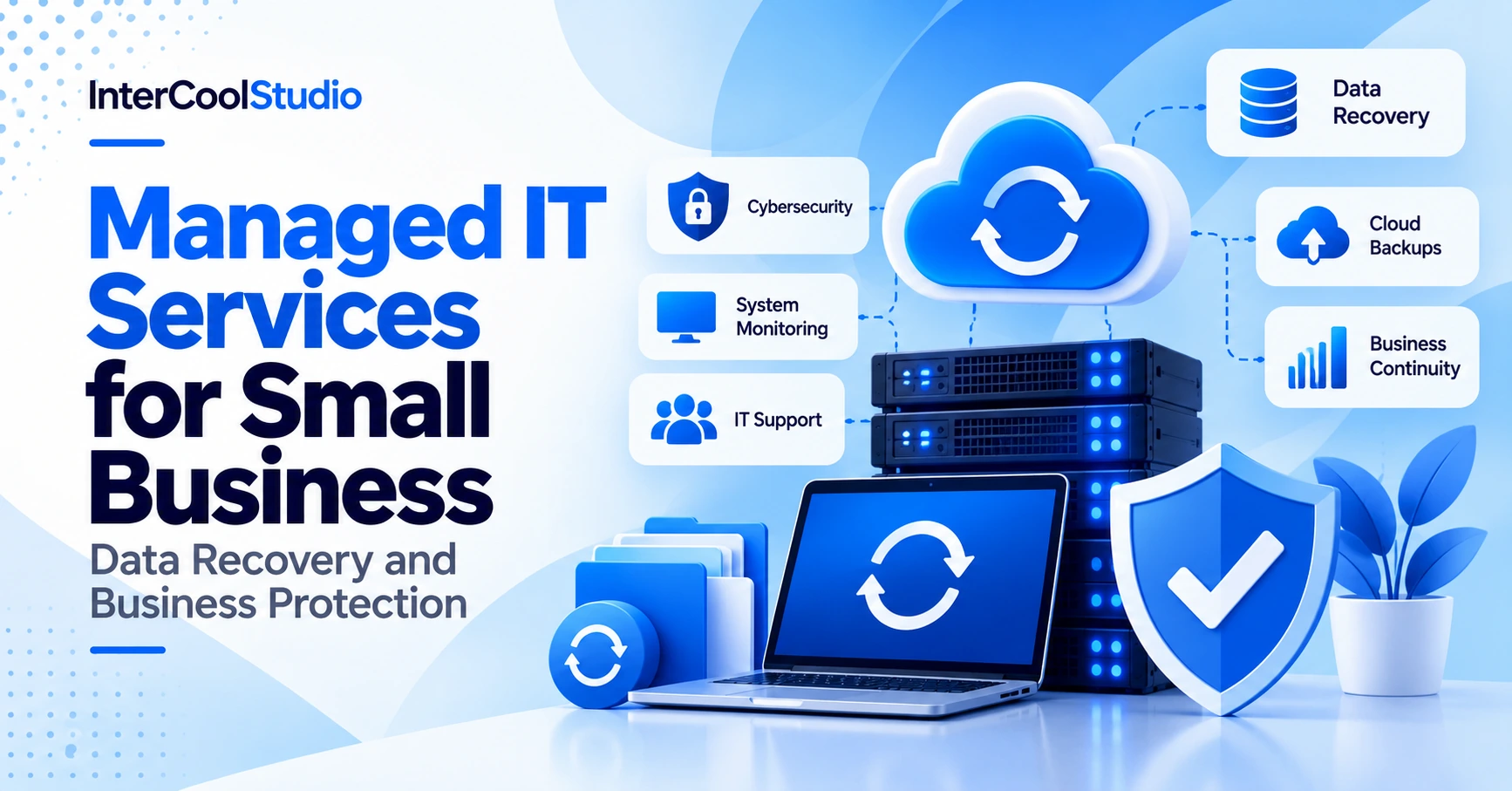
Managed IT services for small business help companies prevent data loss, reduce downtime, and protect critical systems. Hardware failures, cyberattacks, and accidental data deletion can disrupt operations, making reliable backups and emergency recovery essential.
Combining proactive IT management with emergency data recovery allows businesses to detect problems earlier and restore operations faster. Companies seeking managed IT support in London can also benefit from local technical assistance and faster on-site response when needed. For additional protection, explore our guide to data breach prevention.
Managed IT services for small business combine proactive system monitoring, cybersecurity, regular backups, and technical support to prevent costly disruptions. Emergency data recovery helps restore critical information after hardware failures, cyberattacks, or accidental deletion. Together, these services reduce downtime, protect business data, and improve operational continuity without requiring a full in-house IT department.
What Are Managed IT Services for Small Business?
Managed IT services for small business involve outsourcing the monitoring, maintenance, security, and support of a company’s technology infrastructure to a specialized provider, often called a managed service provider (MSP).
Instead of waiting for equipment to fail, an MSP proactively monitors servers, networks, computers, and cloud applications to identify potential problems before they disrupt operations.
Typical services include:
- 24/7 monitoring: Detecting network outages, unusual activity, and system failures.
- Cybersecurity: Managing firewalls, endpoint protection, security updates, and access controls.
- Data backup and recovery: Creating secure backups and restoring information after incidents.
- Help desk support: Resolving employee issues with software, devices, and connectivity.
- Cloud management: Maintaining cloud applications, storage, and Microsoft 365 environments.
Unlike traditional break-fix IT support, which responds after something goes wrong, managed services emphasize prevention, ongoing maintenance, and predictable support costs.
For small businesses without dedicated IT teams, this approach provides access to technical expertise while reducing the burden of managing infrastructure internally.
Emergency Data Recovery
Emergency data recovery is the process of restoring lost, corrupted, or inaccessible business information following hardware failure, ransomware attacks, accidental deletion, or other unexpected incidents.
The consequences of data loss extend beyond missing files. Businesses may lose access to customer records, financial documents, inventory systems, or applications needed for daily operations. Even a temporary outage can delay orders and interrupt communication with customers.
Recovery procedures should be established before an incident occurs. Waiting until a server fails or ransomware encrypts important files significantly reduces the available recovery options.
Essential Data Recovery Strategies
A reliable recovery plan should include several protective measures:
- Automated backups: Schedule backups according to how frequently business data changes. Critical databases may require much more frequent protection than archived documents.
- Off-site and immutable storage: Maintain backup copies outside the primary network. Immutable backups provide additional protection against ransomware that attempts to modify or delete recovery files.
- Regular recovery testing: Verify that backup files can actually be restored. A successful backup notification does not guarantee that an application or database will function correctly after recovery.
- Defined recovery priorities: Identify which systems must return online first, including payment processing, customer databases, and essential communication tools.
- Documented responsibilities: Assign employees or IT providers specific roles during incidents so recovery work does not depend on improvised decisions.
Businesses should also establish two recovery targets.
Recovery Time Objective (RTO) defines the maximum acceptable time required to restore a system. Recovery Point Objective (RPO) defines the maximum acceptable amount of data loss, measured in time.
For example, a company with a four-hour RTO and a one-hour RPO aims to restore its service within four hours while losing no more than approximately one hour of recent data. These are planning targets, not automatic guarantees.
When Emergency Recovery Services Are Necessary
Not every data loss incident can be resolved through ordinary backup restoration.
A physically damaged storage device, corrupted database, or failed server may require specialized emergency data recovery services.
Professional recovery specialists may be able to retrieve information from damaged media or reconstruct accessible data. However, successful recovery depends on the type and extent of the damage.
Businesses should avoid repeatedly restarting failing storage devices or attempting unverified recovery software on systems containing critical information. Further operations can sometimes make recovery more difficult.
The most effective strategy combines dependable backups with a documented escalation process for incidents that require specialist intervention.
Managed IT Services
Managed IT services for small business provide ongoing technical support, infrastructure maintenance, cybersecurity management, and system monitoring through an external provider.
Unlike traditional IT support that responds only after a problem occurs, managed services prioritize detecting vulnerabilities, maintaining system performance, and reducing preventable outages.
Proactive Maintenance and Cybersecurity
A managed service provider typically monitors business networks, computers, servers, and cloud environments.
Its responsibilities may include:
- System monitoring: Identifying unusual activity, failing hardware, and network performance problems.
- Patch management: Applying operating system and application security updates.
- Endpoint protection: Managing security software on employee computers and other connected devices.
- Access management: Controlling user permissions and supporting multifactor authentication.
- Backup monitoring: Checking backup completion and investigating failed recovery jobs.
- Technical support: Resolving employee problems involving applications, connectivity, and equipment.
The exact service scope depends on the contract. Not every provider includes 24/7 monitoring, incident response, or backup restoration in its standard package.
Businesses should confirm these responsibilities before signing an agreement.
Database and Cloud Performance Management
Business continuity also depends on the performance of applications and databases used during normal operations.
A database may remain technically available, but slow queries can prevent employees from processing orders, retrieving customer information, or generating reports efficiently.
For organizations using Snowflake, Snowflake query performance tuning can help identify inefficient queries, improve resource allocation, and reduce unnecessary processing costs.
However, performance optimization should not be confused with data recovery. Faster queries do not replace backups, disaster recovery procedures, or database restoration capabilities.
Managed IT providers can coordinate database monitoring and cloud infrastructure management with specialized technical teams when required.
Benefits of Outsourcing IT Management
For smaller organizations, hiring separate specialists for cybersecurity, networking, cloud administration, and technical support may be financially impractical.
Managed IT services for small business provide access to these capabilities through a service agreement.
The main advantages include:
- Predictable support expenses: Recurring contracts can make routine IT costs easier to budget, although equipment, projects, and emergency work may incur additional charges.
- Access to specialized expertise: Providers can offer skills that a small internal IT team may not possess.
- Reduced operational disruption: Preventive maintenance can identify problems before they cause significant downtime.
- Scalable support: Businesses can adjust user coverage, devices, and cloud resources as their operations expand.
- Centralized accountability: Defined service-level agreements establish response expectations and technical responsibilities.
Outsourcing does not automatically eliminate hardware, software licensing, or staffing expenses. The financial benefit depends on the contract, existing infrastructure, and actual support requirements.
Integrating Emergency Data Recovery With Managed IT Services
Emergency data recovery and managed IT services are most effective when they operate as parts of the same business continuity strategy.
Managed IT providers focus on prevention and early detection. Recovery procedures address incidents you can’t prevent, ensuring critical information and applications can be restored.
For example, a ransomware attack may begin with a compromised employee account. Security monitoring could detect unusual activity, while endpoint protection and access controls help limit the damage.
If business files become encrypted, isolated backups and documented restoration procedures provide a path to restoring operations.
Neither prevention nor recovery is sufficient on its own.
Building a Coordinated Recovery Plan
A practical integration strategy should establish clear responsibilities before a disruption occurs.
| Area | Managed IT Responsibility | Recovery Responsibility |
|---|---|---|
| Data Protection | Monitor backup schedules and storage health | Restore verified backup copies |
| Cybersecurity | Detect threats and maintain protective controls | Recover affected systems after containment |
| Infrastructure | Monitor servers, networks, and cloud resources | Rebuild or replace failed systems |
| Business Applications | Maintain availability and performance | Restore applications and required data |
| Incident Management | Identify, contain, and escalate problems | Follow recovery priorities and validate restored services |
Companies working with Florida managed IT services providers, for example, should clarify whether their agreements include disaster recovery planning, backup testing, emergency response, and on-site assistance.
A managed IT contract alone does not guarantee that every recovery task is covered.
Testing Business Continuity Procedures
Businesses should test recovery plans periodically rather than assuming that documented procedures will work under pressure.
A recovery exercise might simulate an unavailable server or corrupted customer database. The IT provider then attempts to restore essential services using the established procedures.
The test should measure actual restoration time, identify missing dependencies, and verify that employees can access recovered applications.
Compare results with the company’s RTO and RPO targets.
When recovery times exceed the agreed objectives, businesses may need faster storage, more frequent backups, better documentation, or changes to their technical infrastructure.
These exercises also reveal operational problems, such as missing administrator credentials or unclear communication responsibilities, before a real emergency occurs.
How to Choose a Managed IT Service Provider
Selecting managed IT services for small business requires more than comparing monthly subscription prices.
A provider should demonstrate that its service scope matches the company’s infrastructure, security requirements, and acceptable downtime.
Before signing a contract, evaluate the following factors:
- Service-level agreements: What response times are guaranteed, and which incidents receive priority?
- Backup ownership: Who manages backup schedules, storage locations, restoration testing, and recovery costs?
- Security coverage: Are endpoint protection, patch management, access controls, and incident response included?
- Technical availability: Is support limited to business hours, or does the provider offer 24/7 coverage?
- Disaster recovery capabilities: Can the provider restore essential applications and infrastructure within the company’s recovery objectives?
- Contract transparency: Which services require additional fees, and what happens when the agreement ends?
Ask prospective providers for a sample recovery plan and an explanation of how they handle a critical server failure.
A capable provider should describe the escalation process, identify who performs restoration, and explain how recovered systems are validated before returning to production.
For companies handling sensitive customer or financial information, contractual responsibilities for data protection and regulatory compliance should also be clearly established.
Conclusion
Managed IT services for small business help reduce preventable technical problems through continuous monitoring, maintenance, cybersecurity, and professional support. Emergency data recovery complements those services by restoring critical information when systems fail or security incidents occur.
Together, these capabilities support a more resilient business continuity strategy.
The priority is to establish reliable backups, define realistic recovery objectives, test restoration procedures, and select an IT provider with clearly documented responsibilities.
Businesses that prepare for failures before they happen are better positioned to restore operations quickly and limit the financial impact of unexpected disruptions.

Andrej Fedek is the creator and one-person owner of three blogs: InterCool Studio, CareersMomentum, and Bettegi. As an experienced marketer, he is driven by turning leads into customers with White Hat SEO techniques. Besides being a boss, he is a real team player with a great sense of equality.