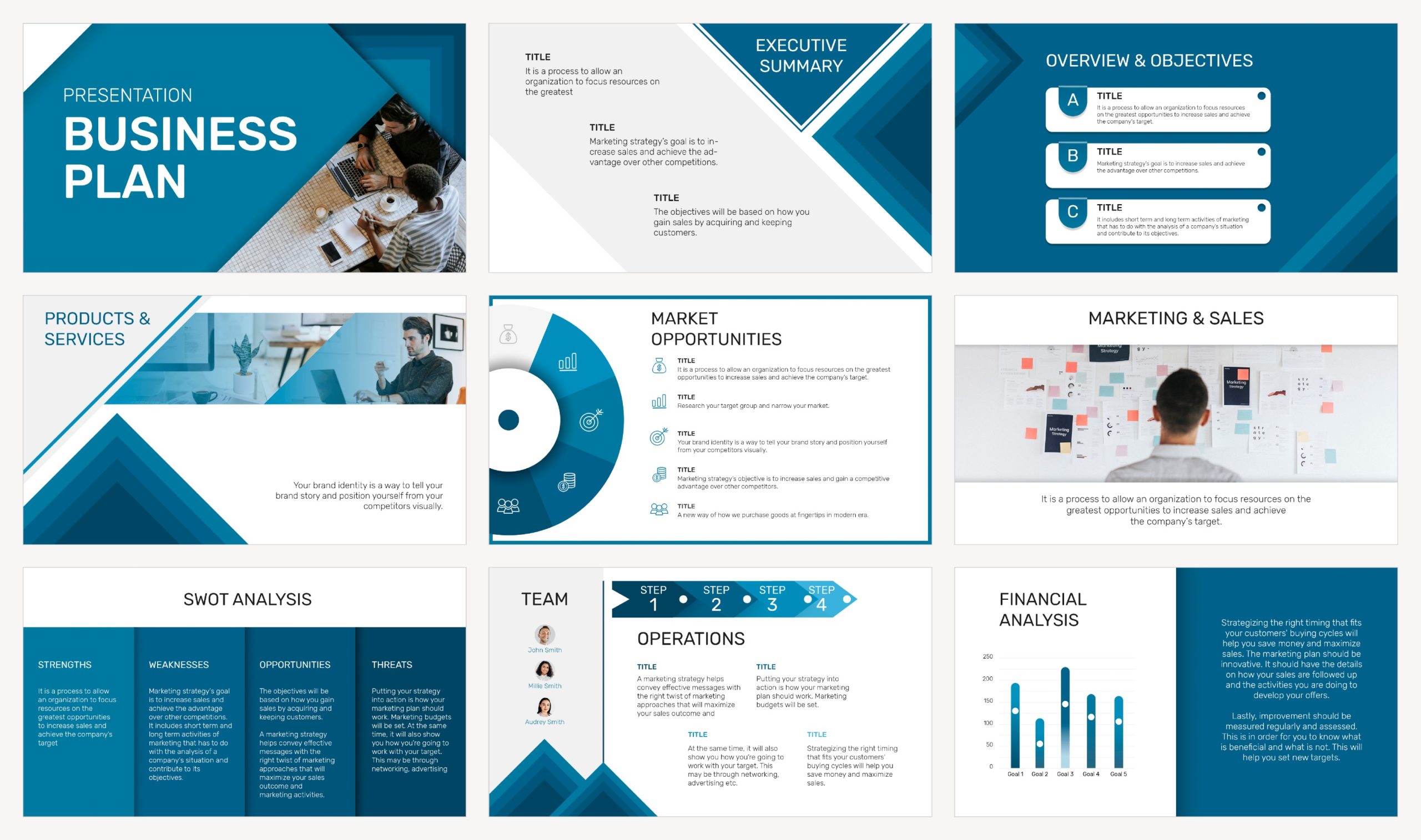
Let’s be honest, Microsoft PowerPoint has been the default presentation tool for decades. But not everyone wants (or can afford) a subscription. Whether you’re a student, educator, startup founder, or freelancer, free PowerPoint alternatives offer impressive design, flexibility, and collaboration features without breaking the bank.
I’ve explored dozens of presentation tools and curated this list based on four key factors:
- Pricing – 100% free or with generous free plans
- Functionality – Comparable or superior features to PowerPoint
- Ease of Use – Fast learning curve for new users
- Collaboration & Sharing – Modern tools for teamwork and sharing
Free PowerPoint Alternatives give you modern presentation features without the subscription, and the best choice depends on how you work.
The Best Free PowerPoint Alternatives
Free PowerPoint Alternatives have improved a lot in the last few years, and you don’t need a subscription to build sharp, professional slides anymore.
The key is choosing the right tool for your workflow: some Free PowerPoint Alternatives are built for real-time collaboration, others win on templates and design speed, and a few are best for offline editing or AI-assisted slide creation.
Below is a curated list of the best Free PowerPoint Alternatives, chosen for what matters in practice: how strong the free plan is, how well it handles .pptx files, how fast you can build a clean deck, and how easy it is to share, comment, and present.
Google Slides
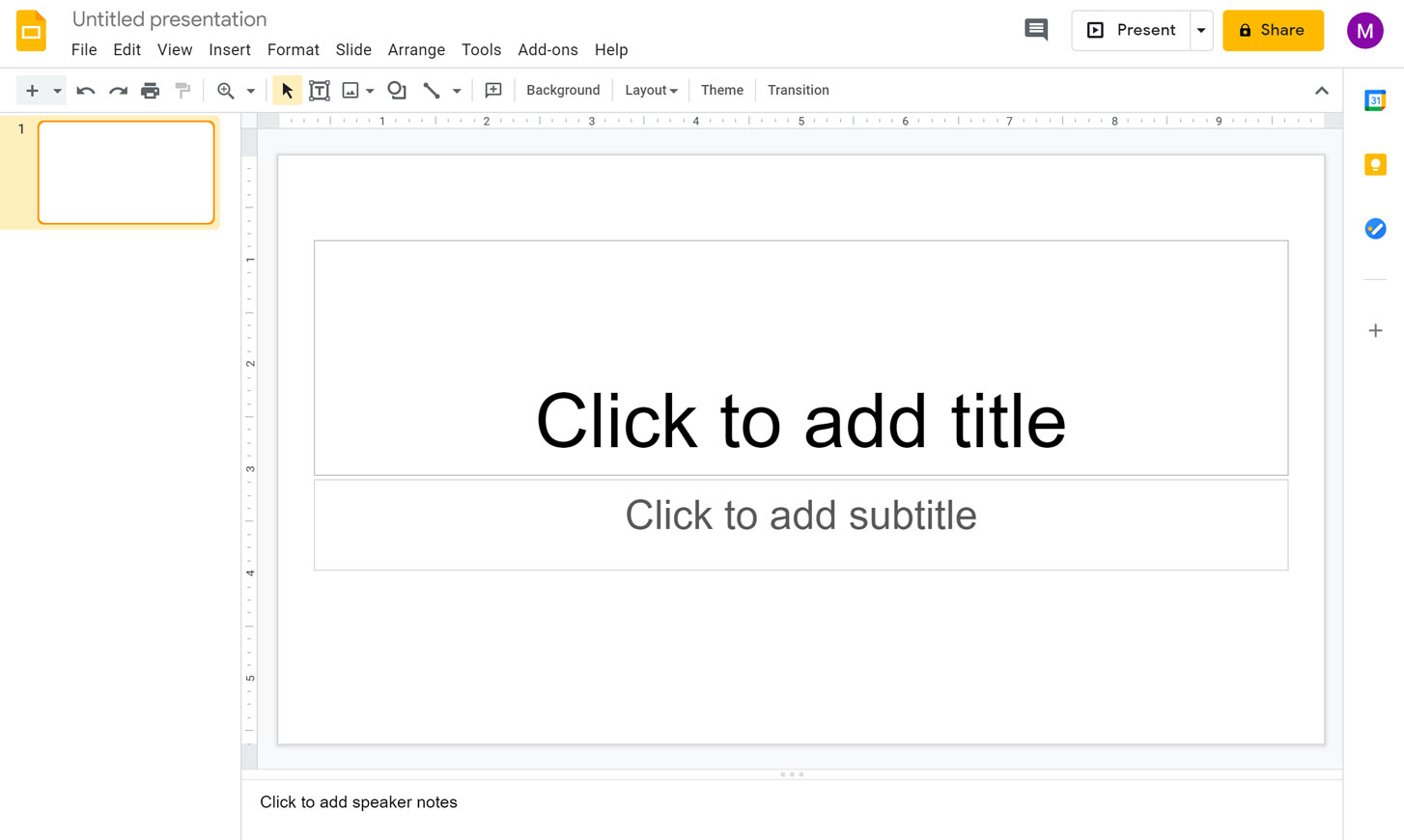
Google Slides is perhaps the most popular free alternative, especially for those embedded in the Google ecosystem.
Pros
- Cloud-based and accessible from any device
- Real-time collaboration with team members
- Easy integration with Google Drive and Google Workspace
Cons
- Limited advanced design features compared to PowerPoint
- Offline use requires setup
Pricing
Completely free with a Google account.
Canva Presentations
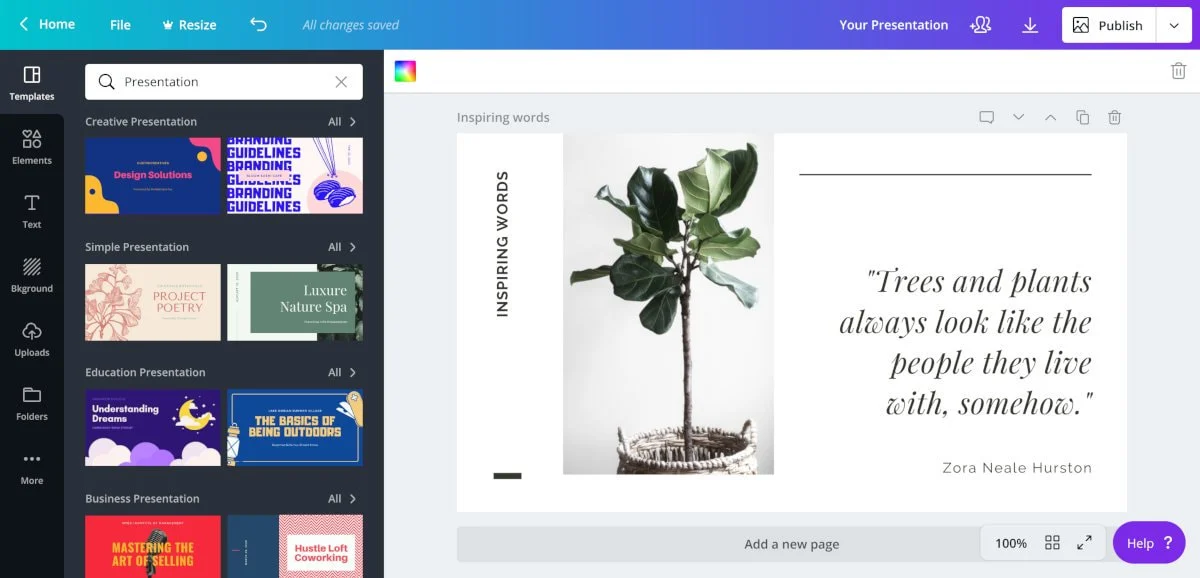
Canva started as a graphic design platform but has quickly become a top-tier presentation tool.
Pros
- Thousands of beautiful templates
- Drag-and-drop design for non-designers
- Real-time collaboration and sharing
Cons
- Some advanced templates and features are behind a paywall
- Heavy reliance on an internet connection
Pricing
Free plan available. Paid plans unlock premium templates and assets.
LibreOffice Impress
LibreOffice Impress is part of the open-source LibreOffice suite, offering a robust offline solution.
Pros
- Full offline functionality
- Advanced features like 3D models and transitions
- Supports PowerPoint file formats
Cons
- Older, less modern interface
- Collaboration options are limited without add-ons
Pricing
100% free and open-source.
WPS Presentation
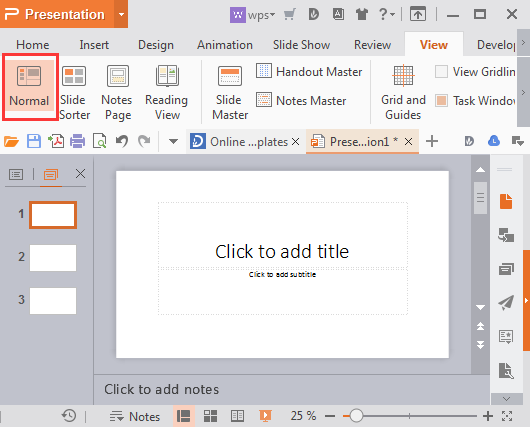
WPS Office Presentation mimics the PowerPoint experience while offering cloud connectivity.
Pros
- Familiar interface for PowerPoint users
- Supports Microsoft file formats
- Cloud sync and sharing
Cons
- Occasional ads in the free version
- Limited design templates compared to Canva or Google Slides
Pricing
Free plan available. Premium plan removes ads and adds features.
Zoho Show
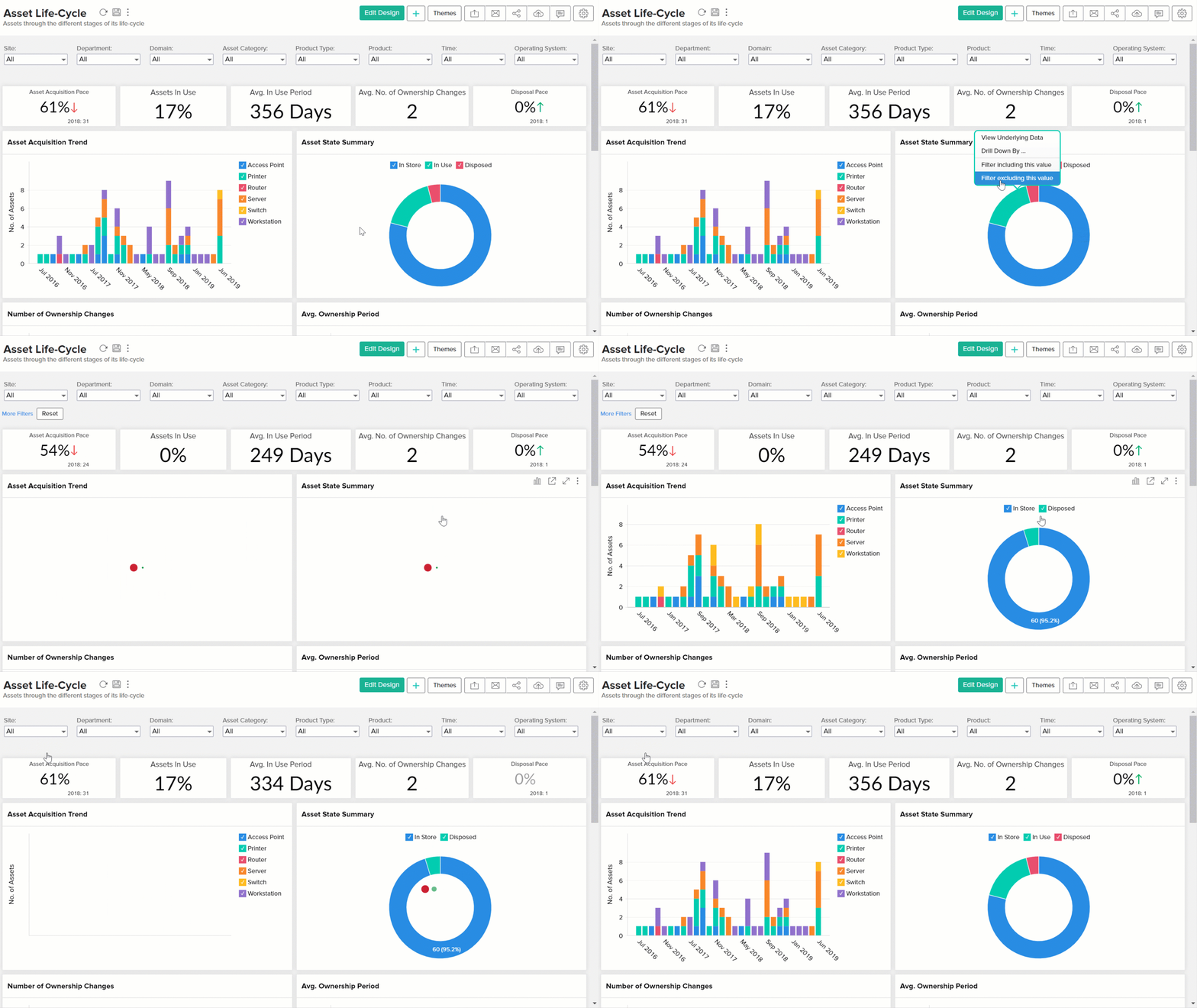
Zoho Show is a powerful cloud-based presentation tool ideal for business users.
Pros
- Real-time editing and sharing
- Integration with Zoho’s productivity apps
- Clean, modern interface
Cons
- Smaller template library
- Limited third-party integrations compared to Google Slides
Pricing
Free for individuals and small teams.
OnlyOffice Presentation
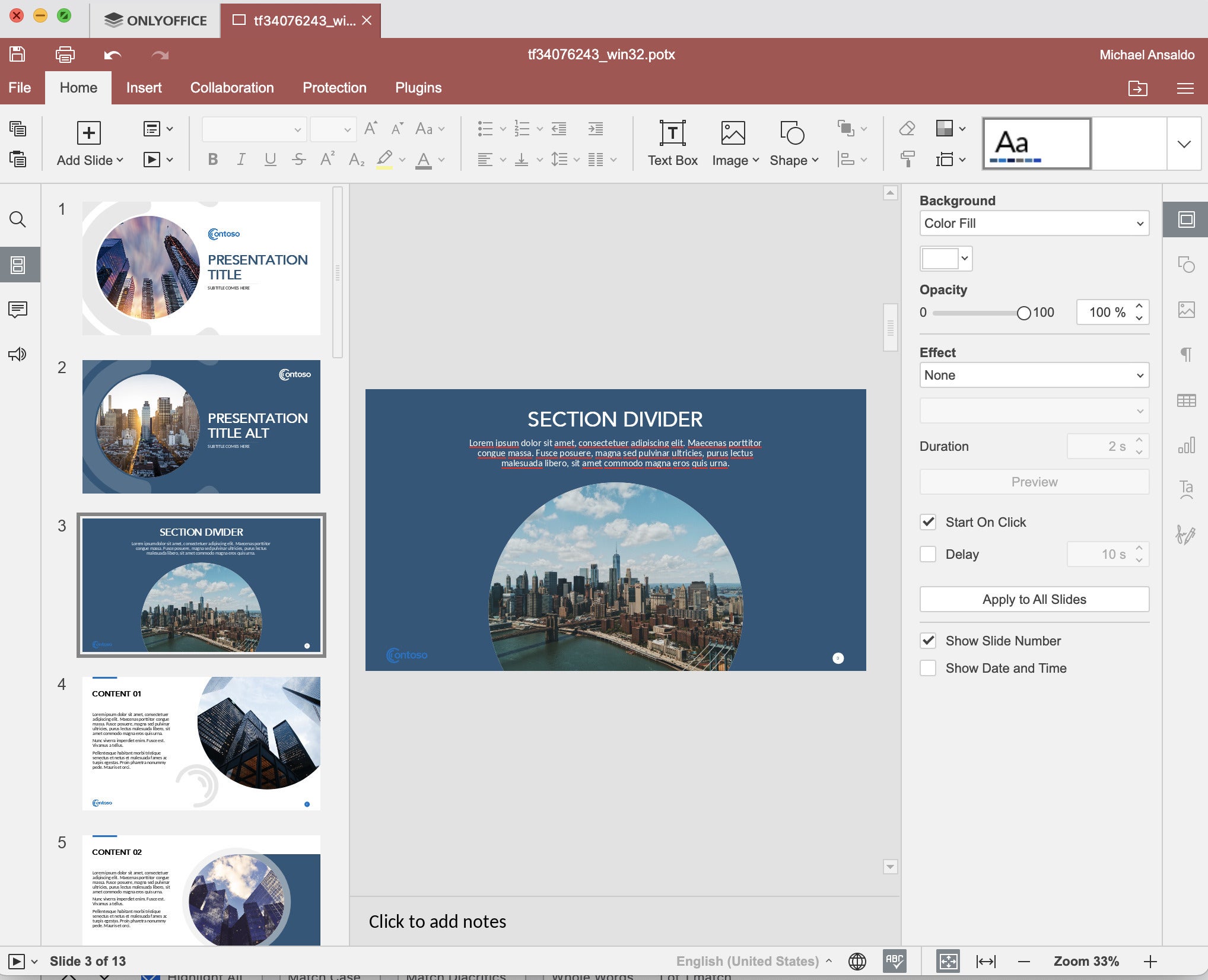
OnlyOffice Presentation offers both cloud-based and offline presentation solutions.
Pros
- Familiar design for Microsoft Office users
- Compatible with PowerPoint files
- Strong privacy features for sensitive projects
Cons
- Template library is basic
- Collaboration features lag behind Google Slides
Pricing
Free version available. Paid business editions offer more team collaboration tools.
Prezi
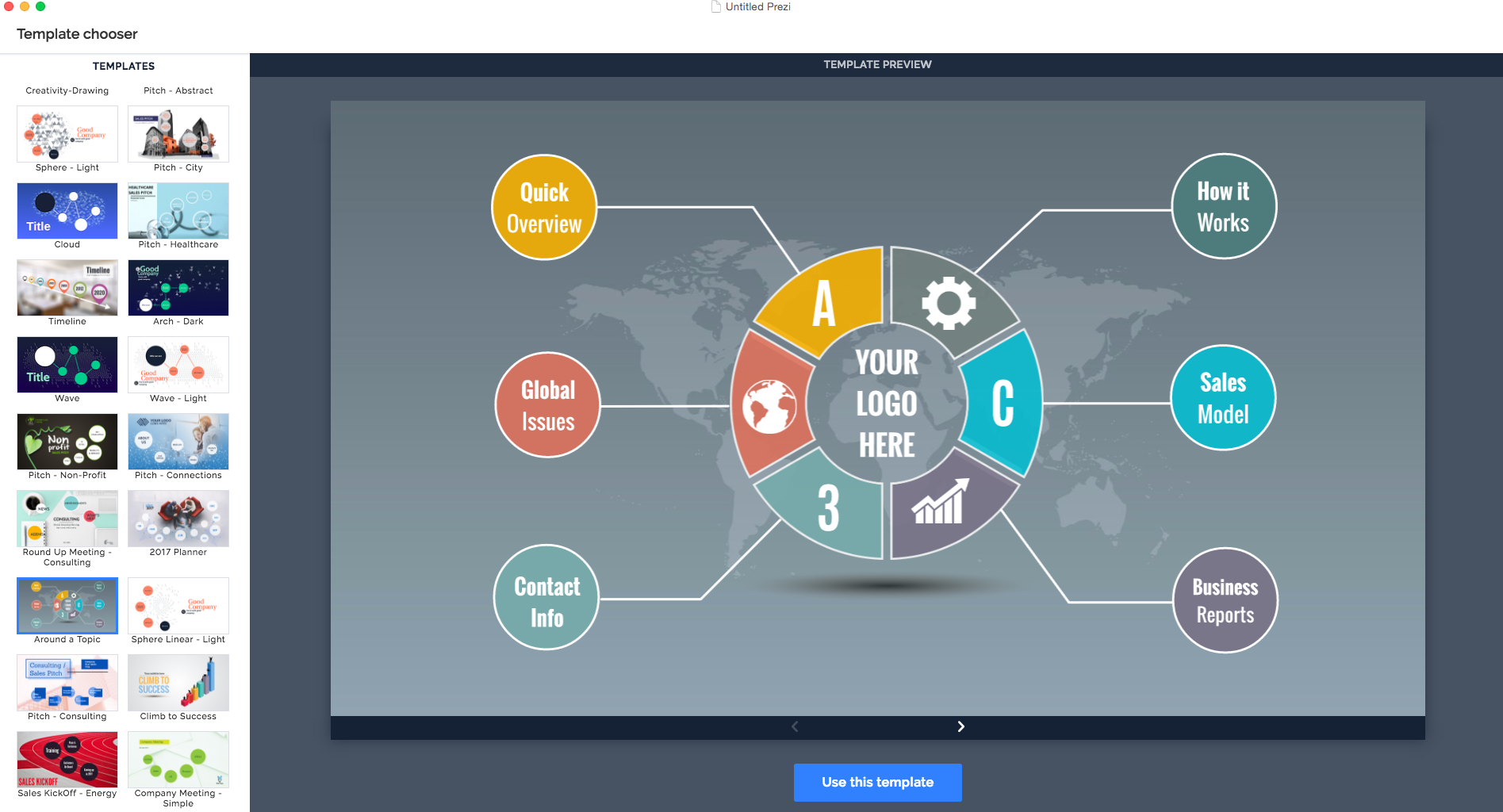
Prezi delivers a non-linear, highly visual approach to presentations that’s perfect for storytelling.
Pros
- Unique zoomable canvas format
- Excellent for engaging audiences
- Cloud-based with sharing tools
Cons
- Learning curve for traditional slide users
- Free version includes watermarks
Pricing
Basic plan is free. Premium plans remove branding and add analytics.
Visme
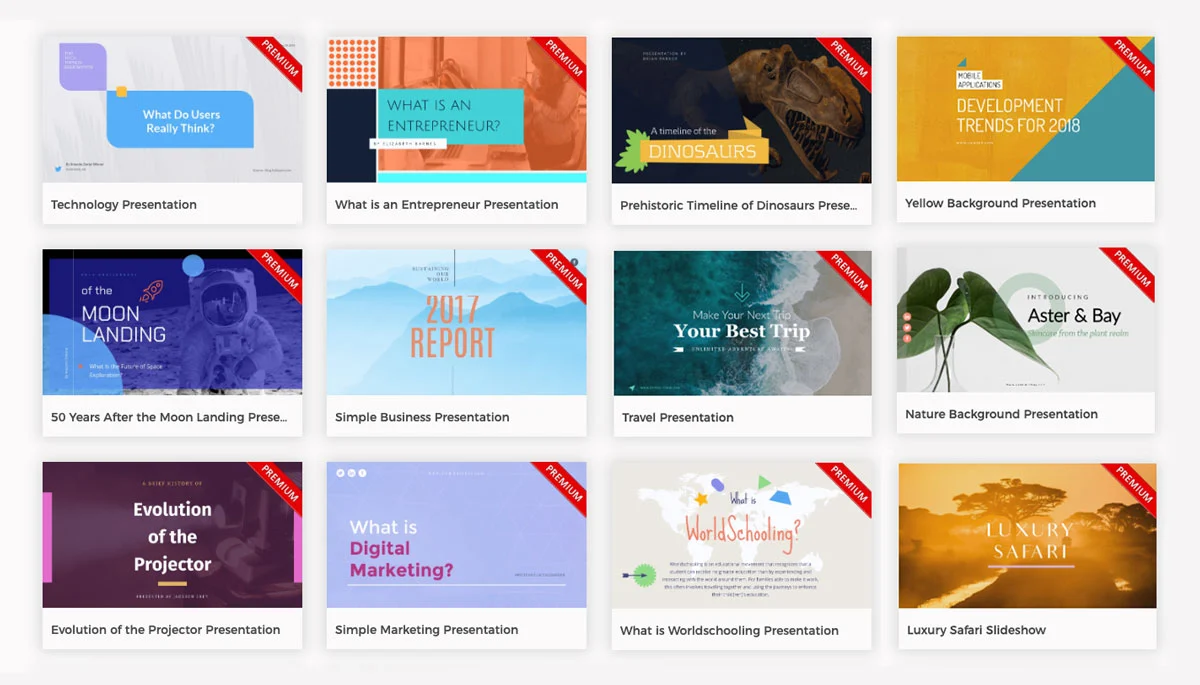
Visme merges infographics and presentations, making it a hybrid design powerhouse.
Pros
- Stunning templates
- Easy drag-and-drop interface
- Infographic and video integration
Cons
- Limited downloads in the free version
- Requires an internet connection for most features
Pricing
Free basic plan. Premium plans offer full export and design access.
Beautiful.ai
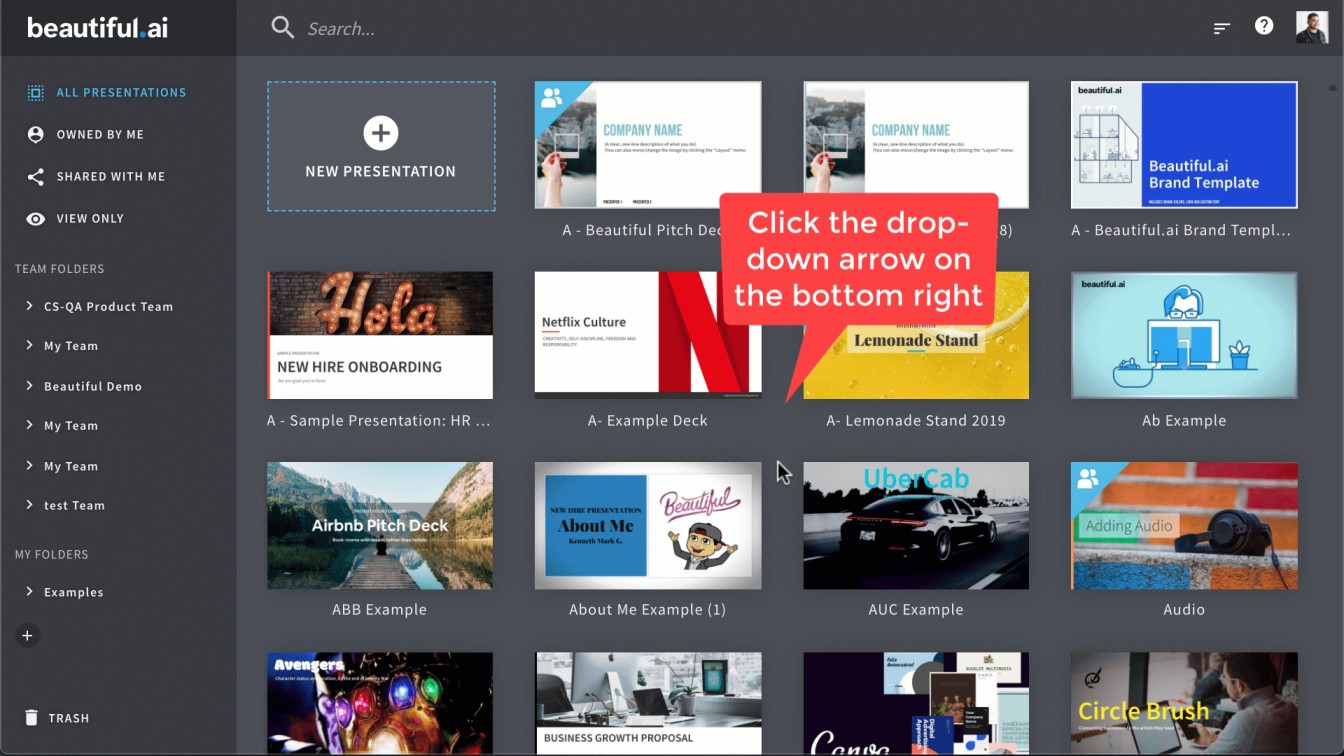
Beautiful.ai leverages AI to automate design decisions, helping users create sleek, professional presentations quickly.
Pros
- Automated design adjustments
- Modern, minimalist templates
- Easy collaboration features
Cons
- Limited customization
- Watermark on free plan exports
Pricing
Free basic plan available. Premium upgrades remove branding and expand features.
Slidebean
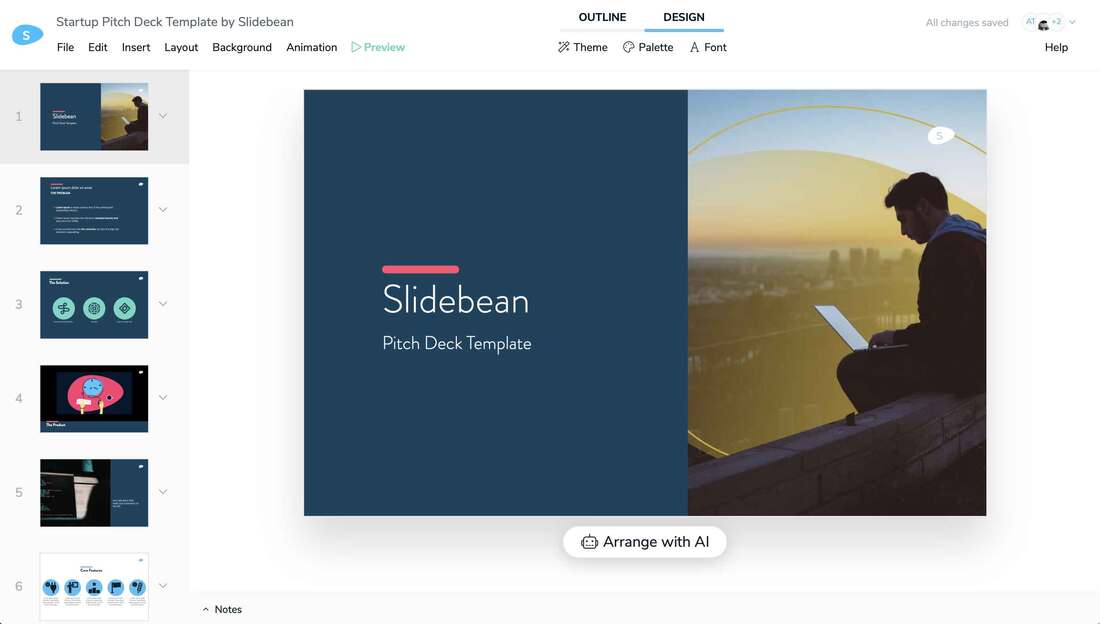
Slidebean is tailored for startups and entrepreneurs who want pitch-ready presentations.
Pros
- AI-assisted slide creation
- Startup-friendly templates
- Easy sharing options
Cons
- Heavily limited free plan
- Not ideal for educational or casual use
Pricing
Free trial available. Paid plans recommended for full use.
SlideModel
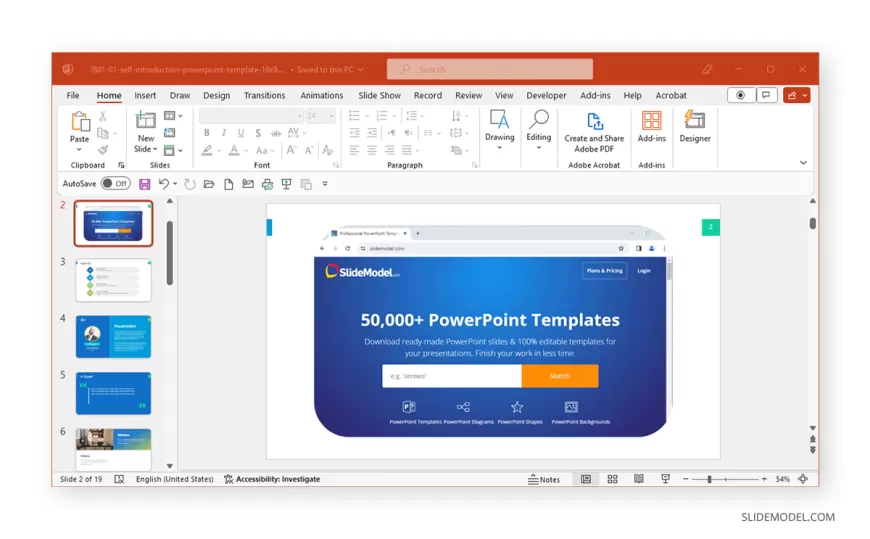
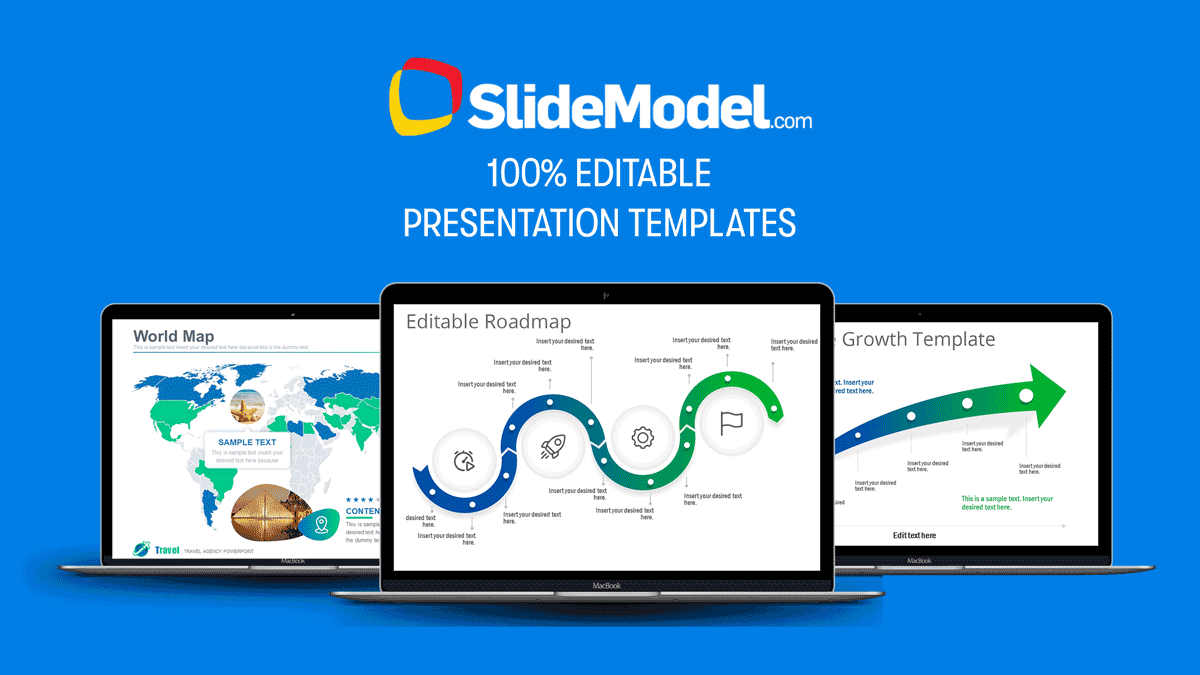
SlideModel is a comprehensive resource for professionals seeking high-quality, editable presentation templates and slides. With a library of over 50,000 templates, SlideModel caters to a wide range of industries and presentation needs, ensuring users can find designs that meet their specific requirements.
Key Features
- Extensive Template Library: Access to a diverse collection of templates, including business diagrams, infographics, maps, and more.
- 100% Editable Slides: Customize every aspect of the templates to fit your content and branding.
- Compatibility: Templates are compatible with Microsoft PowerPoint and Google Slides, providing flexibility in your choice of presentation software.
- AI Presentation Maker: Utilize AI-powered tools to generate presentations efficiently.
- Regular Updates: New templates are added weekly, ensuring fresh and up-to-date content .
Pricing Plans
SlideModel offers various subscription plans to accommodate different user needs:
- Annual Team Plan: Priced at $299.90, this plan includes 3 user licenses, unlimited downloads, and priority support.
- Annual Enterprise Plan: Designed for larger teams, this plan offers multi-license management, audit reports, and priority support. Pricing varies based on the number of seats required .
For educational institutions and non-profit organizations, SlideModel provides special pricing options. Interested parties can contact SlideModel directly to learn more about these offers .
Customer Feedback
SlideModel has received positive reviews from users across various platforms:
- G2: Users have praised the platform for its ease of use, customization options, and customer service .
- TrustRadius: Users highlight the time-saving benefits and the professional quality of the templates .
- Sitejabber: The platform holds a 4-star rating, indicating general customer satisfaction .
How to Choose the Best Free PowerPoint Alternatives
Not all Free PowerPoint Alternatives are built for the same workflow, so the fastest way to pick the right one is to match the tool to your real needs.
If you work with a team, prioritize real-time collaboration, comments, sharing permissions, and version history. If you prioritize visuals, focus on template quality, brand kit support, and how quickly you can produce consistent slides.
And if you work from an unstable internet connection or travel often, offline editing and reliable export options matter more than advanced cloud features.
Before you commit, test three things: how well the tool imports and exports .pptx files, whether your fonts and animations remain intact, and how clean the final output looks when presented full-screen.
The best Free PowerPoint Alternatives make it easy to build, share, and present—without surprise limits, watermarks, or locked exports when you need them.
Final Words
The days of relying solely on PowerPoint are long gone. Today’s landscape of free PowerPoint alternatives offers powerful tools for every use case, from business to education to content creation. Whether you want simplicity, design automation, or advanced collaboration features, there is a solution to fit your needs. Google Slides, LibreOffice Impress, and WPS Presentation support PowerPoint file formats (.pptx, .ppt).
After reviewing the best free PowerPoint alternatives, it’s clear that you don’t need to compromise on quality to stay within budget. Whether you choose the flexibility of Google Slides, the design prowess of Canva, or the offline power of LibreOffice Impress, the right tool is out there.
Choose the free PowerPoint alternatives that align with your workflow and start creating presentations that captivate and inform—without paying a cent.
What is the best free alternative to PowerPoint?
Can I open PowerPoint files with free alternatives?
Are free PowerPoint alternatives good for business presentations?
Which alternative offers the best design templates?
Do free PowerPoint alternatives support real-time collaboration?
Can I work offline with these tools?
Are there any AI-powered presentation tools?
Is there a free alternative that mimics PowerPoint’s exact interface?
Can I create non-linear presentations like Prezi for free?
Are there any free presentation tools without watermarks?
Which tool is best if I live in the Google ecosystem?
Which free option is best for offline-first users?
Which tool is best for startup pitch decks?
Do any free plans show ads?
Does Prezi’s free plan include a watermark?
Which tool is best for privacy-sensitive presentations?

Andrej Fedek is the creator and one-person owner of three blogs: InterCool Studio, CareersMomentum, and Bettegi. As an experienced marketer, he is driven by turning leads into customers with White Hat SEO techniques. Besides being a boss, he is a real team player with a great sense of equality.